


 English
 русский
 Español
 عربى
عربى 中文简体
中文简体

Fiber Optic Patch Cables: FC, SC, ST & LC Connector Guide 2026
Content
Pick the wrong patch cable and your transceiver won't link, your return loss spikes, and your network team spends an afternoon chasing a problem that costs about $8 to prevent. Connector type is almost always the culprit. Here is a plain-language breakdown of the four main connector types, the specs that actually matter, and how to match a cable to your equipment without guesswork.
What a Fiber Optic Patch Cable Actually Does
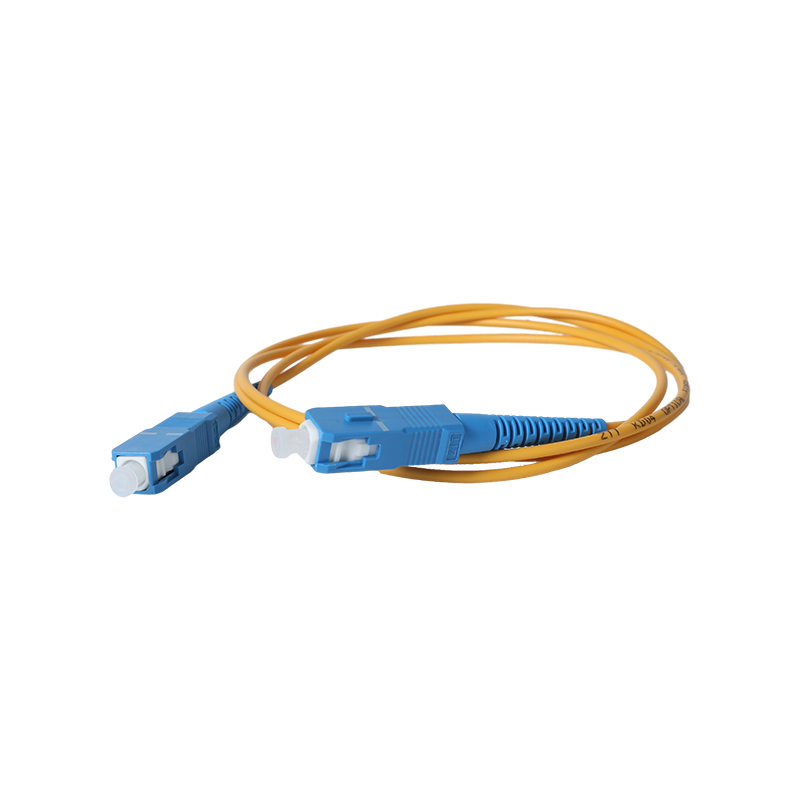
Fiber optic patch cables are short-run assemblies—typically under 10 meters—with a finished connector on each end. They bridge the gap between active equipment (switches, routers, transceivers) and the structured cabling behind the wall: distribution frames, patch panels, and terminal boxes. Think of them as the last handshake in the signal chain. Get that handshake wrong and even a perfectly installed backbone cable delivers nothing useful.
Two structural choices come before you ever pick a connector. Simplex cables carry a single fiber and pass data in one direction only—useful for transmit-only or receive-only links. Duplex cables carry two fibers side by side, enabling simultaneous send and receive, which is what most switches and servers expect. For bidirectional connections, duplex is the default.
The Four Connector Types—and Where Each One Belongs
Connector choice is dictated by the port on your equipment, not personal preference. Here is how the four mainstream types map to real-world scenarios.
FC — For Patch Panels and ODF Termination
FC connectors use a metal sleeve body secured by a threaded turnbuckle. That screw-on mechanism makes them resistant to vibration and accidental pull-out, which is why they remain the standard on the ODF (Optical Distribution Frame) side of structured installations and on test and measurement equipment. The trade-off is speed: connecting and disconnecting takes longer than push-pull designs. If your rack has FC ports, you need FC patch cables—hybrid adapters exist, but they add insertion loss.
SC — For Routers and Switches with GBIC Modules
SC connectors have a rectangular body and a push-pull latch: insert until it clicks, pull to release. No rotation required. Originally the dominant connector for Gigabit Ethernet and GBIC optical modules, SC ports are still widely deployed on enterprise routers and switches and across FTTH passive optical networks. The 2.5 mm ferrule provides reliable alignment, and the latching design means technicians can swap cables quickly in a busy equipment room.
ST — For Fiber Distribution Frames and 10Base-F Networks
ST connectors feature a round, bayonet-style shell tightened with a half-turn twist-lock. They were the workhorse of early multimode campus networks and remain common on fiber distribution frames and legacy 10Base-F installations. New data center deployments rarely specify ST, but if you are maintaining or expanding an older infrastructure, ST patch cables are still very much in production and in stock.
LC — For SFP Modules, Routers, and High-Density Panels
LC connectors are the smallest of the four, built around a 1.25 mm ferrule and a snap-in RJ-style latch. That compact footprint makes them the default choice for SFP and SFP+ transceivers on modern routers, and for high-density 24-port rack-mounted patch panels where fitting twice as many connections per rack unit matters. LC now dominates data center cabling and is the connector to specify for any new installation unless equipment ports dictate otherwise.
| Connector | Ferrule | Fastening | Primary Use Case |
|---|---|---|---|
| FC | 2.5 mm | Threaded turnbuckle | ODF side, patch panels, test equipment |
| SC | 2.5 mm | Push-pull latch | GBIC modules, routers, switches, FTTH/PON |
| ST | 2.5 mm | Bayonet twist-lock | Fiber distribution frames, 10Base-F, legacy multimode |
| LC | 1.25 mm | RJ-style snap-in | SFP/SFP+ modules, high-density panels, data centers |
Polish Type and Return Loss: The Spec Most Buyers Skip
Every ferrule end-face is polished to one of three profiles, and getting this wrong causes reflected light to bounce back into the source—a problem called optical return loss (ORL) that degrades signal quality on single-mode links.
- PC (Physical Contact): Flat polish, return loss around −40 dB. Acceptable for multimode and less sensitive single-mode links.
- UPC (Ultra Physical Contact): Improved flat polish, return loss around −50 dB. The standard choice for most single-mode telecom applications. Identified by blue connector boots.
- APC (Angle Physical Contact): The ferrule face is ground at an 8° angle, directing any reflected light away from the fiber core. Return loss reaches −60 dB or better. Required for FTTH, PON, and CATV—any system where even small reflections cause measurable performance loss. Identified by green connector boots.
UPC and APC connectors are not interchangeable even when the connector body type matches. Mating an APC to a UPC port damages the end-face and increases insertion loss significantly. Color-code your cables and confirm polish type before connecting.
For reference, the ANSI/TIA-568.3-E standard—the current optical fiber cabling component standard from the Telecommunications Industry Association covering component requirements and field testing guidelines—specifies minimum return loss thresholds for each polish type in premises cabling deployments.
Jacket Rating: Match the Environment, Not Just the Connector
Connector type gets most of the attention, but the outer jacket determines whether the cable survives its installation environment:
- PVC: Standard indoor jacket. Cost-effective, flexible, suitable for most equipment rooms and server racks.
- LSZH (Low Smoke Zero Halogen): Required in public areas, tunnels, airports, and European data centers. Burns without releasing toxic gases.
- OFNP (Plenum-rated): Highest fire rating. Mandatory when cables run through air-handling plenums above drop ceilings.
- Armored: A stainless steel or interlocked armor layer under the outer jacket protects against crushing, rodents, and rough handling in industrial or outdoor-adjacent runs.
For fiber optic wiring, sensing connections, and pigtail splicing inside a building, standard PVC or LSZH indoor cables handle the majority of installations. Where cables pass through conduits into access networks or face mechanical risk, consider armored indoor optical cable options built for demanding environments.
How to Select the Right Cable in Three Steps
- Identify the port connector type on both ends. Check the equipment data sheet or look at the transceiver module. If the two ends differ (common when connecting legacy and modern equipment), specify a hybrid patch cable with different connectors on each end—LC-to-SC and LC-to-FC assemblies are standard catalog items.
- Confirm single-mode vs. multimode. Single-mode (yellow jacket, 9 µm core) for distances over 500 m or any telecom backbone. Multimode (orange for OM1/OM2, aqua for OM3, violet for OM4) for intra-building and data center links under 300–400 m. Mixing fiber types destroys bandwidth.
- Choose APC for PON/FTTH; UPC for everything else. When in doubt, UPC is the safer default for telecom single-mode. APC is non-negotiable for passive optical networks.
For a deeper look at connector types available as standalone accessories, the simplex and duplex fiber optic connectors available for direct termination cover the same FC, SC, ST, and LC form factors covered here.
Summary
Patch cable selection comes down to three variables: connector type (dictated by your equipment), polish type (dictated by your application's return loss sensitivity), and jacket rating (dictated by where the cable physically runs). Get those three right and insertion loss stays minimal, connections stay stable, and you won't be back in the rack hunting for a mismatch six months later.
Related Products
-
Optical Phase Conductor OPPC Cable
-
GYXTW Central Tube Armored Outdoor Optical Cable
-
Fiber Optic Patch Cables
-
OPGW Optical Fiber Composite Overhead Ground Wire
-
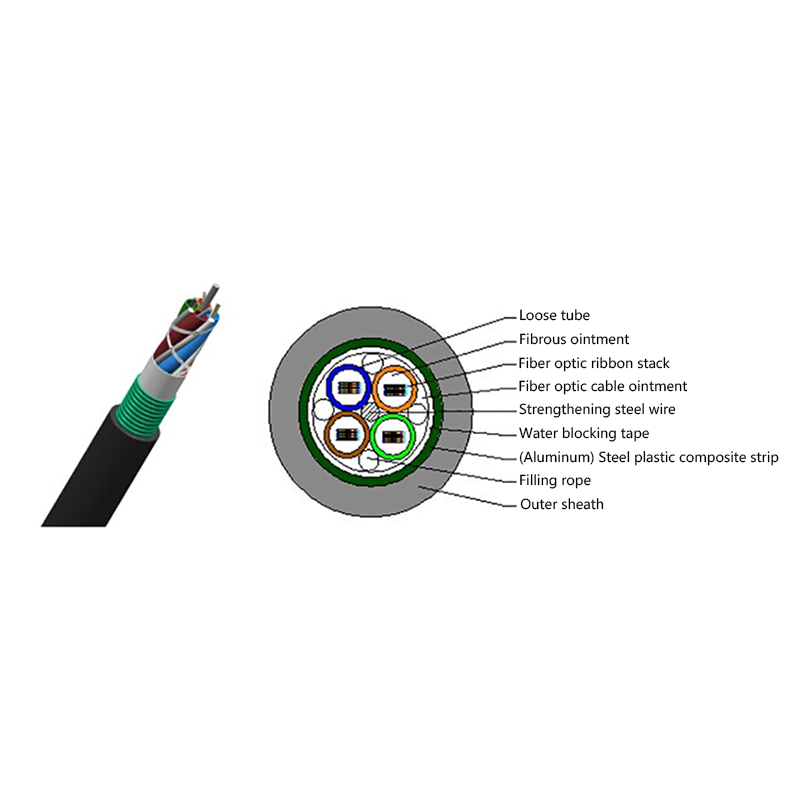
GYDTA(S) Layer Stranded Optical Fiber Ribbon Cable
-
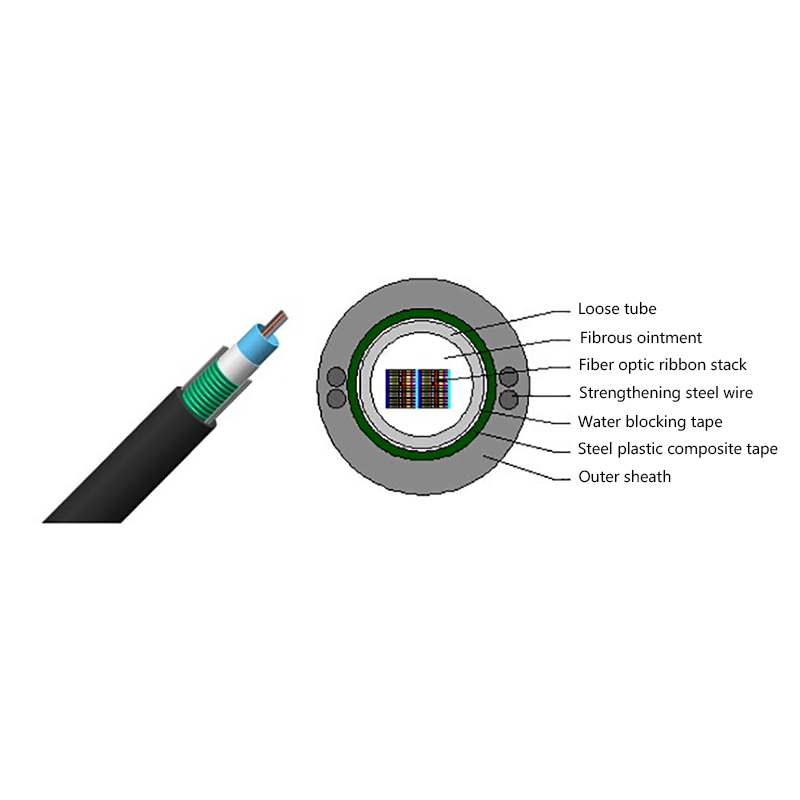
GYDXTW Center Tube Outdoor Optical Fiber Ribbon Cable
-
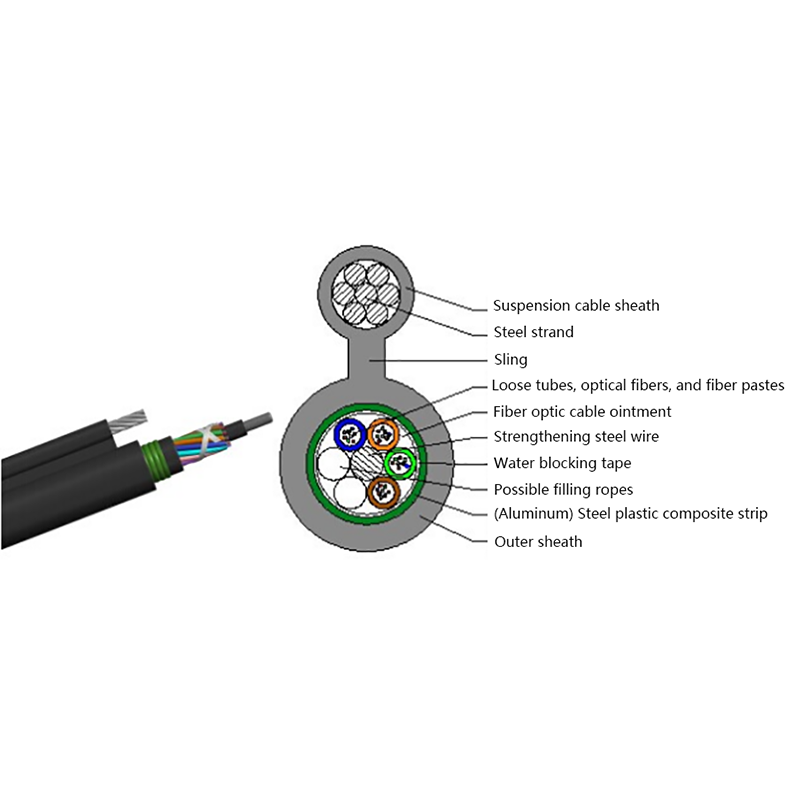
GYTC8A (S) Outdoor layer Stranded 8-shaped Self-Supporting Optical Cable
-
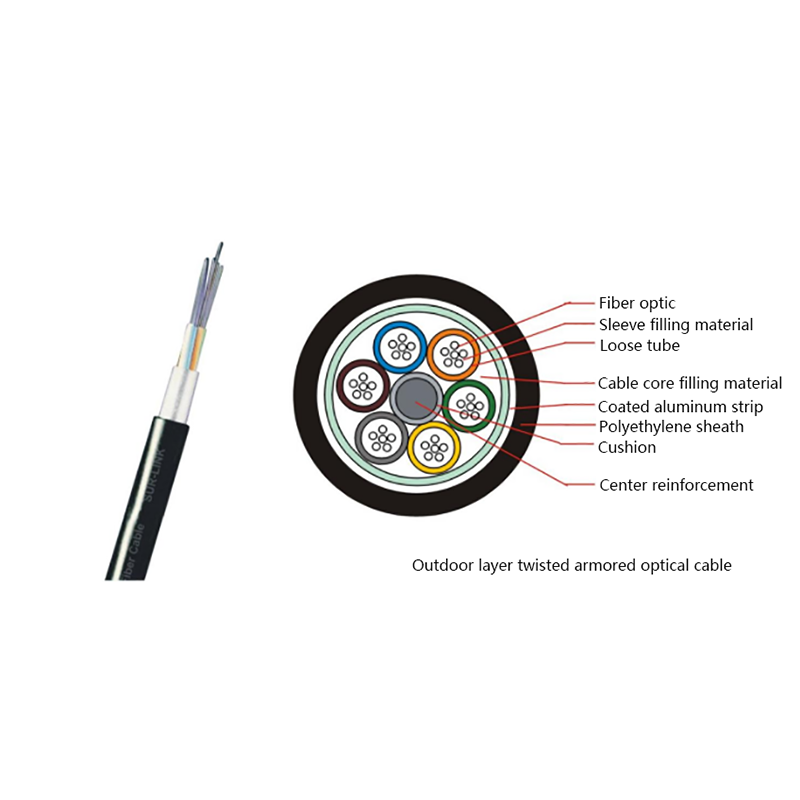
GYTA Layer Stranded Aluminum-Polyethylene Bonded Sheathed Outdoor Optical Cable
-
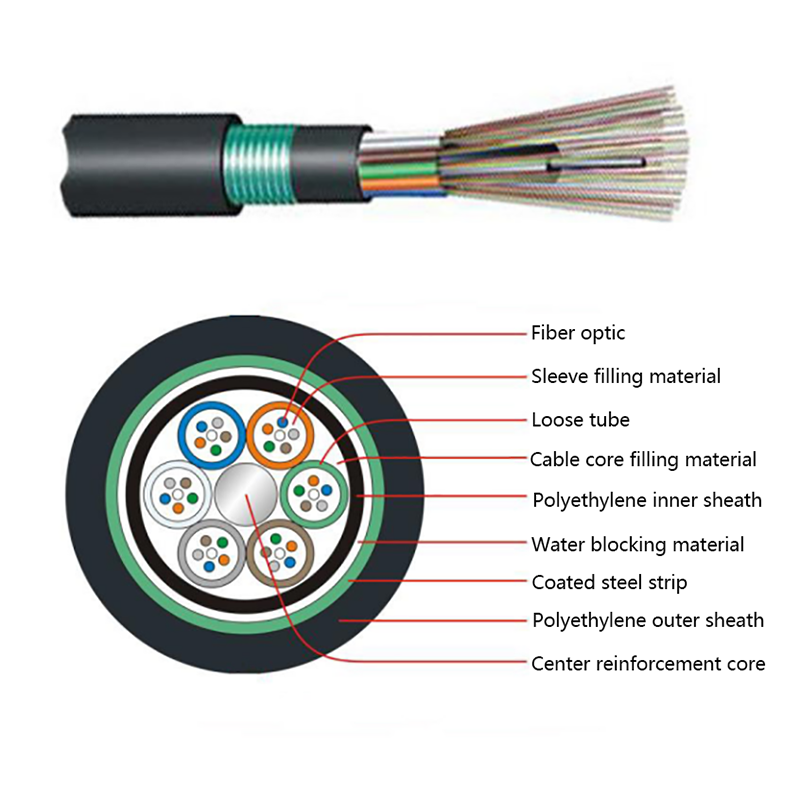
GYTY53 Layer-Stranded PE Inner Sheathed Steel Tape Armored Outer Sheath Optical Cable
-
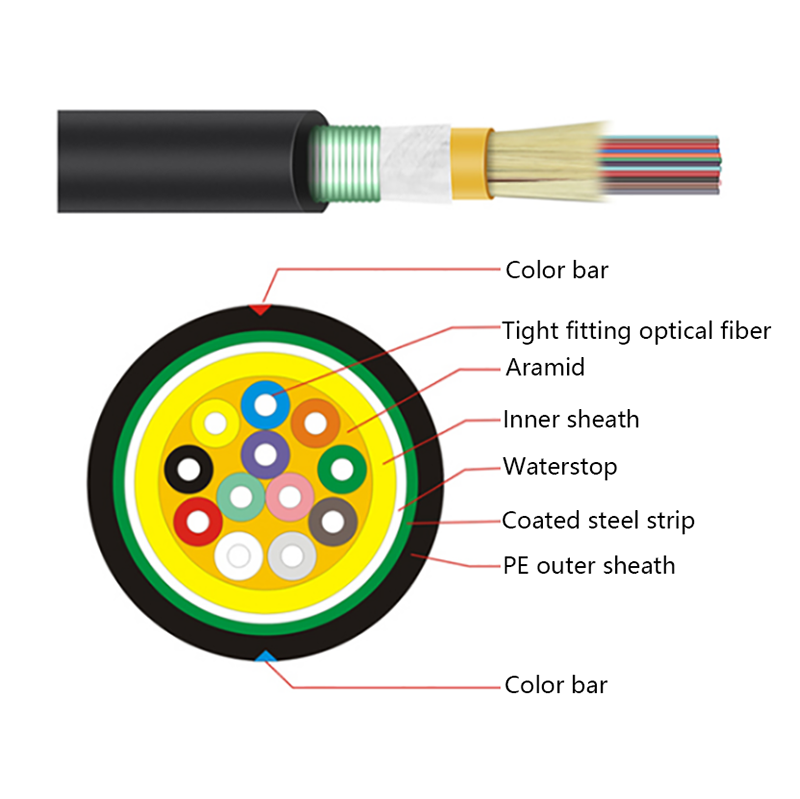
GJFJH53 Indoor Bundled Steel Tape Armored Optical Cable
-

GJPFJV GJFJHV Indoor Branch Optical Cable
-
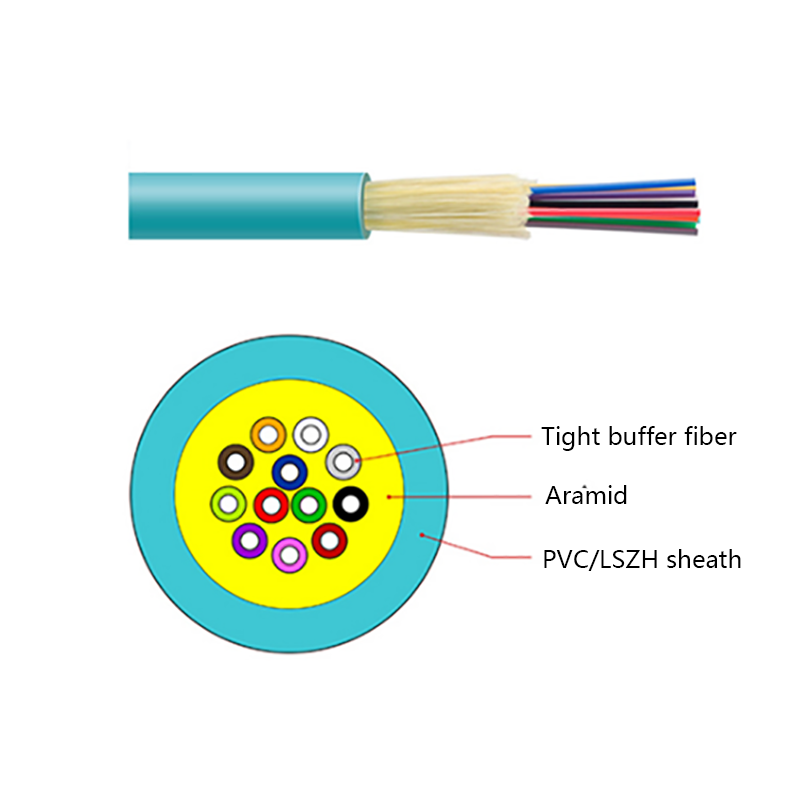
GJFJV Indoor Single Bundle Fiber Optical Cable
-
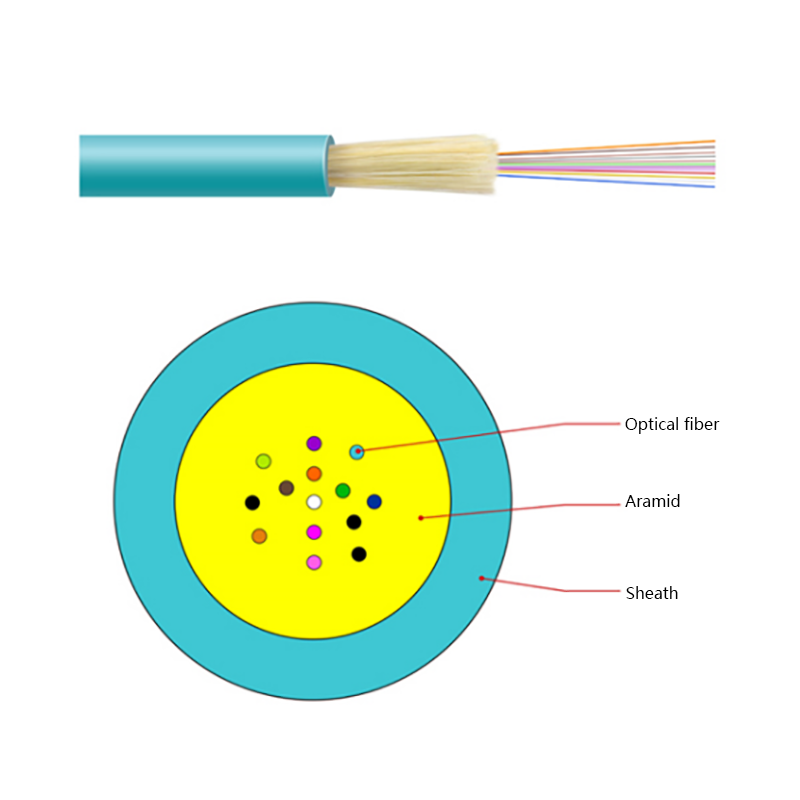
GJFV Indoor Mini Bundle Fiber Optic Cable
-
GJFJV Indoor Single Core Jumper Wire Optical Cable
-
Indoor Tight-Buffered Fibre Optic Cable
-
ADSS—All-Dielectric Self-Supporting Optical Cable
-
Anti-Squirrel ADSS Optical Cable
-
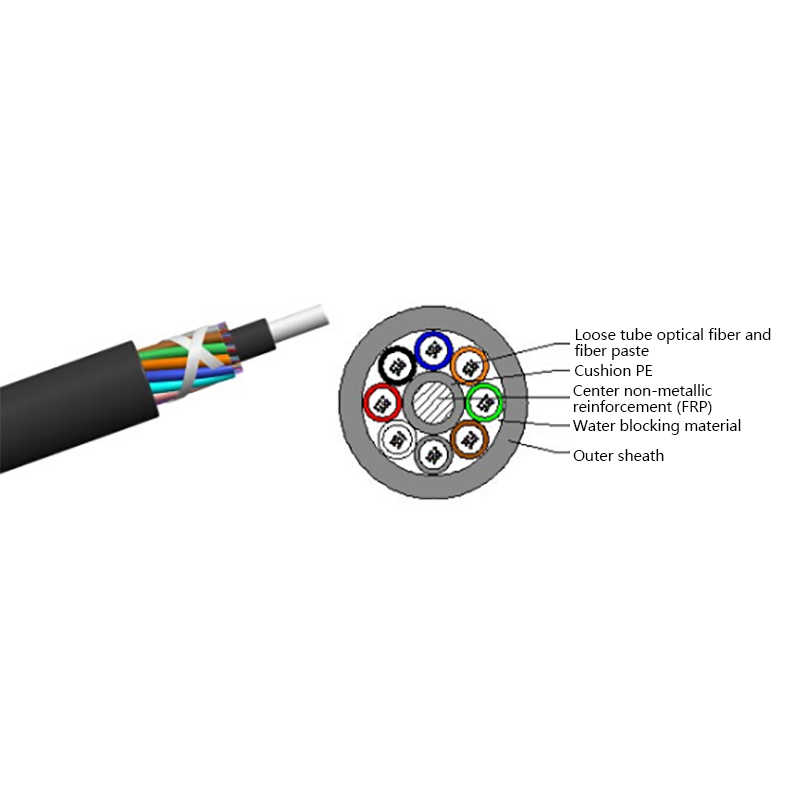
Non-metallic optical cable
Looking For Bussiness Opportunity?
Request for a call today

- Tel: +86-139-6297-6666
- Whatsapp: +86-13962991888
- E-mail: [email protected] / [email protected]
- Add: No.18, Xinjing Road, Nantong Economic and Technological Development Zone, Jiangsu Province, China
Products
Message
Coprright 2023 Jiangsu Hawell Optoelectronic Technology Co., Ltd. All Rights Reserved
 Login
Custom Optical Cables Manufacturers
Login
Custom Optical Cables Manufacturers
Login
Custom Optical Cables Manufacturers