


 English
 русский
 Español
 عربى
عربى 中文简体
中文简体
News
Home / News / Industry news / Fiber Optic vs Copper Cable: Real Limits, Costs, and When to Choose Each

Content
Pull a 280-meter run from a warehouse to an office block and copper is out before the test set finishes booting: no twisted-pair standard covers that distance. Shrink the same run to 65 meters with a PoE camera on the end, and copper is still cheaper, simpler, and perfectly adequate.
That is why fiber optic vs copper is rarely a question about which one is better. It is a question about how long the run is, what bandwidth it has to carry, whether the far end draws power from the same cable, and how far the link may need to scale. The short answer: 100 meters is the dividing line. Under that distance, up to 10G, with power delivery on the same cable, copper usually wins on cost and effort. Past it, or above it in speed, or through an electrically noisy plant floor, fiber becomes the only realistic choice. What follows is the reasoning, the numbers, and the trade-offs worth writing into a purchase specification.
Twisted pair has three advantages fiber has not fully replicated: it carries data and power on one cable, it terminates in the field with an inexpensive crimp tool, and nearly every enterprise switch already has the RJ45 port built in.
The standards are unambiguous. Cat5e supports 2.5G and 5G to 100 meters, Cat6 carries 10G up to 55 meters, and Cat6a brings 10GBASE-T back to the full 100 meters. On top of that, IEEE 802.3bt (Type 4) can deliver roughly 71 W to a powered device, with the power sourcing equipment supplying up to about 90 W. That combination of electricity and data on one cable is the main reason fiber has not displaced copper in the access layer: a Wi-Fi 7 access point, a pan-tilt camera, or a door controller all prefer a single cable run.
A 10G copper link needs an RJ45 switch, a box of cable, modular plugs, and a crimp tool. The equivalent fiber link needs transceivers, patch cords, adapter panels, and a fusion splicer, or a more expensive set of pre-terminated assemblies. Where a building already has Cat6a pathways and a trained cabling team, extending copper inside the 100-meter limit costs almost nothing in new capability.
A single OS2 single-mode fiber reaches 10 km at 10GBASE-LR, 40 km at 10GBASE-ER, and still holds 100GBASE-LR4 over 10 km. Copper has no equivalent past 100 meters; the run needs a repeater or a media converter, and each one adds a failure point, a power outlet, and a rack position. The bandwidth ceiling is even further apart. With DWDM on single-mode fiber, the same installed cable can move from 100G to 400G and beyond into the terabit range, which copper cannot do at any length.
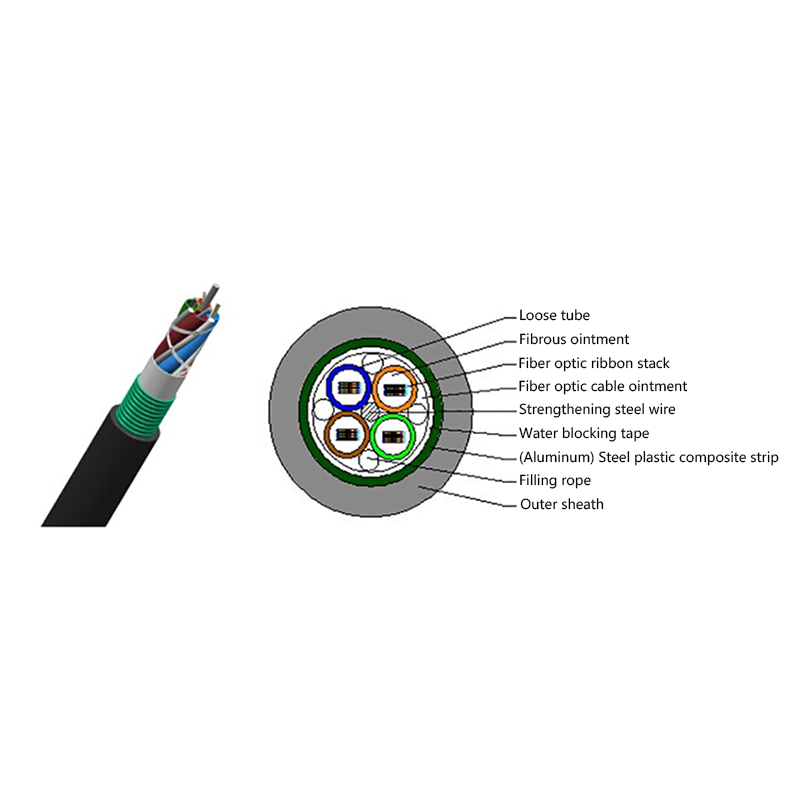
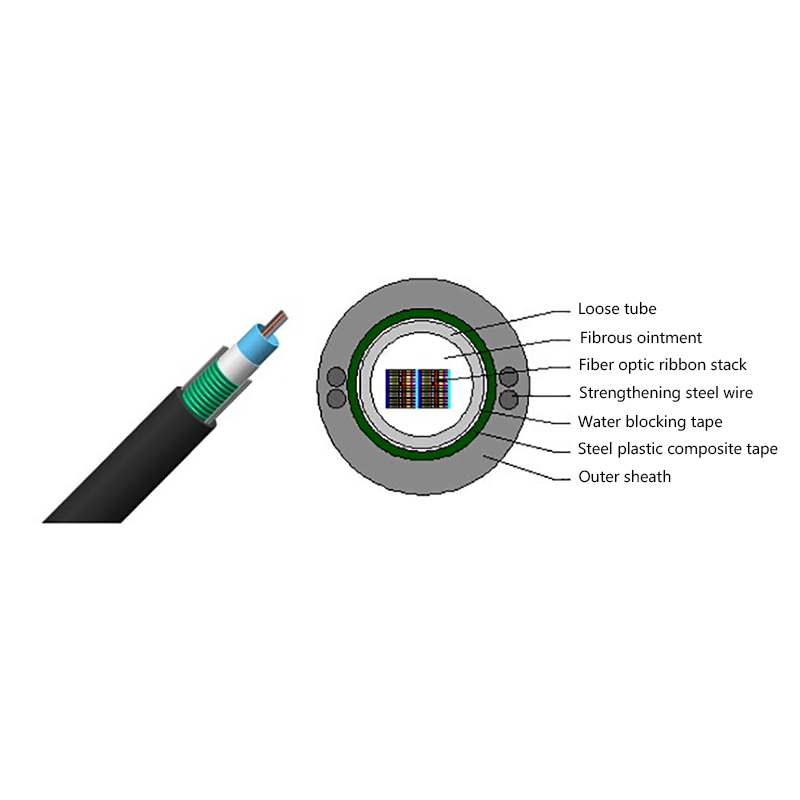
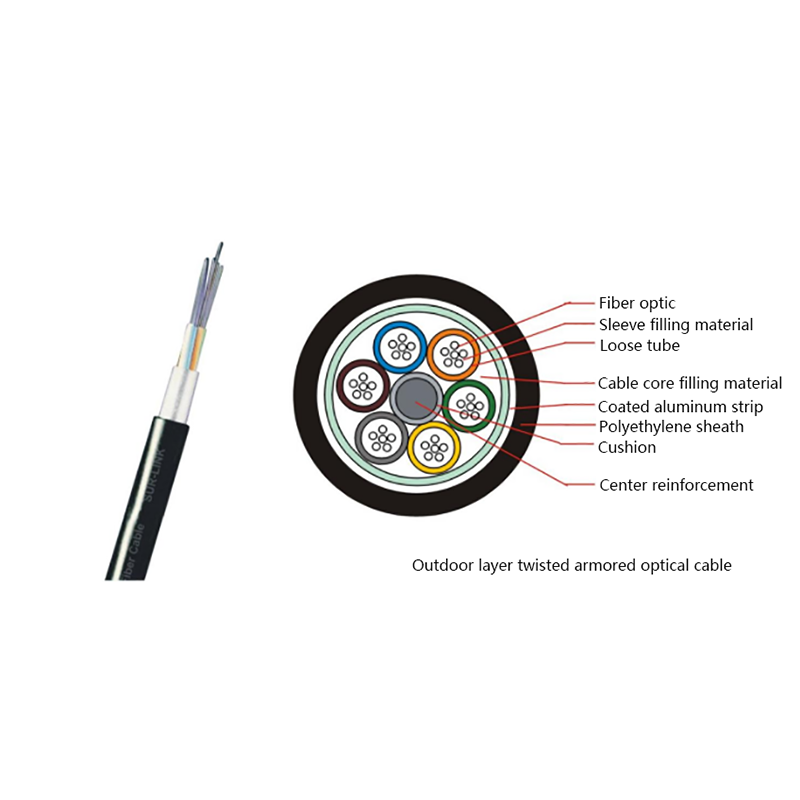
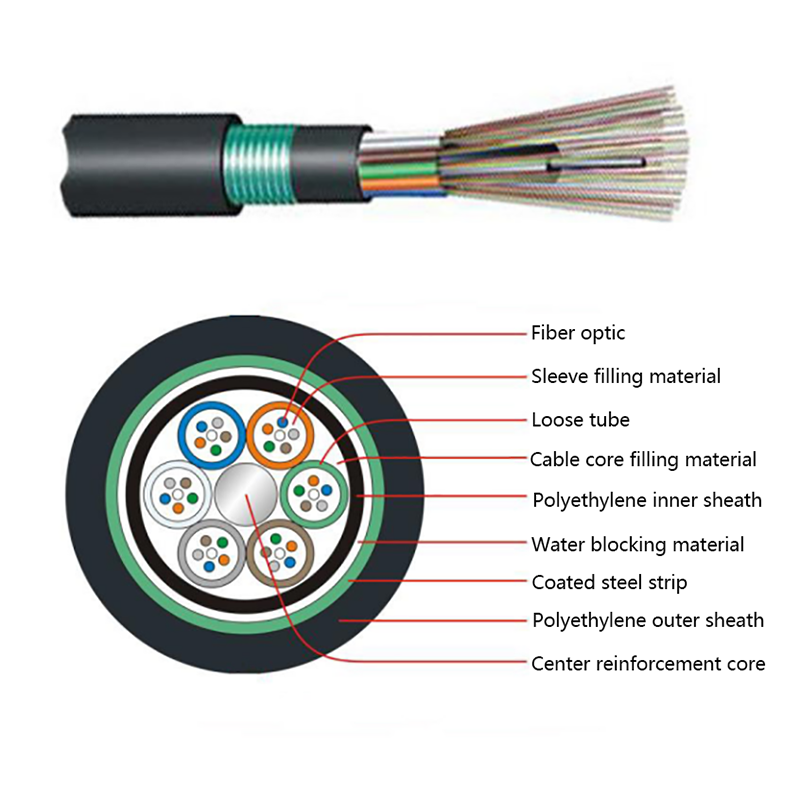
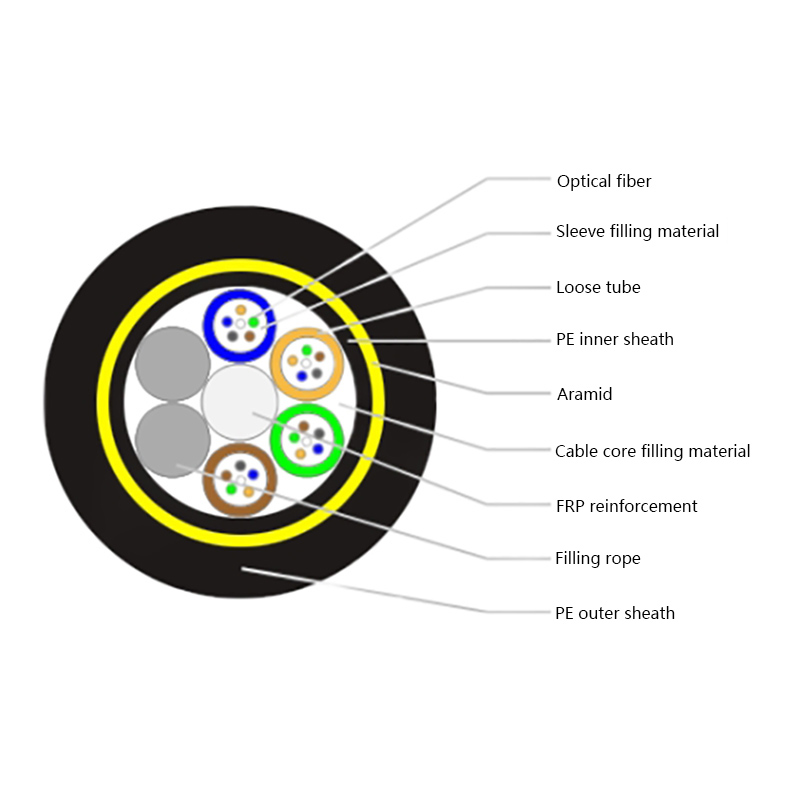
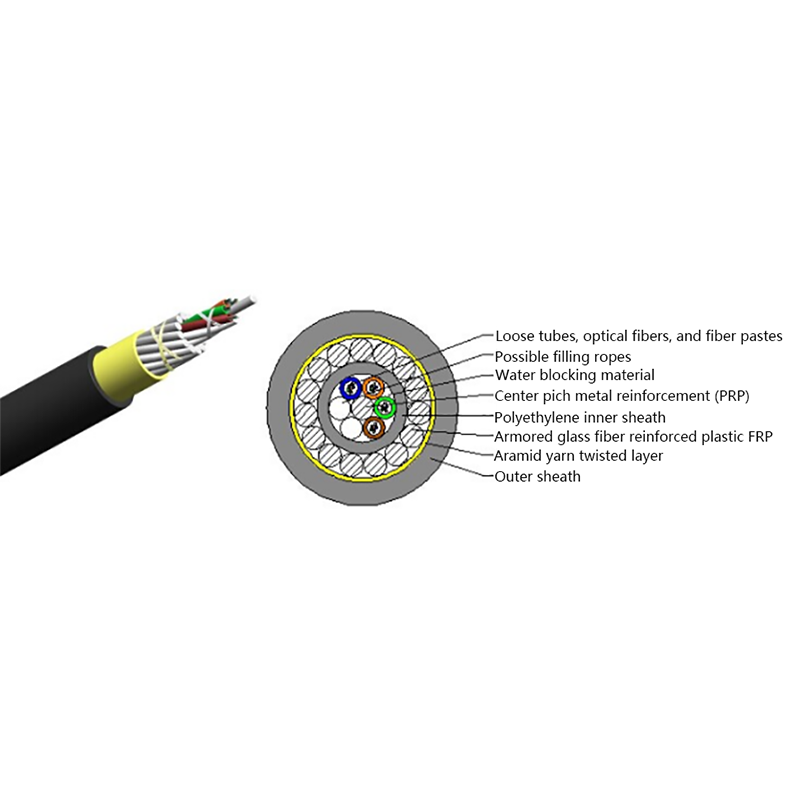
This is why campus backbones and inter-building runs end up on fiber almost by default: it is the only medium that ties separate buildings together without an active device in the middle. Layer-stranded armored outdoor constructions exist precisely for direct-buried, duct, and aerial routes that have to survive decades of weather and handling.
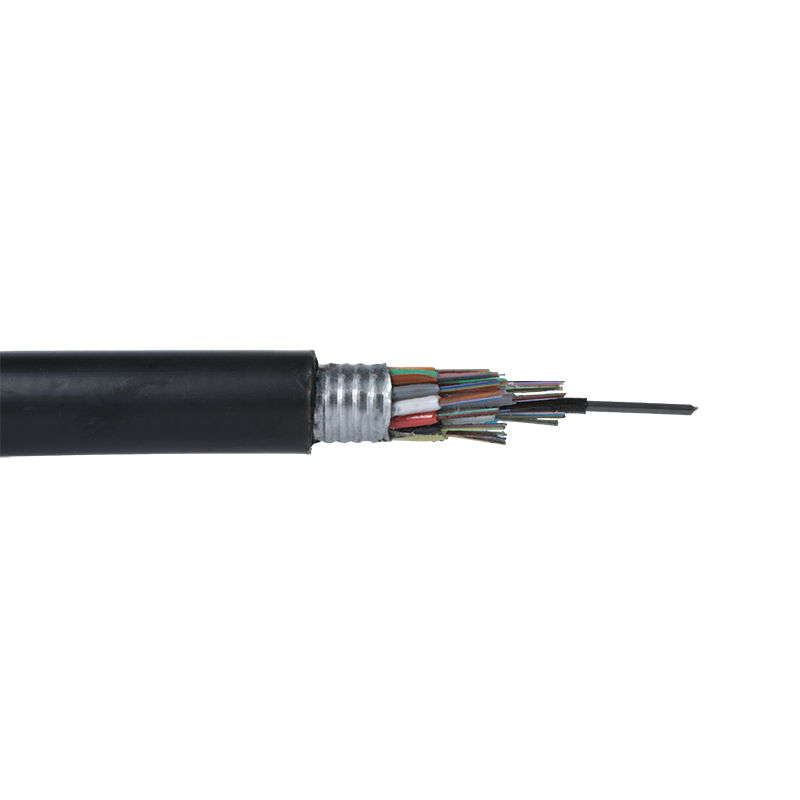 GYTS Outdoor Layer Stranded Steel-Polyethylene Bonded Sheath Optical CableLow loss, good mechanical and environmental performance.View Product →
Copper is an antenna. It picks up noise and radiates signal, and near variable-frequency drives, switchgear, busbars, and welding equipment even shielded twisted pair relies on careful bonding and separation to hold its margin. Fiber carries light, so it is immune to electromagnetic interference, creates no ground loop, and does not leak signal outside the jacket. In power, rail, and industrial settings that non-conductive property often matters more than bandwidth: a dielectric cable will not become a path for a lightning strike or a grounding fault. For the structural side of the comparison, this explanation of how optical cables differ from traditional copper cables walks through core, jacket, and bend behavior.
| Criterion | Copper (Cat6a) | Fiber (OS2 single-mode) |
|---|---|---|
| Reach at 10G | 100 m | 10 km (LR), 40 km (ER) |
| Practical bandwidth ceiling | 10G | 100G-400G per wavelength, Tbps with DWDM |
| EMI immunity | None; requires shielding and separation | Complete |
| Power over the data cable | PoE up to about 90 W | Not possible; hybrid or remote power needed |
| Field termination | Crimp tool, minutes per end | Fusion splicer or pre-terminated assembly |
| Cost per meter of cable | Higher and copper-price dependent | Usually lower |
| Cost of transceivers and electronics | Low | Substantially higher |
| Typical service life | 5-10 years | 15-25 years or more |
Every row in that table shows up somewhere in a quotation. The rows worth watching hardest are the quiet ones: optics, splicing labor, and service life. A fiber link often spans two or three switch generations, while copper cabling frequently has to be replaced when the electronics change.
Single-mode cable usually costs less per meter than Cat6a. What costs more sits at both ends: transceivers, fusion splicers, OTDR and certification testers, and labor with a higher skill requirement. The copper ledger runs the other way, with a higher per-meter cable price, direct exposure to copper commodity swings, and troubleshooting that means hunting shielding, bonding, and crosstalk faults on site.
Maintenance is the number most often left out. Copper is more sensitive to moisture, corrosion, rodents, and electrical surges, so it fails more often; fully dielectric cable is non-conductive, does not invite lightning, and ignores electromagnetic noise. Spread over five to ten years on a buried or aerial route, that gap usually outweighs the purchase difference.
Break the network into individual links and apply the rules below; the answer arrives quickly.
For a closer comparison of distance, environment, and speed together, this guide to fiber optic cable vs copper cable covers the selection logic in more detail.
Many projects end up mixed. Optoelectronic composite cable puts fiber and copper conductors under one jacket, so a span can carry data further while still delivering power to the far end. Another pattern places a small PoE switch plus a media converter at the access point, letting the backbone run on fiber while the last 30 to 80 meters stays copper.
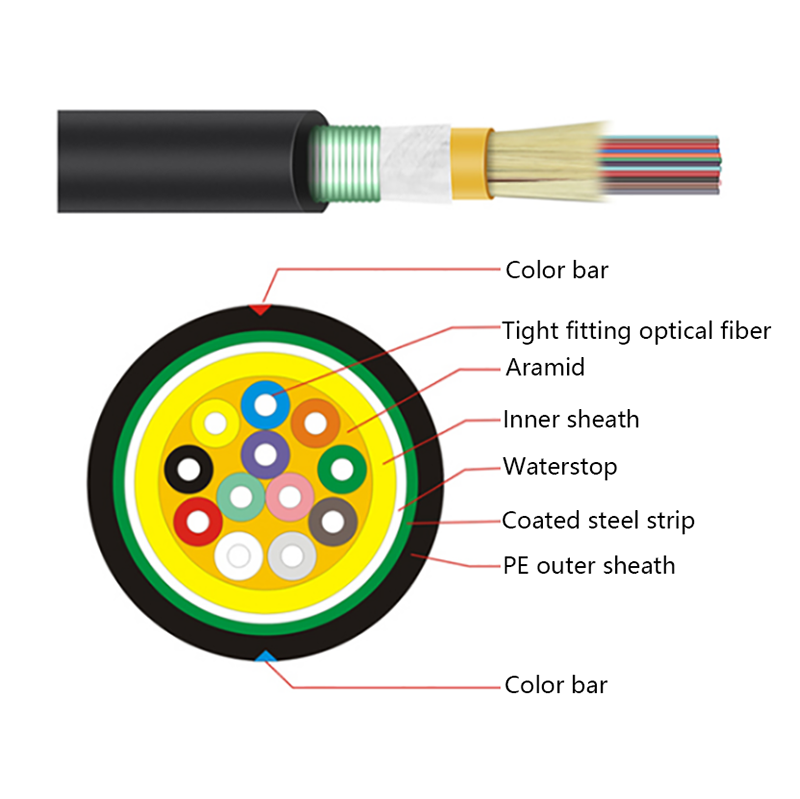
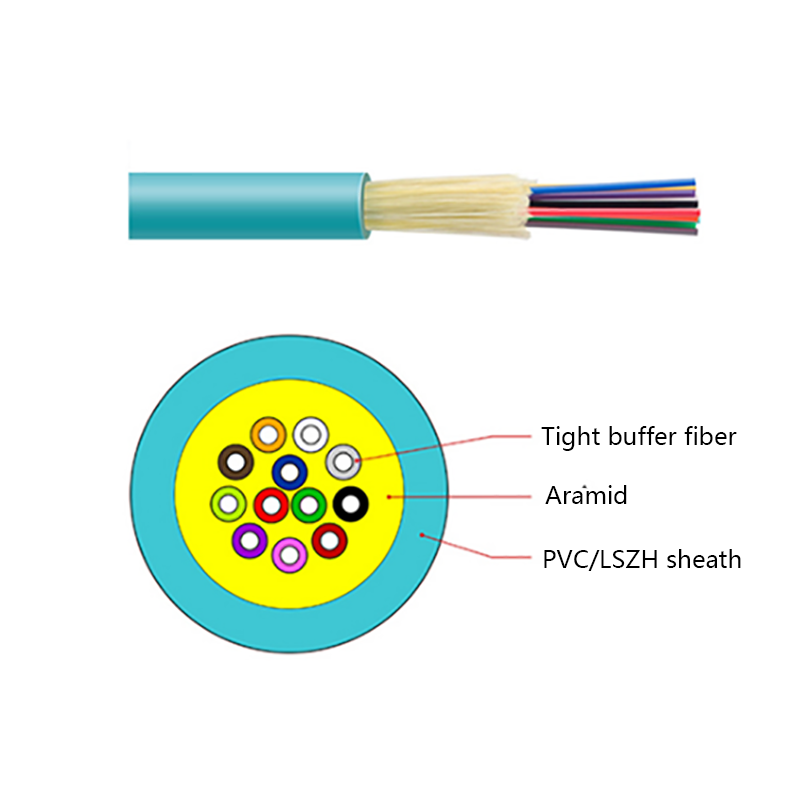
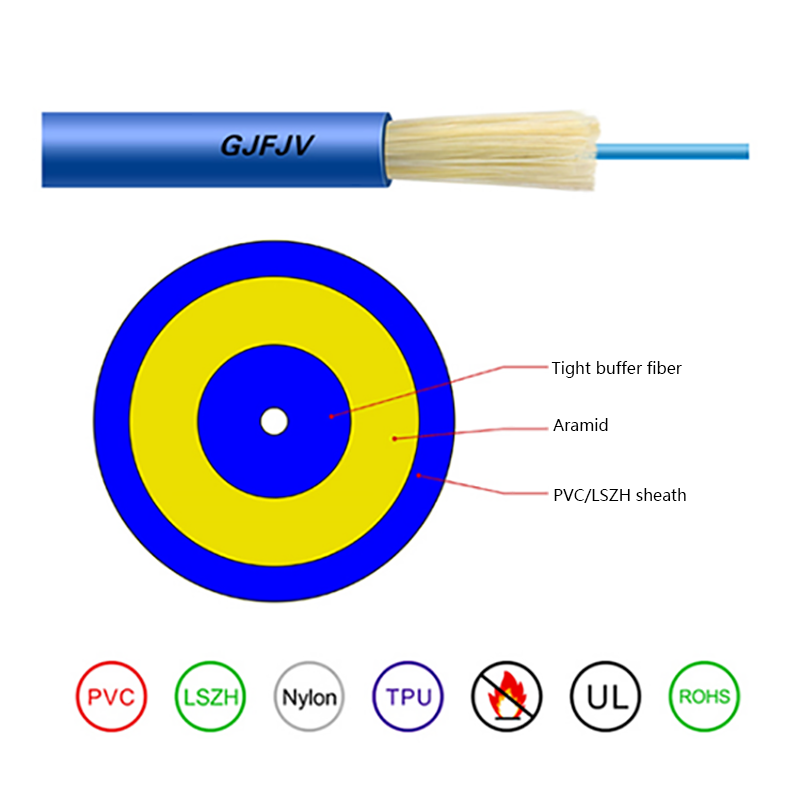
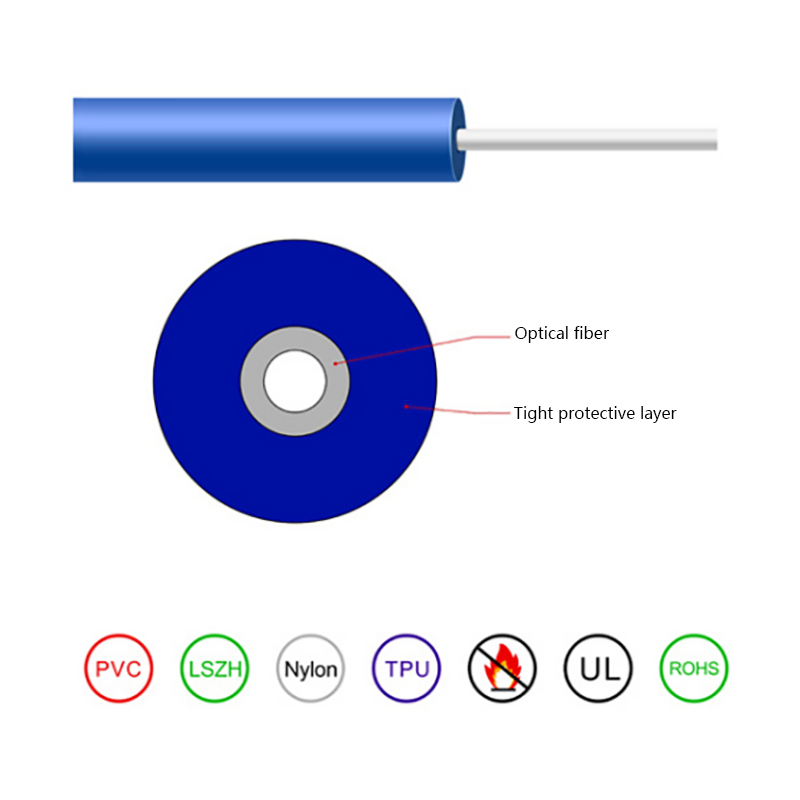
Inside buildings, rising device density pushes indoor runs toward compact fiber constructions that fit more cores into limited pathway space while keeping termination and routing manageable.
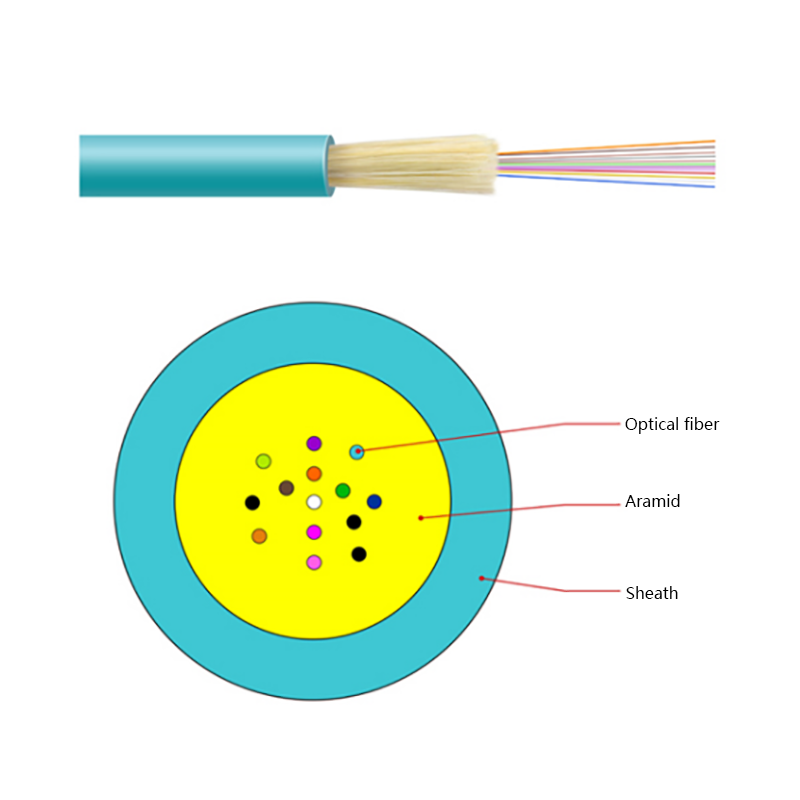 GJFV Indoor Mini Bundle Fiber Optic CableGJFV Indoor Mini Bundle Fiber Optic Cable Cable Description:View Product →
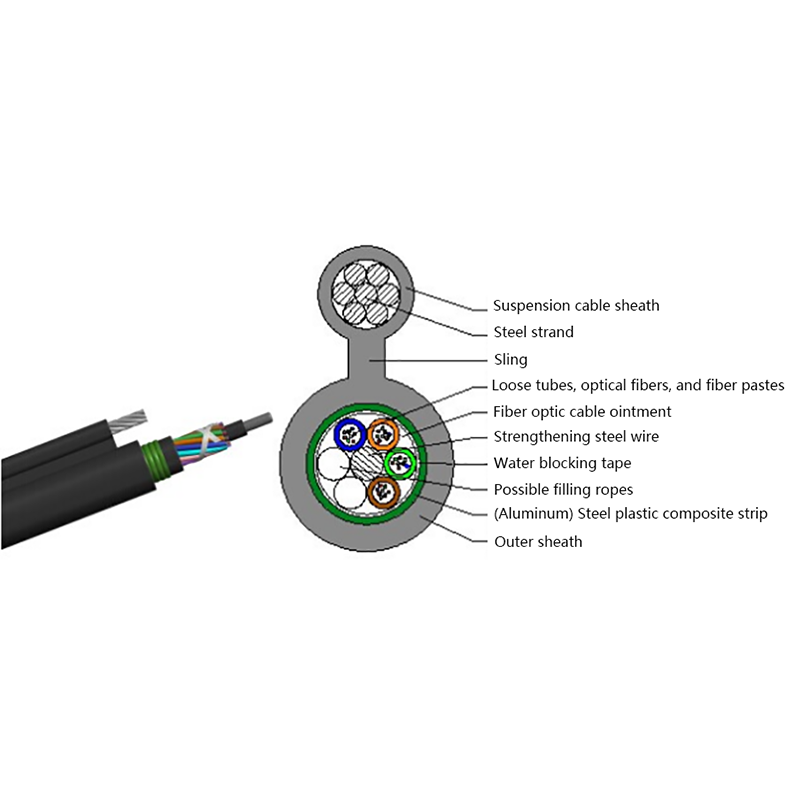
In the access network the shift has been underway for years, with operators building new broadband on fiber rather than copper telephone pairs. The butterfly-shaped drop cable was designed for exactly that final stretch, with a flat profile that pulls easily along facades and through ducts while preserving signal quality over the distance.
 GJYXCH FTTH Fiber Drop CableFTTH Fiber Drop Cable Cable Description:View Product →
Under 100 meters, at 10G or less, with power needed at the far end, copper is still the right answer. Longer, faster, or routed through electrically hostile space, fiber is not an upgrade path but the starting point. Map the comparison onto real links, one at a time, and the choice tends to make itself.


Request for a call today

 Login
Custom Optical Cables Manufacturers
Login
Custom Optical Cables Manufacturers