


 English
 русский
 Español
 عربى
عربى 中文简体
中文简体
News
Home / News / Industry news / Fiber Single Mode vs Multi Mode: Core, Reach, Cost, and Selection Rules

Content
A 40 km metro span and a 250 m data hall aisle are both cabled with "fiber," yet the two reels are not interchangeable. Single mode fiber guides one light path through a core of roughly 9 microns, while multimode fiber pushes dozens of paths through a 50 micron or 62.5 micron core at the same time. The wrong choice rarely fails on day one; it fails two years later, when a 10G link has to become 100G and the installed cable will not carry it.
This guide is written for the people who sign the purchase order: network planners, cabling contractors and procurement engineers comparing quotations for one specific route. It focuses on what actually changes a specification, which is core geometry, wavelength, reach at a given data rate, splicing and test cost, and the spare capacity a route needs over the next ten years.
Quick verdict: choose single mode for any link longer than 550 m, for outdoor plant, and for routes heading toward 100G or 400G. Choose multimode only when every link stays inside one building or one data hall and short reach optics dominate the budget.
Single mode fiber carries one guided mode in a core of about 8 to 9 microns, so a pulse of light has essentially one path to follow. Multimode fiber carries many modes at once in a 50 or 62.5 micron core, so different paths arrive at slightly different times. That spreading, called modal dispersion, is what limits multimode reach.
ITU-T G.652.D is the workhorse grade for outdoor networks, specified at 0.35 dB/km at 1310 nm and around 0.20 dB/km at 1550 nm. G.657.A2 adds bend tolerance for tight indoor routing. OS1 and OS2 are the ISO/IEC names for indoor and low water peak outdoor single mode cable. Both carry a single mode; only attenuation and cable construction differ.
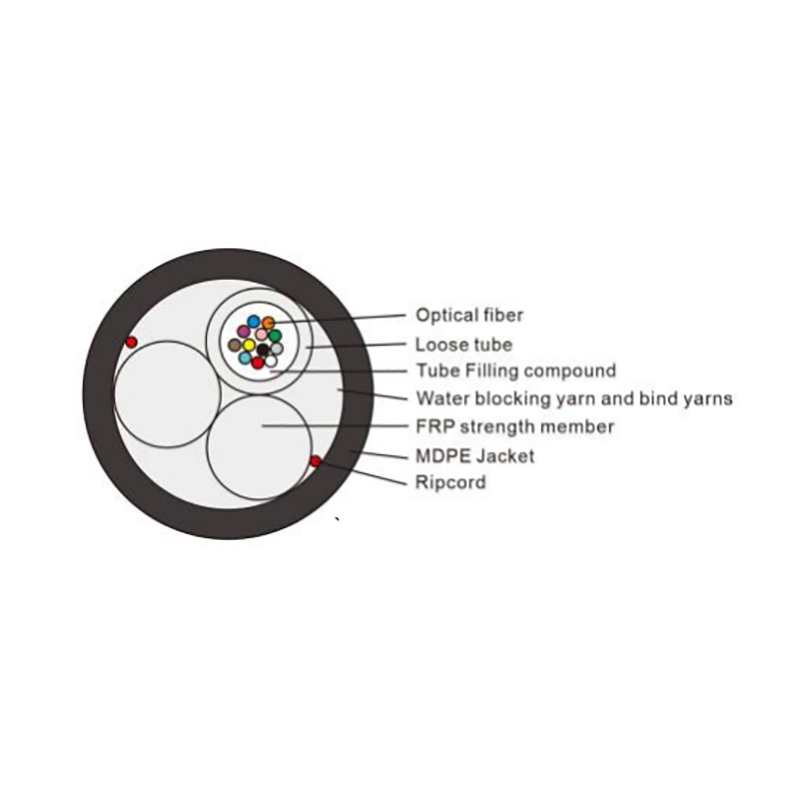 Optical Fiber In Cable(ITU-G.652D)1. Optical Fiber In Cable(ITU-G.652D)View Product →
OM1 at 62.5 microns and OM2 at 50 microns were designed around LED sources and are now legacy grades. OM3 and OM4 are laser optimised for 850 nm VCSELs, and OM5 adds wideband capability for short wavelength division multiplexing. A higher OM number means wider effective bandwidth and a smaller distance penalty at high data rates.
Definition: modal dispersion is the spreading of a light pulse caused by modes travelling different path lengths inside the same core. It is the physical reason multimode reach shrinks every time the data rate rises, while single mode reach barely changes.
The short version: single mode wins on reach, bandwidth headroom and upgrade path, while multimode wins on short reach transceiver cost and on tolerance during mating, cleaning and field termination.
| Property | Single mode (OS2 / G.652.D) | Multimode (OM3 to OM5) |
| Core diameter | 8 to 9 microns | 50 microns, or 62.5 microns on OM1 |
| Working wavelength | 1310 nm and 1550 nm | 850 nm and 1300 nm |
| Light source | DFB or EML laser | VCSEL |
| Attenuation | 0.35 dB/km at 1310 nm | 3.0 to 3.5 dB/km at 850 nm |
| Reach at 10G | 10 km at 1310 nm, 40 km at 1550 nm | 300 m on OM3, 400 to 550 m on OM4 and OM5 |
| Reach at 400G | Up to 80 km with coherent optics | 70 to 150 m with parallel optics |
| 10G optics cost | Higher per port | Lower per port |
| Cable cost per metre | Similar, armoured outdoor grades cost more | Similar, OM4 and OM5 carry a premium |
| Splicing and testing | Fusion splicing, OTDR at 1310 and 1550 nm | Fusion splicing or field termination, test at 850 nm |
The number that settles most arguments is 550 m. If the longest link stays under 550 m and never leaves the building, multimode can be justified. The moment a route crosses 600 m, or one span goes outdoors, single mode becomes the lower risk option.
At 10G, OM3 reaches 300 m, OM4 reaches 400 m and OM5 reaches 550 m with standard 850 nm optics, while single mode reaches 10 km at 1310 nm and 40 km or more at 1550 nm. Those figures assume a clean, correctly terminated link.
Maximum working reach at 10G
Real links lose reach to connectors, splices and dirt. A 10 km single mode span at 1310 nm consumes roughly 3.5 dB of fiber loss, which still leaves room for a dozen splices inside a typical 10G budget. The same dozen splices on a 550 m multimode link matter far more, because 850 nm attenuation is nearly ten times higher per kilometer.
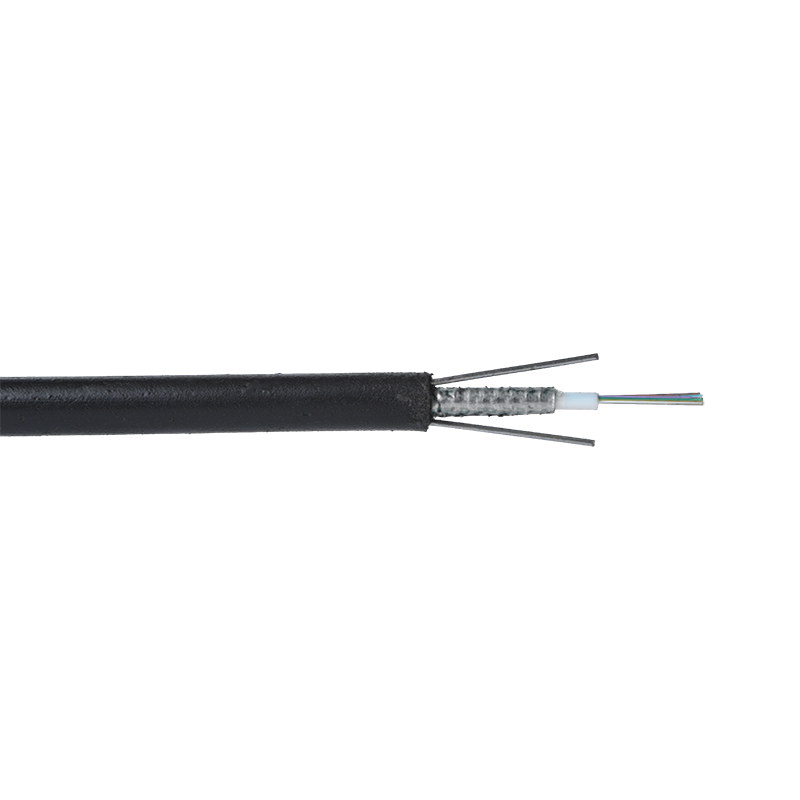
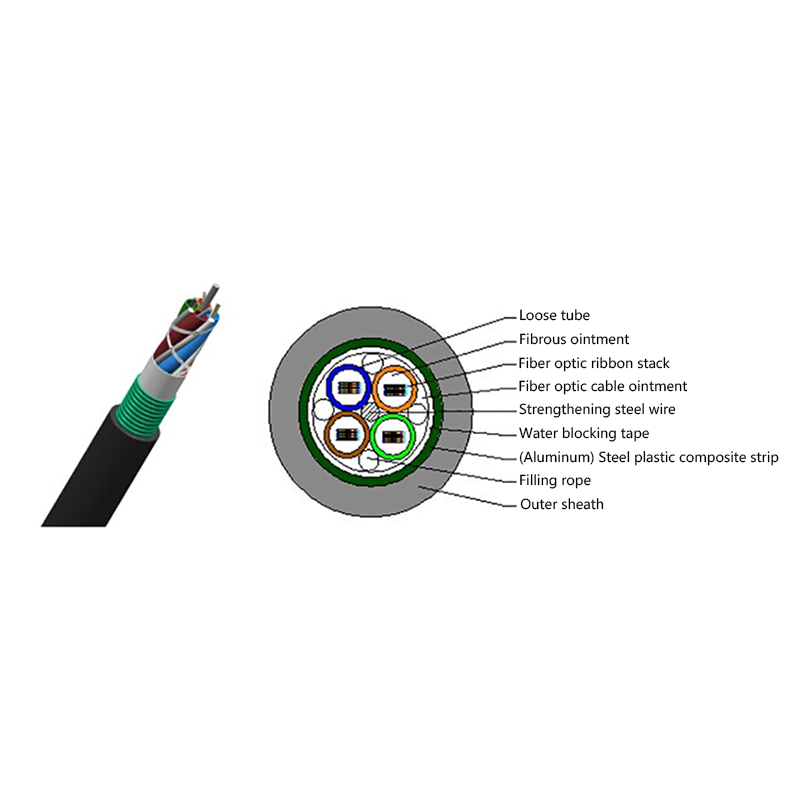
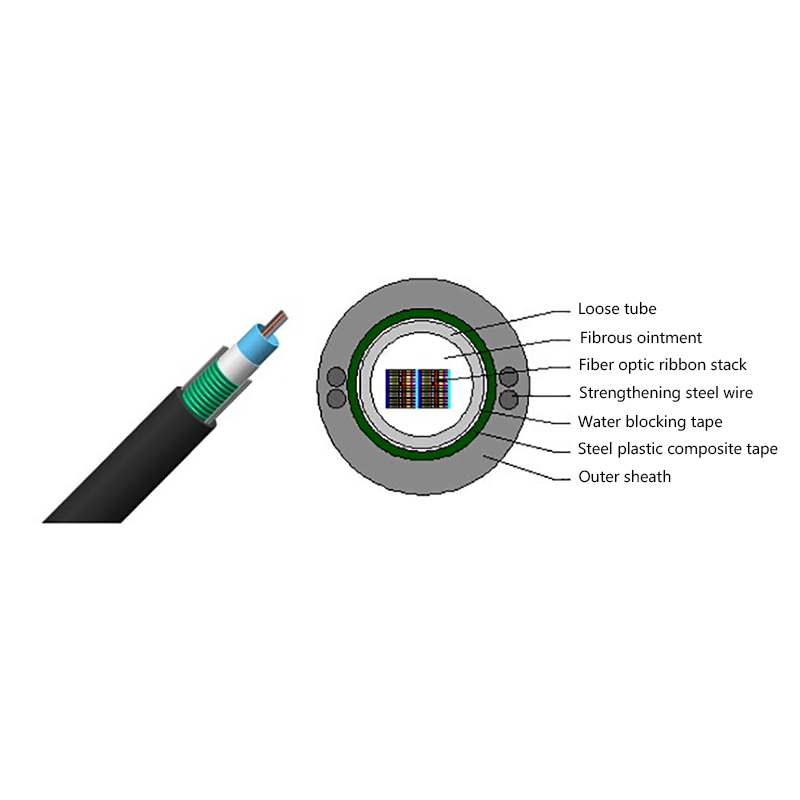
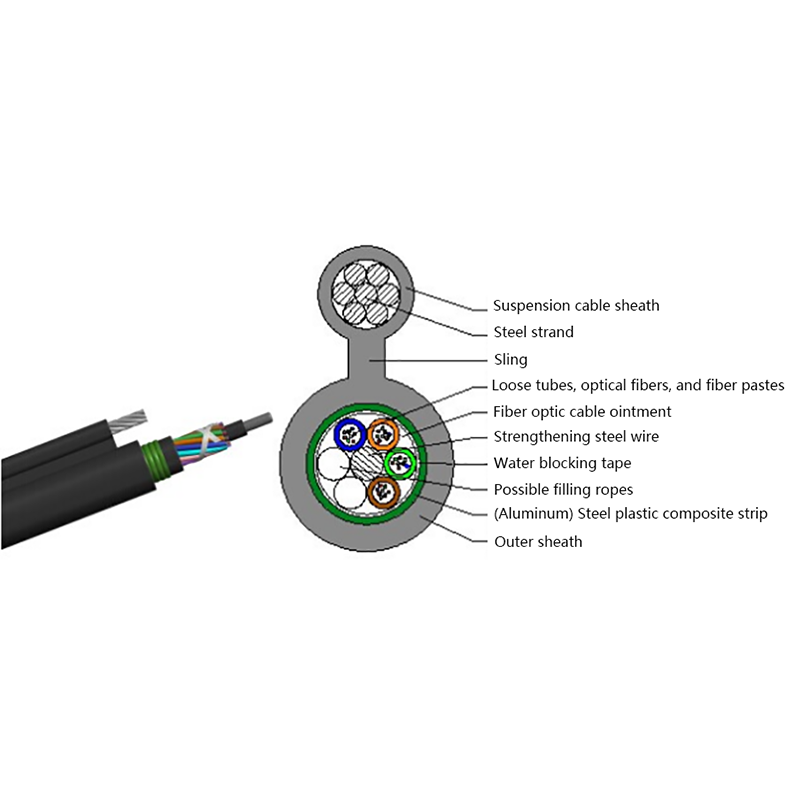
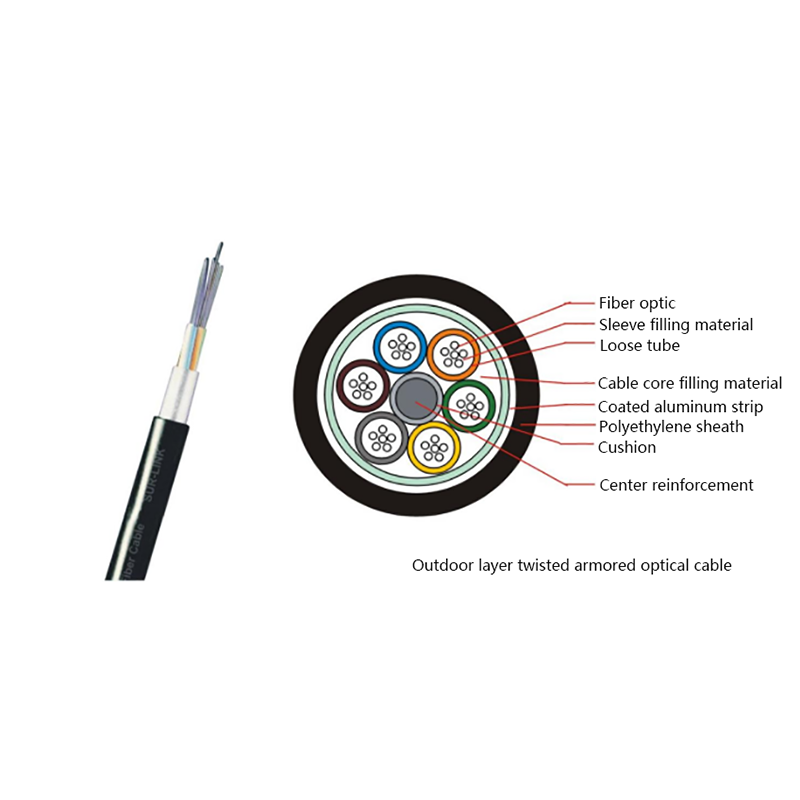
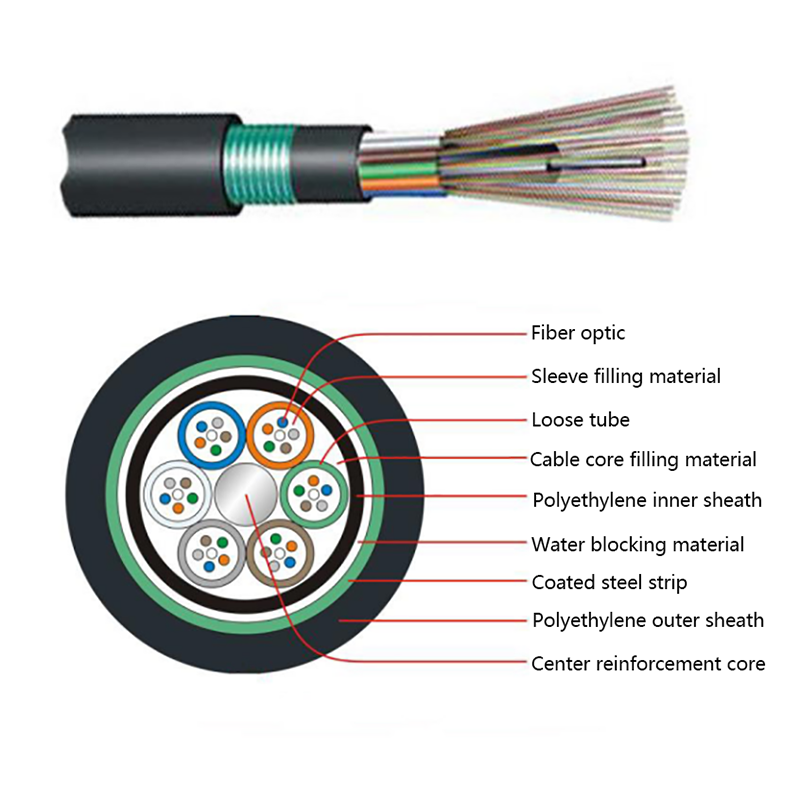
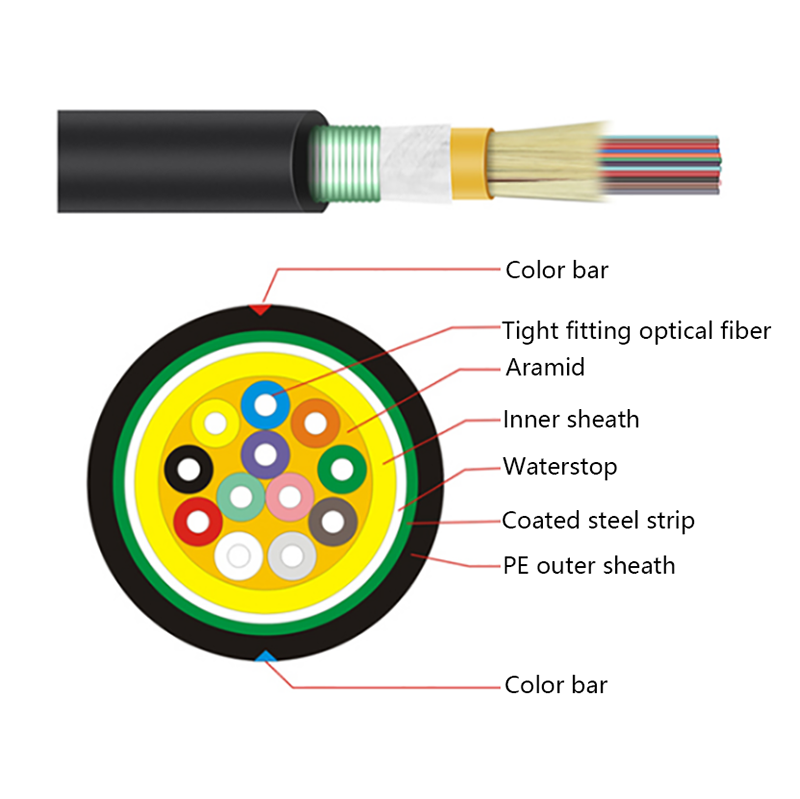
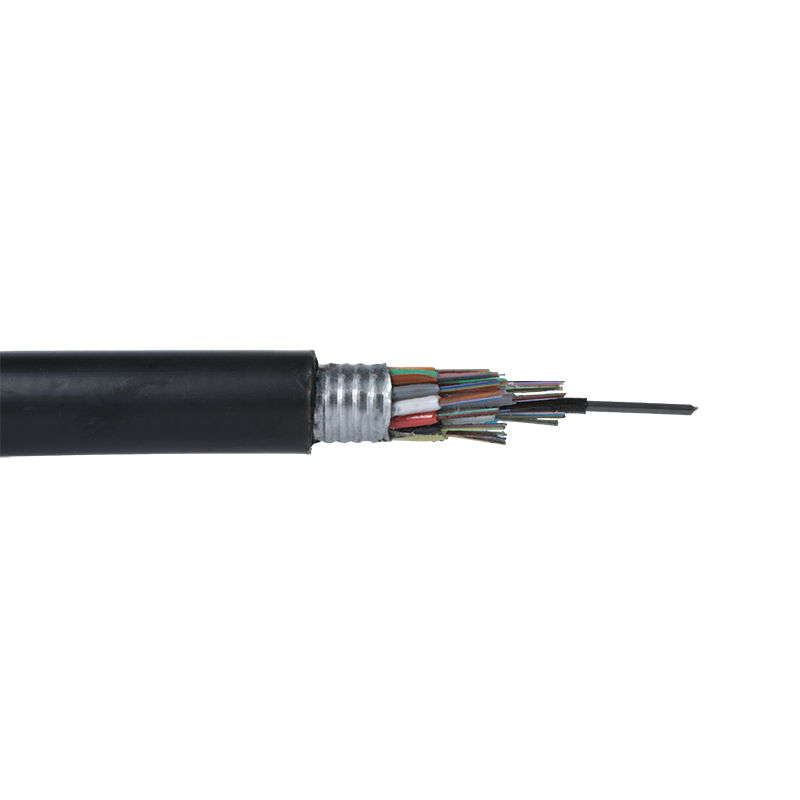 GYTS Outdoor Layer Stranded Steel-Polyethylene Bonded Sheath Optical CableLow loss, good mechanical and environmental performance.View Product →
Field note: the most frequent failure is not the fiber type but the connector. One contaminated 850 nm end face can add more than 1 dB of loss, enough to push a 550 m OM4 link outside its specification.
Cable price per metre is rarely the deciding cost. The real delta between a single mode and a multimode deployment comes from optics, test equipment and the labour model around termination.
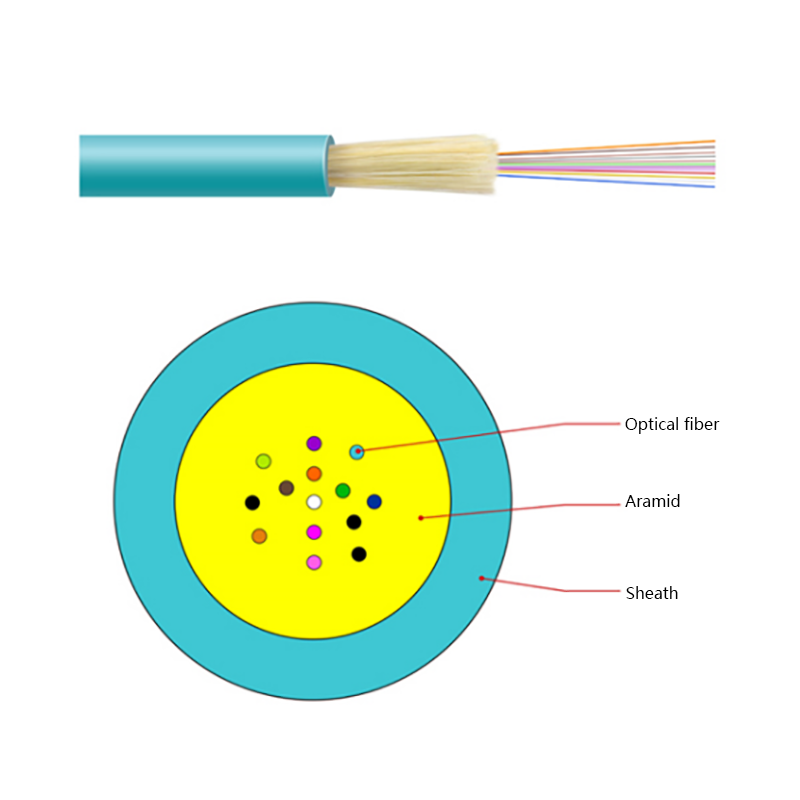
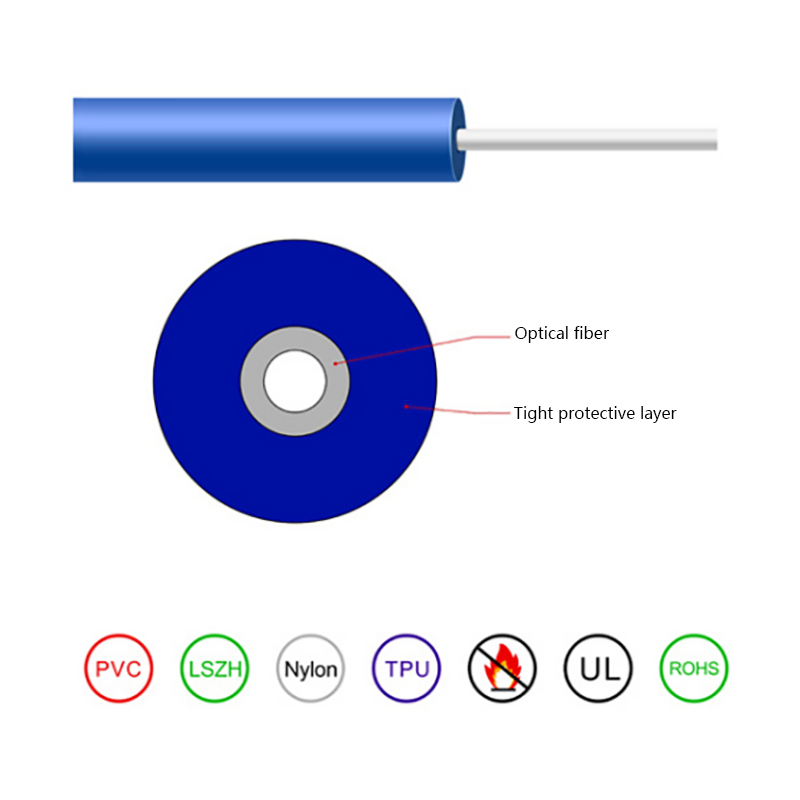
Construction matters as much as fiber grade. For a campus indoor backbone, a mini bundle indoor cable with tight buffered fibers terminates faster on site than a loose tube design, and its tighter bend radius keeps tray routing simple. Outdoors, the choice between armoured and non-metallic construction follows the installation method, not the fiber type.
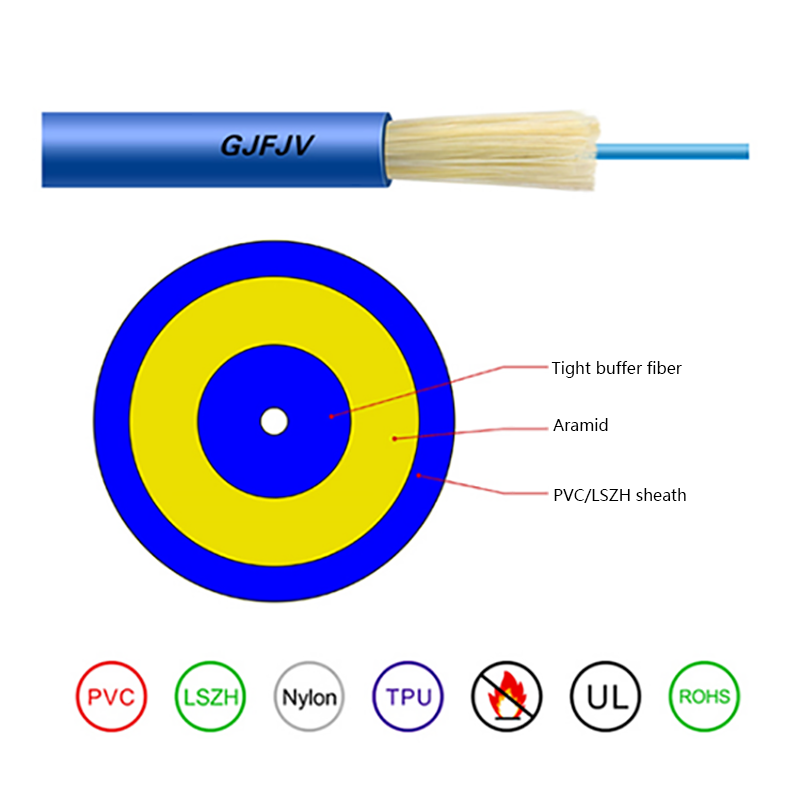
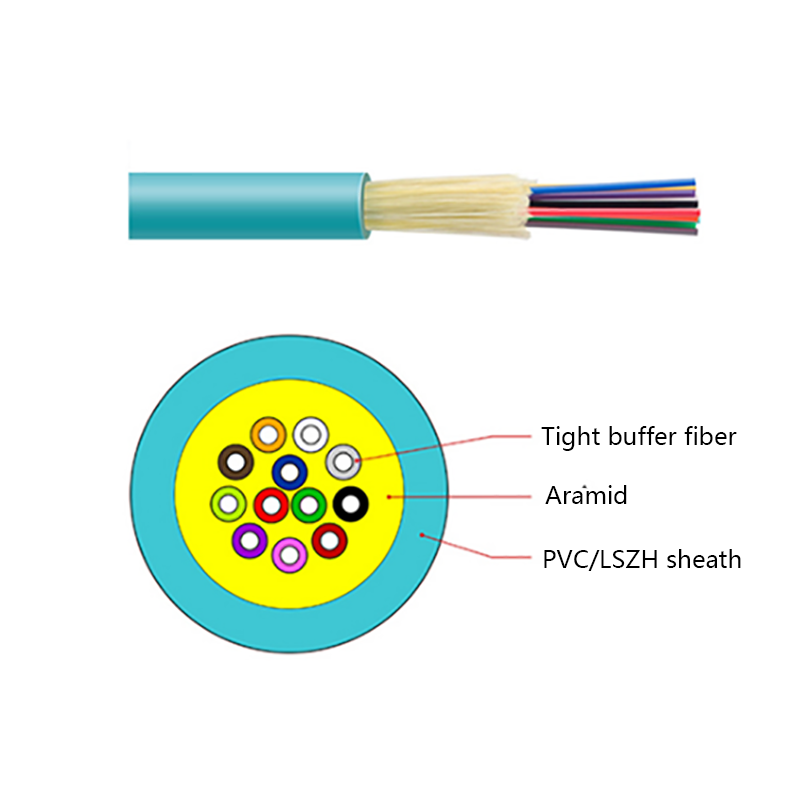 GJFJV Indoor Single Bundle Fiber Optical CableThe GJFJV Indoor Single Bundle Fiber Optical Cable structure is to evenly place multiple ф900μm or ф600μm tight-buffered optical fibers with multiple strands of aramid...View Product →
Procurement tip: write fiber type, grade, working wavelength and maximum attenuation into the purchase order. Single mode on its own is not a specification; G.652.D with 0.35 dB/km at 1310 nm is.
Work through the four checks below in order. Distance eliminates one option in most projects; the remaining three confirm the choice and protect the budget.
Take the longest single span, add ten percent for slack and routing, then compare it with the reach figure for the target data rate. A 480 m run is not automatically a multimode job if a second phase pushes it past 550 m.
Ask what the link must carry in five to ten years. If 100G or 400G is on the roadmap outside the data hall, single mode is the only path that avoids re-cabling the route.
A campus with 300 short links may save more on 850 nm optics than it spends on multimode cable. A 40 km backbone with four links will never recover the cost of a link that fails in service.
Fiber grade is only half the order. Outdoor routes need armoured or non-metallic constructions rated for the installation method, while indoor runs need flame retardant jackets and bend tolerant fiber. The same logic runs through our guide to choosing optical cable by performance, distance and environment.
Rule of thumb for mixed estates: standardise on single mode for anything that leaves a building, and keep one multimode grade inside the data hall so a single spare optic part number covers every rack.
No. Both carry 10G, 40G and 100G. Single mode holds that speed over far greater distances, while multimode reaches the same rates only over short links inside a building or a data hall.
Only through an active device such as a media converter or a switch with both port types. A 9 micron core cannot be spliced or mated directly to a 50 micron core; most of the light is lost at the junction.
Multimode usually costs less per port because 850 nm optics are cheaper, while single mode costs less across a long route because it needs fewer regeneration points. Cable price per metre is close, so optics and route length decide.
Yes. Single mode links are tested at 1310 nm and 1550 nm with an OTDR or a light source and power meter, while multimode links are tested at 850 nm and 1300 nm. The wrong launch condition produces loss readings that do not match the installed link.
Because most projects need more than one construction, ordering outdoor layer stranded cable and indoor cable from the same optical cable manufacturer keeps fiber type, attenuation grade and reel length tolerance consistent across the whole route.
Final check before you order: confirm the fiber grade, the attenuation at the working wavelength, the jacket and armour construction, and the reel lengths against the actual route. If any of the four is missing from the quotation, the cheapest offer is usually the one that will need re-cabling first.


Request for a call today

 Login
Custom Optical Cables Manufacturers
Login
Custom Optical Cables Manufacturers