


 English
 русский
 Español
 عربى
عربى 中文简体
中文简体
News
Home / News / Industry news / Fibre Optic Cable vs Copper Cable: Performance, Cost, and Buying Guide

Content
Fibre optic cable carries data as pulses of infrared light through a glass core, while copper cable carries data as electrical voltage through twisted metal pairs. Every other difference between them follows from that single fact.
Light ignores the magnetic fields around motors and drives, does not radiate a signal outside the jacket, and does not corrode in a damp duct. Glass cannot deliver power, however, and it punishes tight bends and dirty connectors far more severely than copper does.
| Parameter | Single-mode fibre, OS2 | Cat6A unshielded copper |
| Signal carrier | Infrared light at 1310 or 1550 nm | Electrical voltage |
| Core and conductor | 9 micron glass core, 125 micron cladding | 23 AWG copper, four twisted pairs |
| Usable channel length | 10 to 40 km unamplified | 100 m |
| Attenuation | About 0.35 dB per km at 1310 nm | About 20 dB per 100 m at 100 MHz |
| Power delivery | None, separate conductors required | Up to 90 W under IEEE 802.3bt |
| Interference and tapping | Dielectric, no radiated signal | Susceptible without shielding |
Over any run longer than about 100 metres, fibre outperforms copper on bandwidth, reach and signal quality, while the two are almost identical on propagation speed, which is where most of the confusion starts.
Copper remains the better choice for horizontal runs under roughly 90 metres, for devices that take power over the same cable, and for projects where low-cost field termination and existing installer skills outweigh headroom.
Fibre is immune to electromagnetic interference and does not radiate a signal that can be tapped inductively, while copper is exposed to both, and the gap becomes decisive in industrial plants, substations and multi-building campuses.
Match the cable to the route first, then to the bandwidth. Overhead corridors, ducts, direct burial and indoor trays each point towards a different construction, and the wrong choice usually appears as a mechanical failure long before it appears as a bandwidth problem.
Record whether the cable is self-supporting, ducted, trenched, air-blown or run on an indoor tray, along with ice loading, rodent pressure and temperature range.
Add splice loss, connector loss and cable attenuation, then leave margin for ageing and repairs. A 10 km single-mode link has room; a 95 m copper channel has almost none.
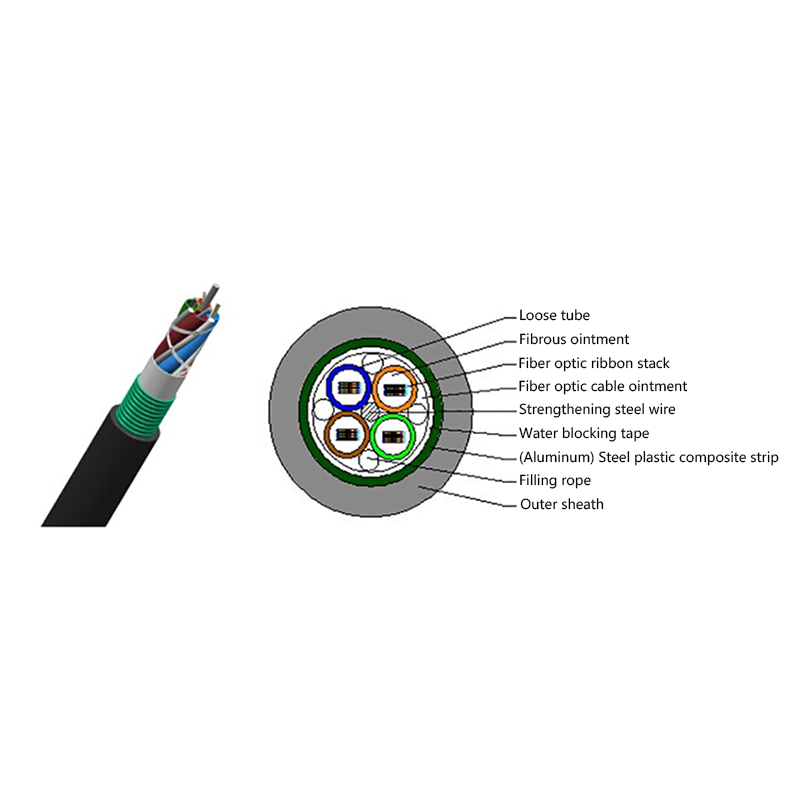
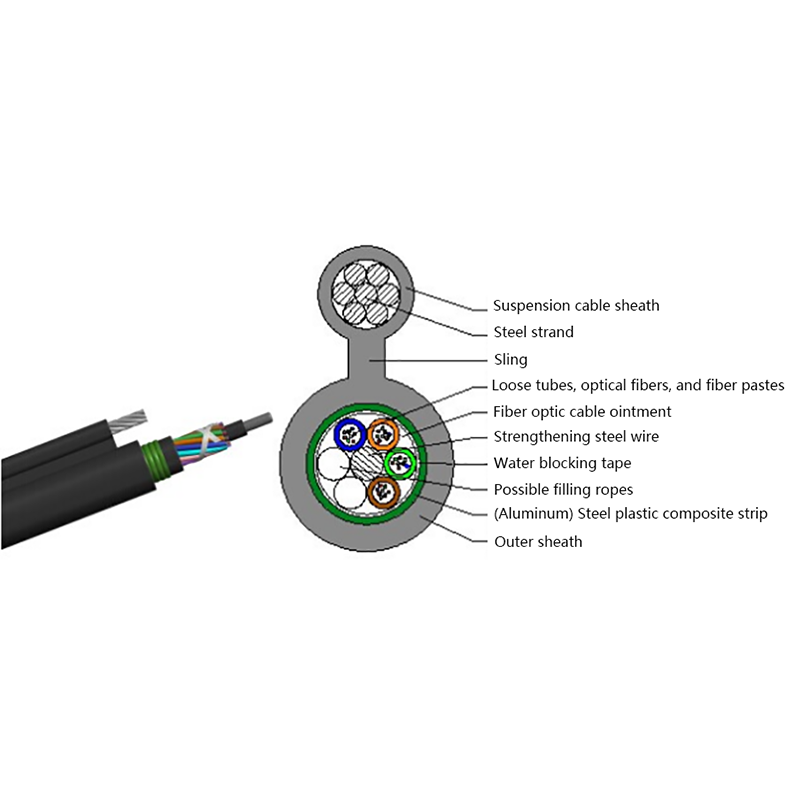
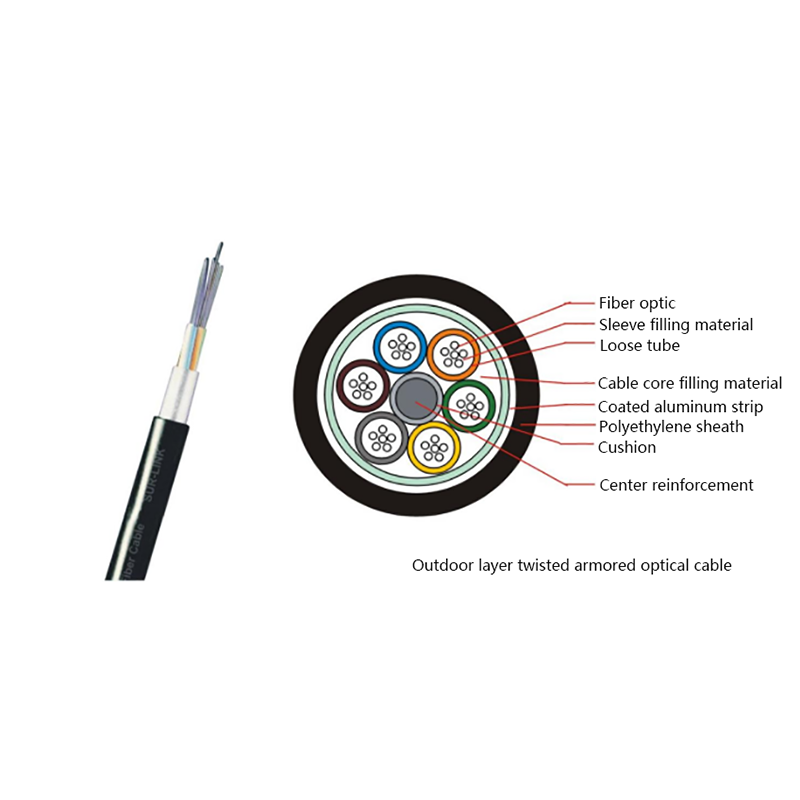
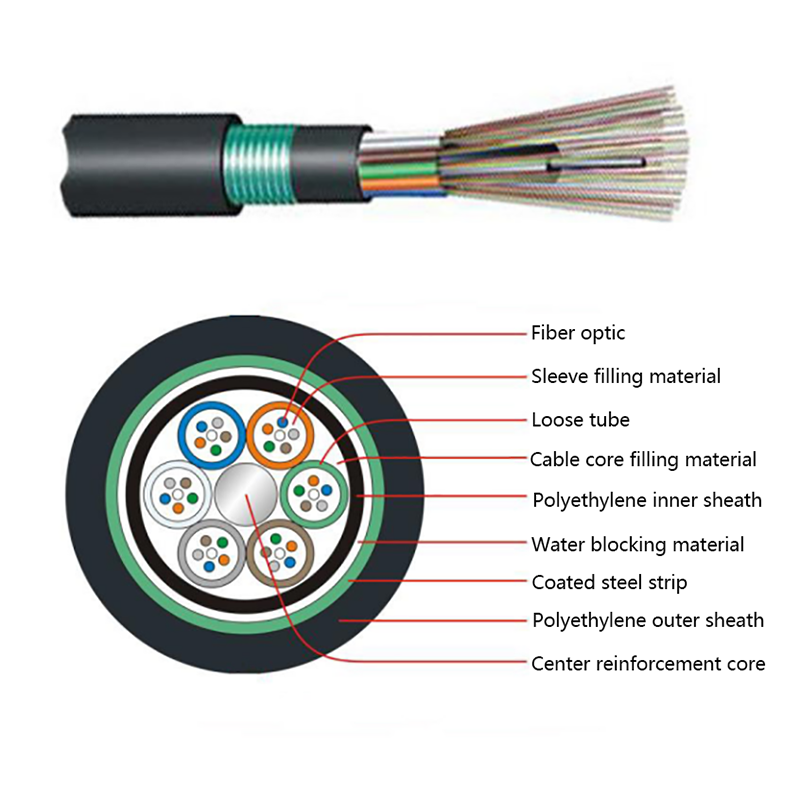
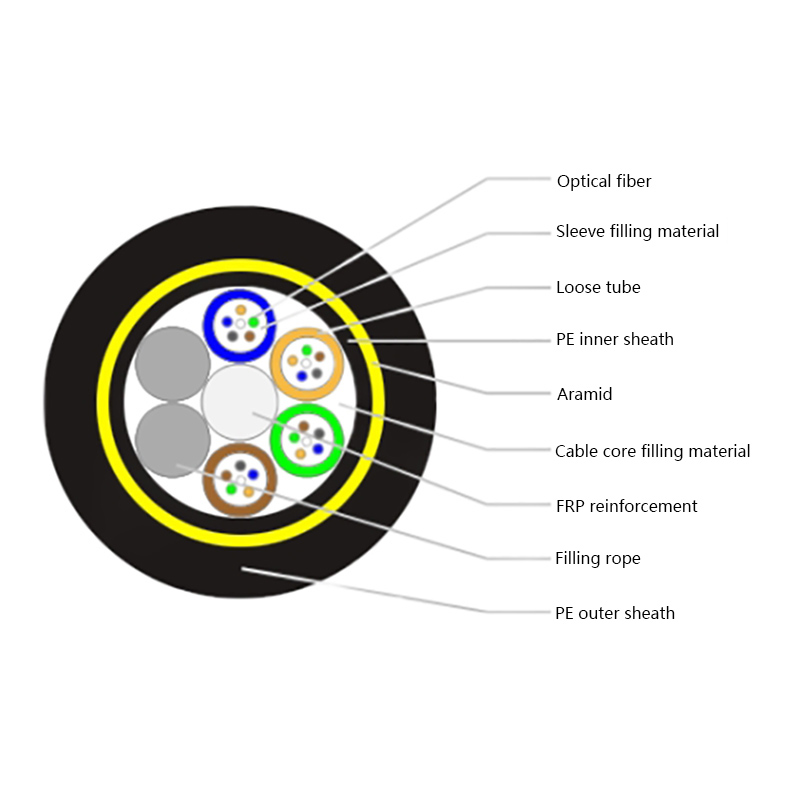
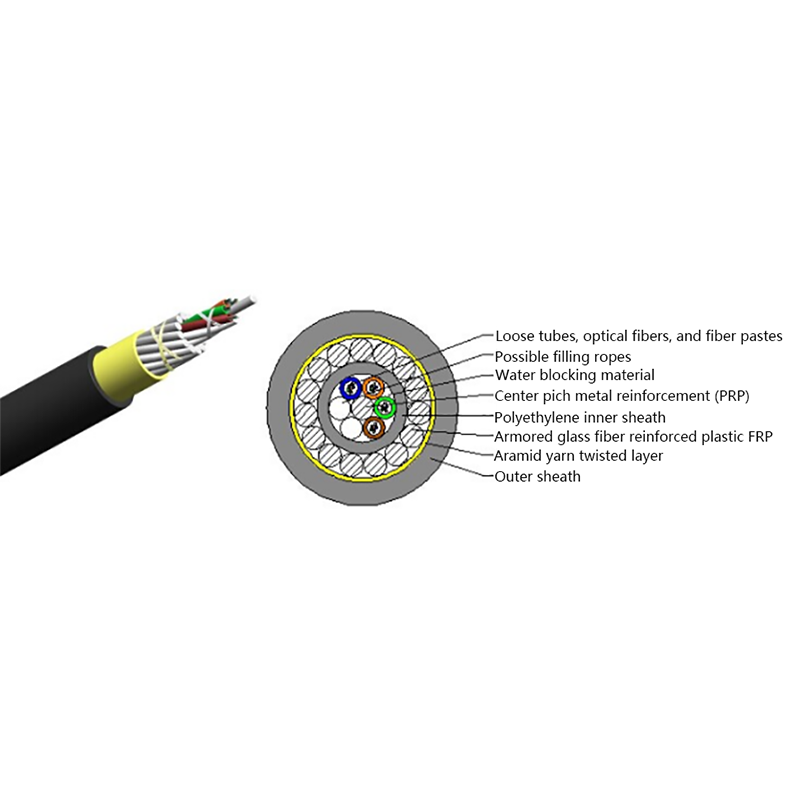
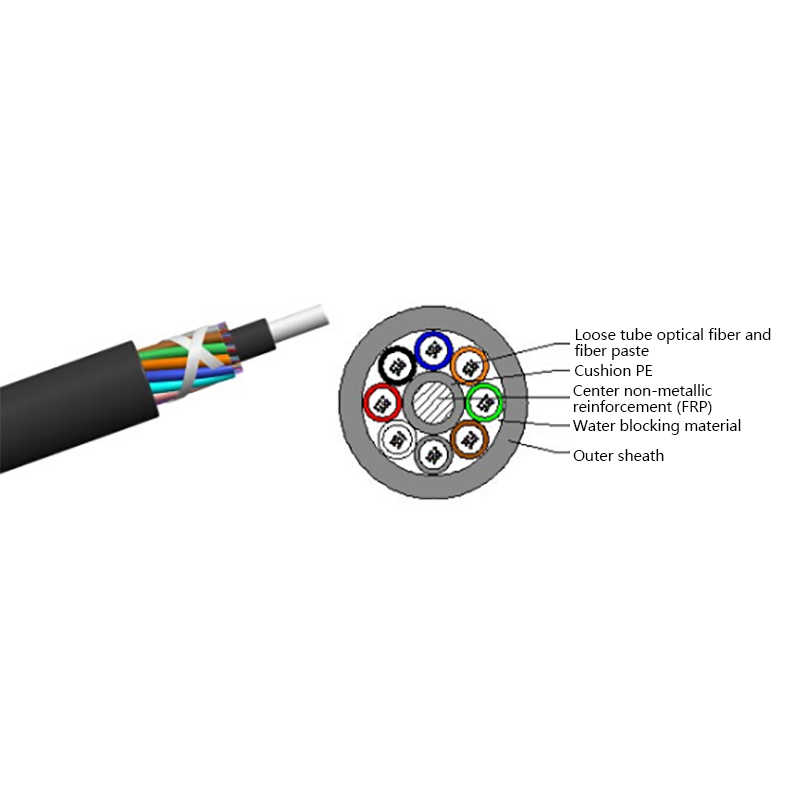
Layer-stranded loose-tube designs cover most outdoor duct and burial work, and spare fibres cost far less at installation than a second trench costs later.
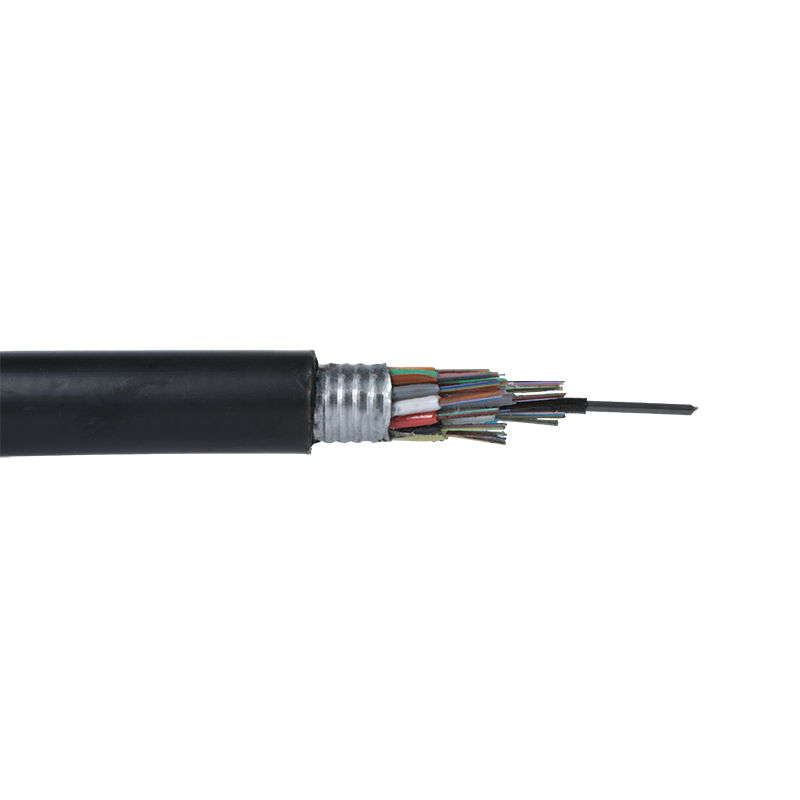 GYTS Outdoor Layer-Stranded Steel-Polyethylene Bonded Sheath Fiber CableOutdoor layer-stranded loose-tube cable for duct and burial routes, with bonded steel-polyethylene sheath, water-blocking grease, and compact bendable construction.View Product →
Inside buildings and on the final drop to a home, fibre now competes with copper on installed cost as well as performance, largely because pre-terminated assemblies have removed the splicing penalty.
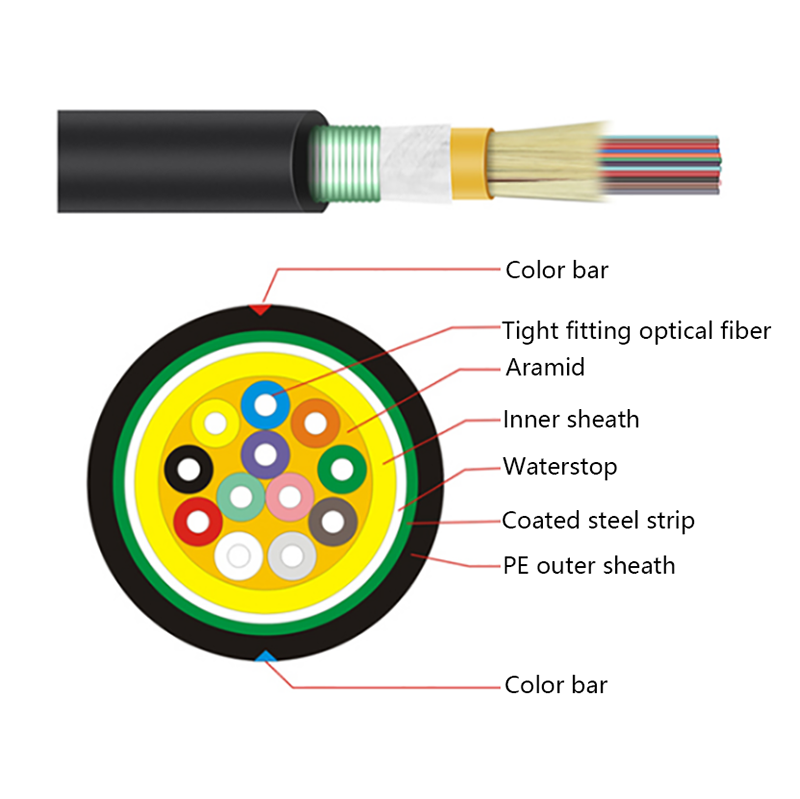
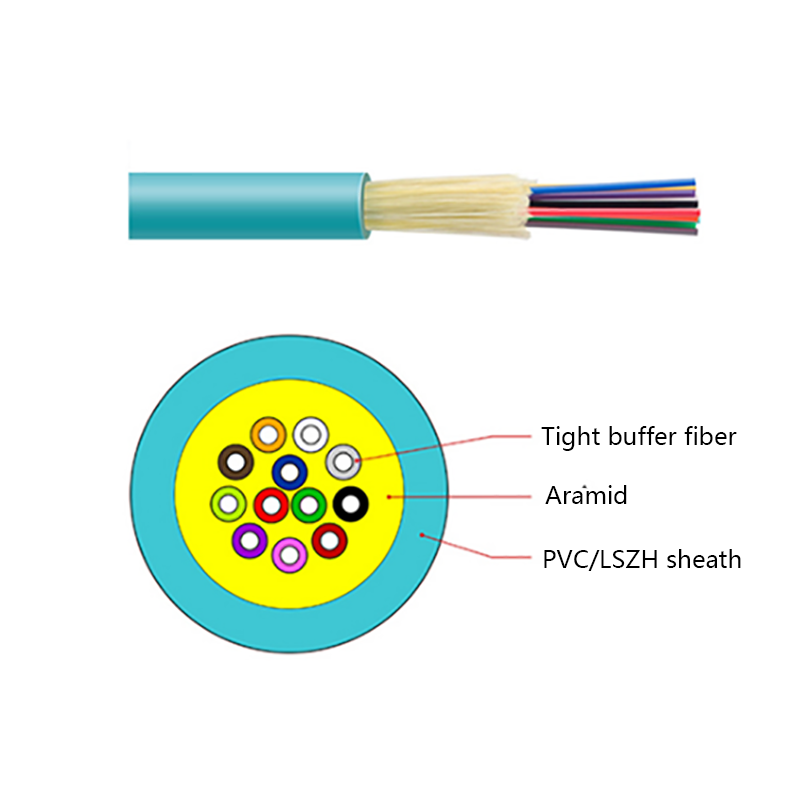
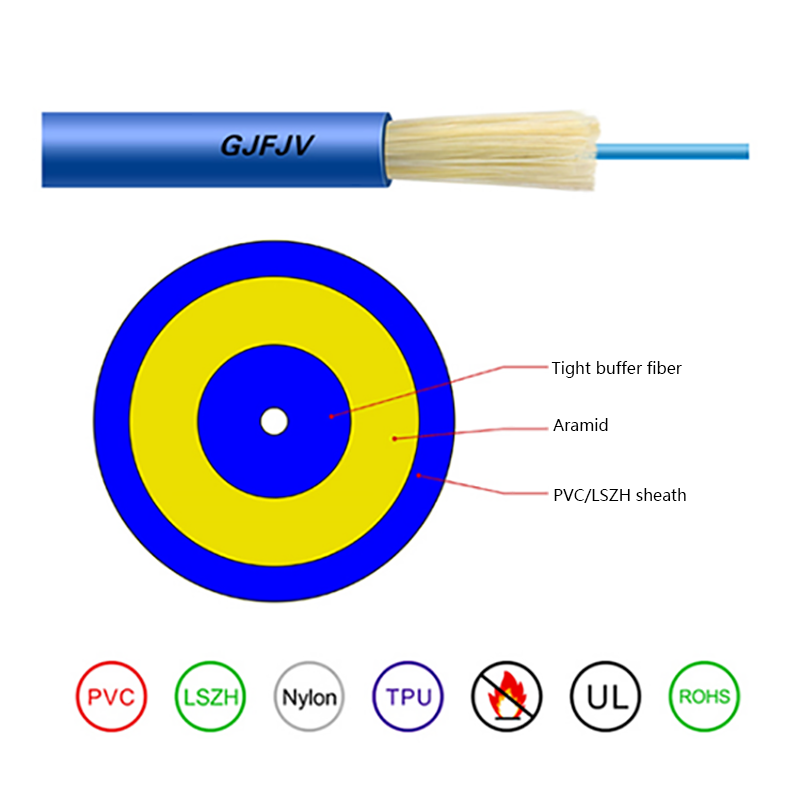
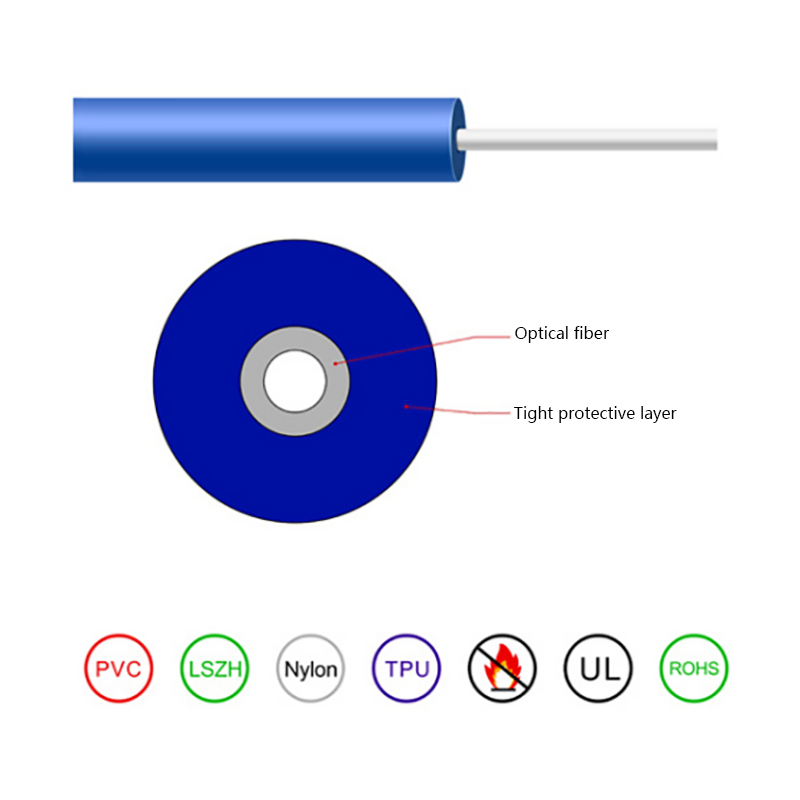
For riser backbones, mini bundle indoor cable with 900 micron tight-buffered fibres can be terminated directly and tolerates the 15 to 20 mm bend radii that real trays and corners impose. Fire performance ratings, not bandwidth, usually decide the exact part number.
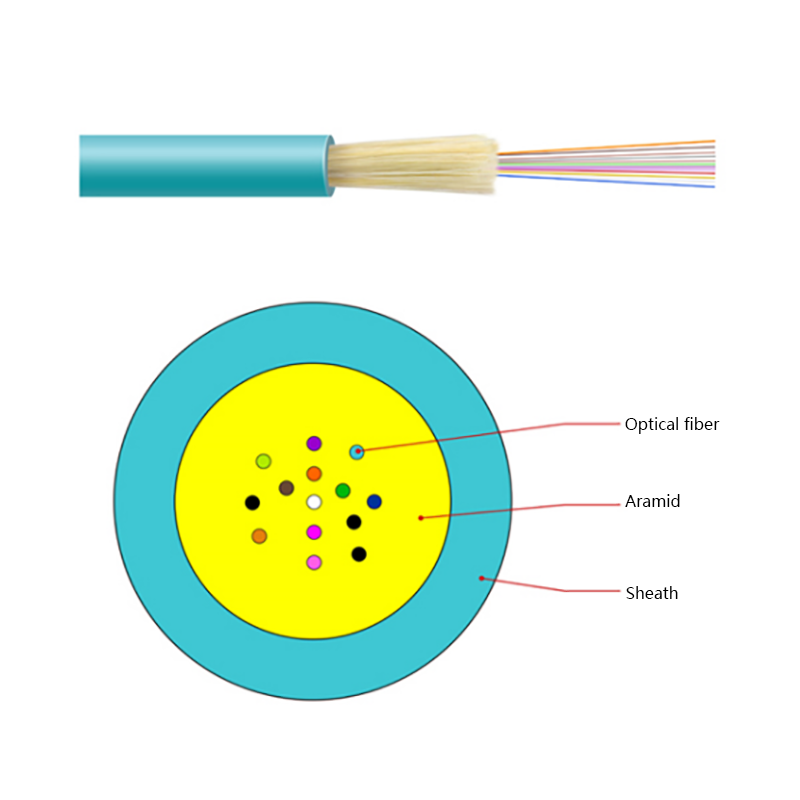 GJFV Indoor Mini Bundle Fiber Optic CableIndoor mini-bundle cable with aramid reinforcement and flame-retardant sheath, suited to riser backbone runs where fire rating guides selection.View Product →
On the subscriber side, a flat drop cable of roughly 2 by 3 mm with two strength members can be pulled through the same microduct a copper drop would have used, then terminated with a pre-fitted SC/APC connector in a single visit.
 GJYXCH FTTH Fiber Optic Drop CableFlat FTTH drop cable with central fiber, parallel FRP or steel strength members, and LSZH sheath for subscriber connections and microduct installation.View Product →
Copper costs less per metre, but the comparison only becomes meaningful once electronics, termination labour, upgrade cycles and service life are included.
| Cost element | Cat6A copper | Single-mode fibre |
| Cable material | Lower cost per metre | Higher per metre, fewer runs needed |
| Termination | RJ45 jacks, minutes each | Fusion splicing or pre-terminated ends |
| Electronics per end | Standard copper switch port | Transceiver plus fibre port |
| Maximum unamplified distance | 100 m | 10 to 40 km |
| Expected service life | 10 to 15 years | 25 to 30 years |
| Next upgrade | Recable and replace electronics | Replace optics only |
Not in the way most people assume. Light in a single-mode core travels at roughly 0.68 times the speed of light and signals in Cat6A pairs at roughly 0.7 times, so propagation delay over 100 metres differs by nanoseconds. What differs is throughput: 100 Gbps on one fibre pair over kilometres, against 10 Gbps on one copper channel over 100 metres.
Standard 10 Gbps single-mode optics reach 10 km, extended-reach optics reach 40 km, and coherent systems pass 80 km. Multimode OM4 reaches about 550 m at 10 Gbps, while copper Ethernet stops at 100 m regardless of the electronics behind it.
Usually yes, if fill ratio, bend radius and pull tension allow it. Outdoor stranded cables are commonly rated for 600 N long-term and 1500 N short-term installation tension, so check the datasheet, use a proper lubricant, and air-blow microcables where the duct is small or congested.
It needs a fusion splicer, cleaver, cleaning kit and an OTDR for certification, all of which cost more than a copper crimp kit. That gap narrows quickly on large projects, and pre-terminated assemblies remove splicing from the site entirely.
The choice between fibre optic cable and copper cable is rarely ideological. It comes down to route length, power requirements, the noise environment, and how many times the link will be upgraded before the building is renovated. Answer those four questions honestly and the specification usually writes itself.

Request for a call today

 Login
Custom Optical Cables Manufacturers
Login
Custom Optical Cables Manufacturers