


 English
 русский
 Español
 عربى
عربى 中文简体
中文简体

How Far Can a Fiber Optic Cable Be Run? Distance Guide
Content
- 1 Multimode vs. Single-Mode: The Core Distance Difference
- 2 Maximum Fiber Optic Cable Distance by Type and Standard
- 3 Key Factors That Limit Fiber Optic Cable Distance
- 4 Distance Limits by Application Type
- 5 How to Extend Fiber Optic Distance Beyond Standard Limits
- 6 Multimode Fiber Distance Comparison by Grade
- 7 Practical Tips for Planning Your Fiber Run
Fiber optic cable can be run anywhere from 300 meters up to 80 kilometers (roughly 50 miles) depending on the cable type, transceiver used, and network standard. For most enterprise or data center applications using multimode fiber, the practical limit sits between 300 m and 550 m. Single-mode fiber, by contrast, routinely spans tens of kilometers — making it the go-to choice for telecommunications backbones, ISP infrastructure, and long-haul networks.
The short answer: there is no single universal distance limit. The number depends heavily on which fiber type you choose, what wavelength your transceiver operates at, and how much signal loss you can tolerate. The sections below break this down clearly so you can plan your deployment with confidence.
Multimode vs. Single-Mode: The Core Distance Difference
The most important factor determining how far your fiber run can go is whether you're using multimode (MMF) or single-mode fiber (SMF). These two cable types behave fundamentally differently because of their core diameters and how light travels through them.
Multimode Fiber
Multimode fiber has a larger core (typically 50 µm or 62.5 µm) that allows multiple light modes to travel simultaneously. This causes modal dispersion — signals spread out over distance, limiting how far data can travel before degrading. It is best suited for short-range links in buildings, data centers, and campus networks.
Single-Mode Fiber
Single-mode fiber has a much smaller core (8–10 µm) and allows only one light path. This virtually eliminates modal dispersion, enabling signal transmission over much greater distances — commonly 10 km to 80 km, and even hundreds of kilometers with amplifiers. It is standard for telecom, ISP backbones, and inter-building links.
Maximum Fiber Optic Cable Distance by Type and Standard
The table below summarizes the maximum distance limits for the most common fiber types and Ethernet standards in real-world deployments.
| Standard | Fiber Type | Max Distance | Typical Use |
|---|---|---|---|
| 1000BASE-SX (1 Gbps) | OM2 Multimode | 550 m | LAN / data center |
| 1000BASE-LX (1 Gbps) | Single-Mode | 5 km | Campus / enterprise |
| 10GBASE-SR (10 Gbps) | OM4 Multimode | 400 m | High-speed data center |
| 10GBASE-LR (10 Gbps) | Single-Mode (OS2) | 10 km | Metro / inter-building |
| 10GBASE-ER (10 Gbps) | Single-Mode (OS2) | 40 km | Long-haul metro |
| 100GBASE-LR4 (100 Gbps) | Single-Mode (OS2) | 10 km | Data center interconnect |
| ZR / DWDM (100 Gbps+) | Single-Mode (OS2) | 80 km+ | Telecom / ISP backbone |
Key Factors That Limit Fiber Optic Cable Distance
Even within the same cable type, several variables can reduce your usable distance. Understanding these helps you design a more reliable network.
Signal Attenuation (Insertion Loss)
As light travels through fiber, it loses intensity — measured in decibels per kilometer (dB/km). Standard single-mode OS2 fiber has an attenuation of roughly 0.2 dB/km at 1550 nm, while multimode OM4 runs around 3.5 dB/km at 850 nm. Every connector, splice, and bend in the cable adds additional loss. Budget your total insertion loss carefully against your transceiver's receiver sensitivity.
Transceiver (SFP/QSFP) Specifications
The optical transceiver at each end defines your actual distance ceiling. An SFP+ LX module rated for 10 km will not reliably operate at 15 km, even over a perfect cable. Always match your transceiver's rated reach to your cable run. Using a mismatched transceiver is one of the most common causes of unexpected link failures.
Fiber Grade (OM1, OM2, OM3, OM4, OM5, OS1, OS2)
Not all multimode fiber is equal. Upgrading from OM2 to OM4 can more than double your usable distance at 10 Gbps — from 82 m to 400 m. For single-mode, OS2 low-water-peak fiber supports longer spans than the older OS1 type. Always specify the fiber grade when planning a new installation.
Number of Connectors and Splices
Each connector typically adds 0.3–0.5 dB of loss, and each fusion splice adds around 0.1 dB. A cable run with 10 connectors adds 3–5 dB of overhead before accounting for cable attenuation — significantly shortening your effective distance. Minimize connectors wherever possible and use fusion splicing for long backbone runs.
Bend Radius
Tight bends increase signal loss dramatically. Standard single-mode fiber should never be bent below a 30 mm radius under tension. Bend-insensitive fiber (BIF) handles tighter bends but should not be relied upon to compensate for poor installation practices over long runs.
Distance Limits by Application Type
To make this more practical, here are typical fiber run distances across common deployment scenarios:
- Within a single building (horizontal cabling): Up to 90 m for copper; fiber easily reaches 300–550 m with multimode, making it ideal for floors far from the IDF.
- Campus networks (building-to-building): Single-mode with 1000BASE-LX covers up to 5 km — enough to connect buildings across a large university or corporate campus without repeaters.
- Municipal / metro fiber (city-wide): DWDM-based single-mode systems routinely run 40–80 km between nodes on a metro ring.
- Long-haul telecommunications: With optical amplifiers (EDFAs) or regenerators, fiber spans can exceed thousands of kilometers. Undersea cables like the transpacific systems run over 10,000 km.
- FTTH (fiber to the home): Passive optical networks (PON) typically run up to 20 km between the central office and the end user's optical network terminal (ONT).
How to Extend Fiber Optic Distance Beyond Standard Limits
When your required run exceeds the rated limit of your fiber or transceiver, you have several practical options:
Optical Repeaters and Regenerators
A repeater receives the optical signal, converts it to electrical, reshapes and retimes it, then retransmits it as a clean optical signal. This effectively resets the distance counter. Repeaters are placed at regular intervals — for example, every 80 km on a long-haul single-mode run.
Optical Amplifiers (EDFA)
Erbium-doped fiber amplifiers (EDFAs) boost the optical signal directly without converting to electrical, making them faster and simpler than regenerators. They are the backbone of modern long-haul DWDM systems, amplifying multiple wavelengths simultaneously. Typical gain is 20–40 dB per amplifier stage.
Upgrade to Higher-Rated Transceivers
Before adding infrastructure, check whether a longer-reach transceiver exists for your switch or router. Swapping an SFP+ LR (10 km) for an SFP+ ER (40 km) or ZR (80 km) module may be all you need — assuming your fiber plant supports it.
DWDM (Dense Wavelength Division Multiplexing)
DWDM multiplexes many wavelengths onto a single fiber strand, effectively expanding capacity and, when combined with amplifiers, extending distance. Carrier-grade DWDM systems can carry 80+ channels over a single fiber pair for thousands of kilometers.
Multimode Fiber Distance Comparison by Grade
If you are deploying multimode fiber and need to choose a cable grade, the table below shows how the maximum distance changes at different speeds.
| Fiber Grade | 1 Gbps | 10 Gbps | 25 Gbps | 40 / 100 Gbps |
|---|---|---|---|---|
| OM1 (62.5 µm) | 275 m | 33 m | Not supported | Not supported |
| OM2 (50 µm) | 550 m | 82 m | Not supported | Not supported |
| OM3 (50 µm) | 1000 m | 300 m | 70 m | 100 m |
| OM4 (50 µm) | 1100 m | 400 m | 100 m | 150 m |
| OM5 (50 µm) | 1100 m | 400 m | 100 m | 150 m (SWDM) |
Practical Tips for Planning Your Fiber Run
Whether you are installing a new fiber link or troubleshooting an existing one, keep these guidelines in mind:
- Always measure your actual cable route distance, not the straight-line distance. Conduit paths, riser routes, and slack loops routinely add 15–25% to the physical cable length.
- Perform an optical loss budget calculation before finalizing transceiver choices. Add up cable attenuation, connector losses, and splice losses; compare against your transceiver's power budget.
- Use an OTDR (Optical Time-Domain Reflectometer) to test installed cable runs. An OTDR pinpoints faults, high-loss connectors, and confirms actual attenuation values rather than relying on spec sheets.
- Leave a distance margin of at least 20%. Running a link at 95% of its rated distance leaves almost no room for future connector changes, aging components, or temperature-induced losses.
- Choose single-mode for any run over 500 m, even if multimode technically reaches. The small cost difference between OM4 and OS2 single-mode cable is far outweighed by future-proofing your infrastructure.
Related Products
-
Optical Phase Conductor OPPC Cable
-
GYXTW Central Tube Armored Outdoor Optical Cable
-
Fiber Optic Patch Cables
-
OPGW Optical Fiber Composite Overhead Ground Wire
-
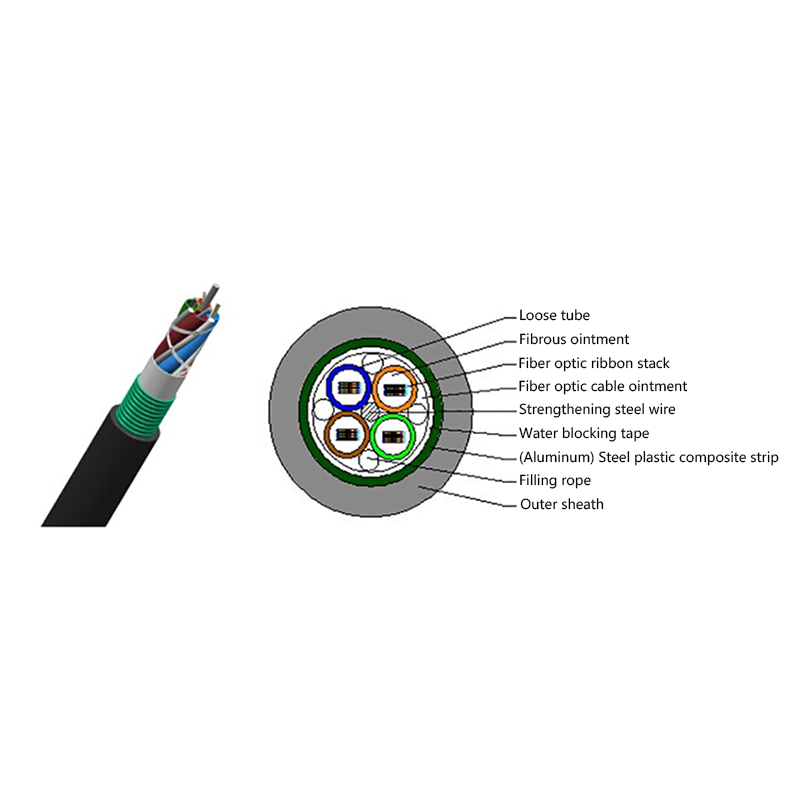
GYDTA(S) Layer Stranded Optical Fiber Ribbon Cable
-
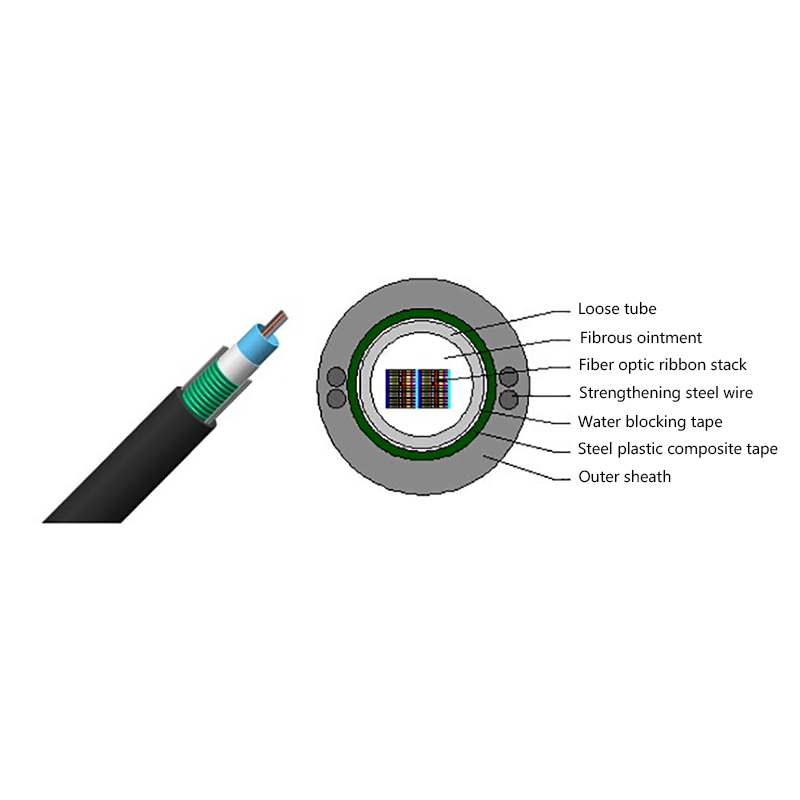
GYDXTW Center Tube Outdoor Optical Fiber Ribbon Cable
-
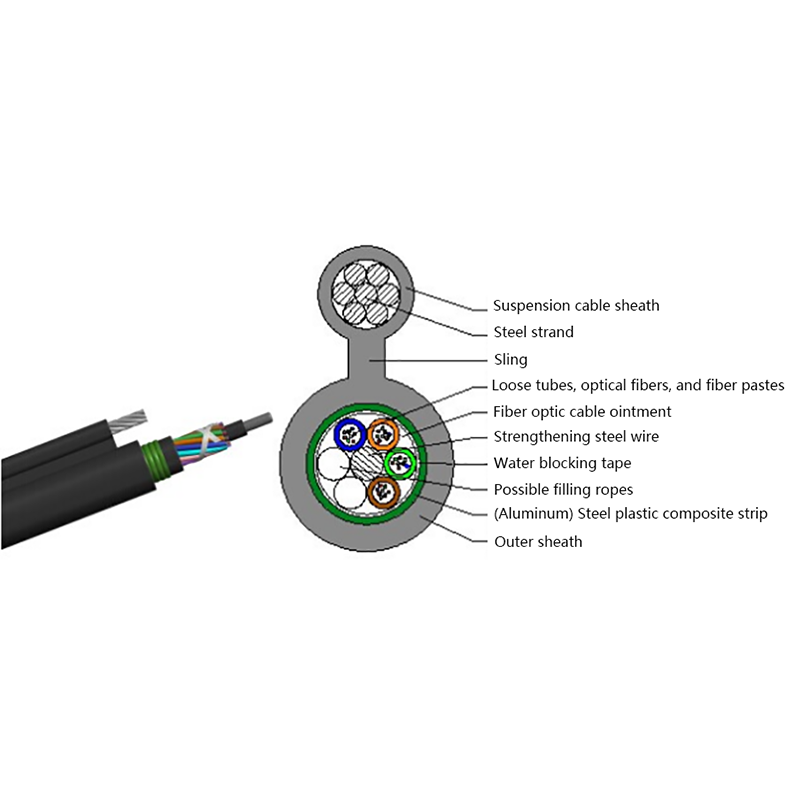
GYTC8A (S) Outdoor layer Stranded 8-shaped Self-Supporting Optical Cable
-
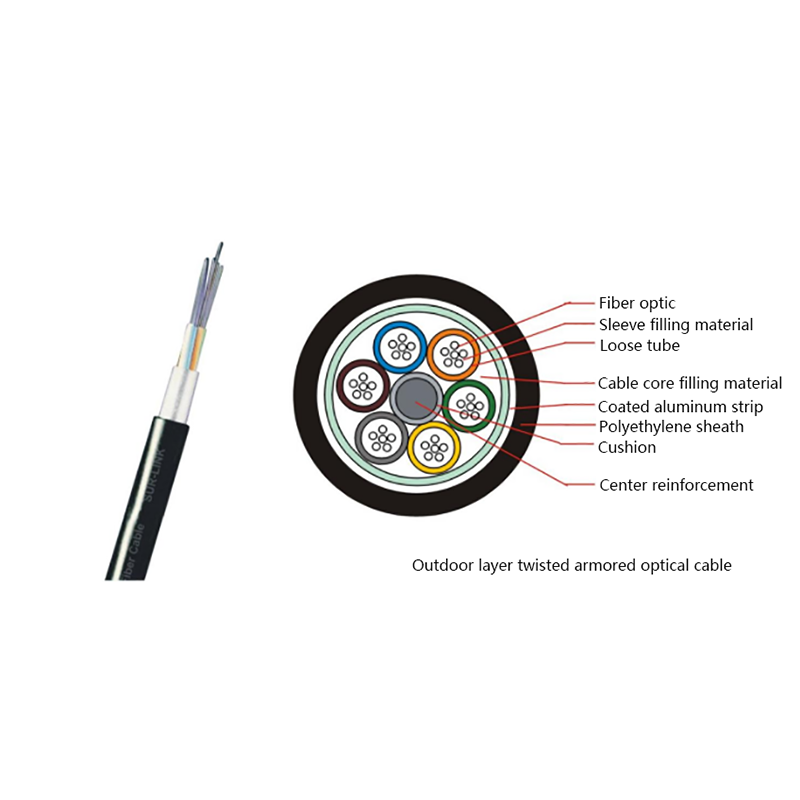
GYTA Layer Stranded Aluminum-Polyethylene Bonded Sheathed Outdoor Optical Cable
-
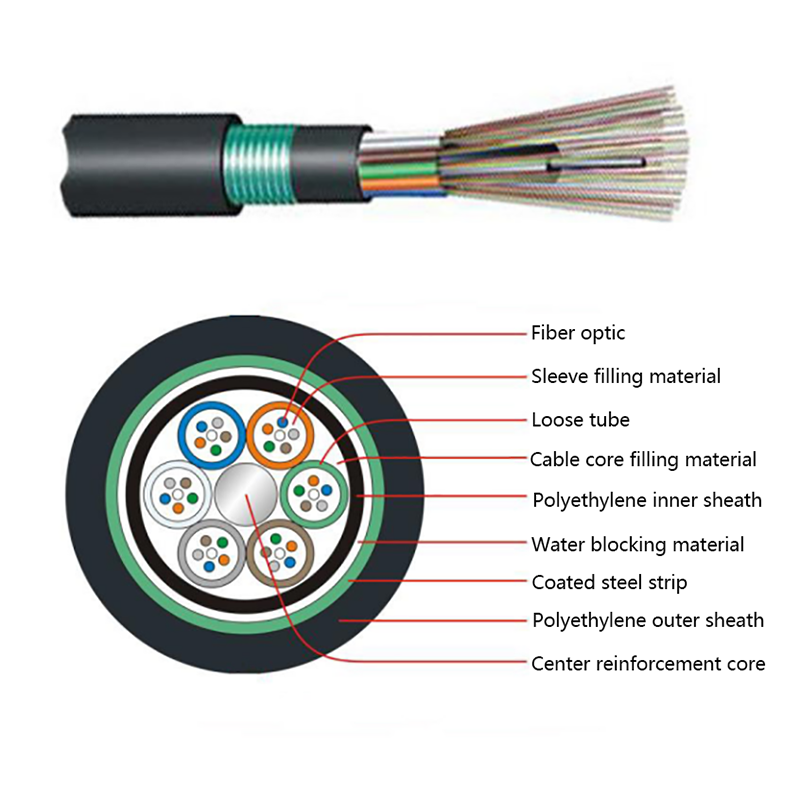
GYTY53 Layer-Stranded PE Inner Sheathed Steel Tape Armored Outer Sheath Optical Cable
-
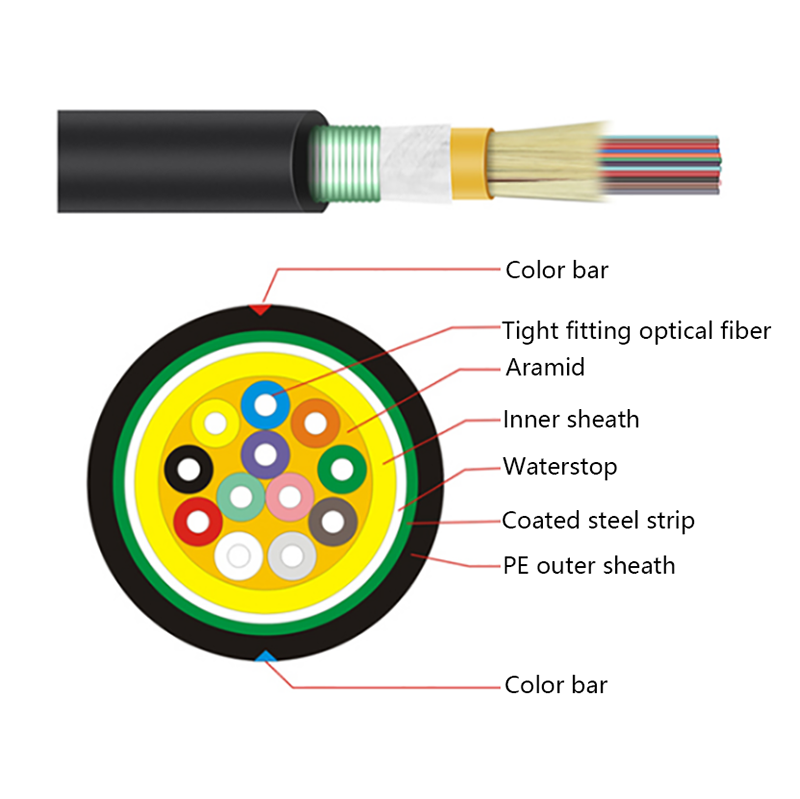
GJFJH53 Indoor Bundled Steel Tape Armored Optical Cable
-

GJPFJV GJFJHV Indoor Branch Optical Cable
-
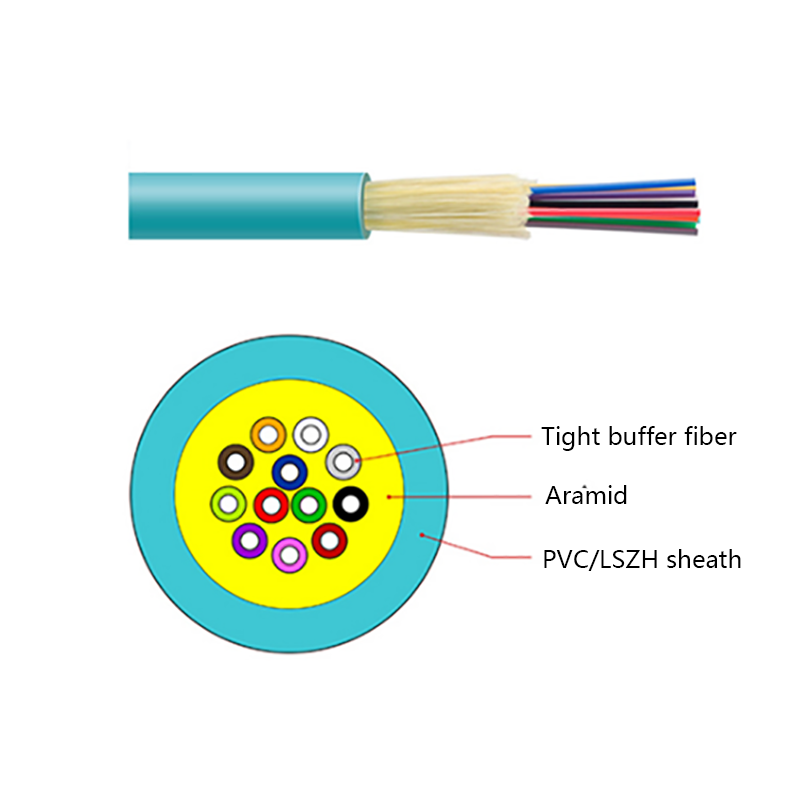
GJFJV Indoor Single Bundle Fiber Optical Cable
-
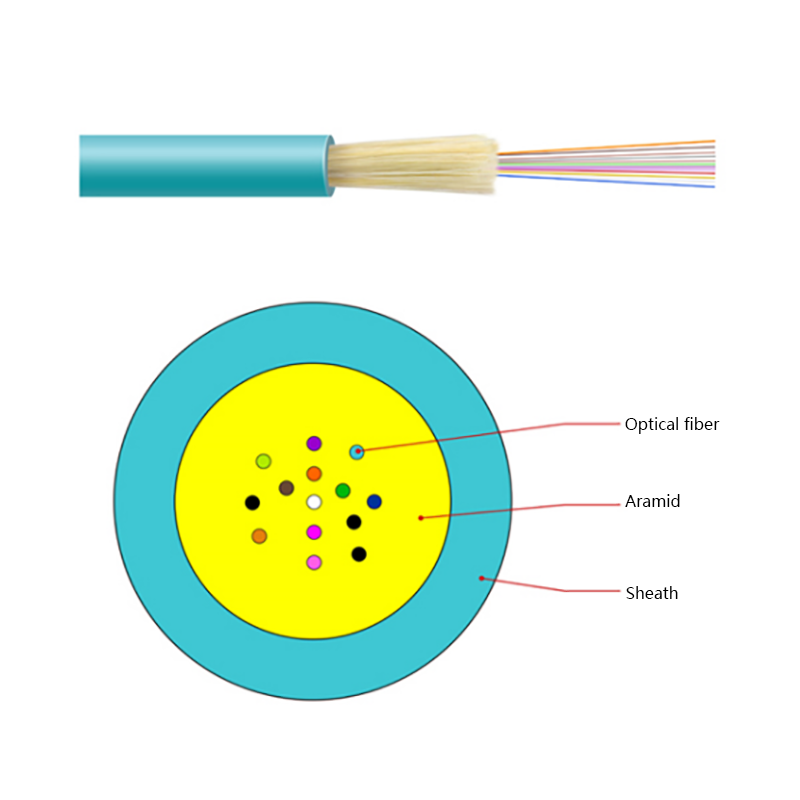
GJFV Indoor Mini Bundle Fiber Optic Cable
-
GJFJV Indoor Single Core Jumper Wire Optical Cable
-
Indoor Tight-Buffered Fibre Optic Cable
-
ADSS—All-Dielectric Self-Supporting Optical Cable
-
Anti-Squirrel ADSS Optical Cable
-
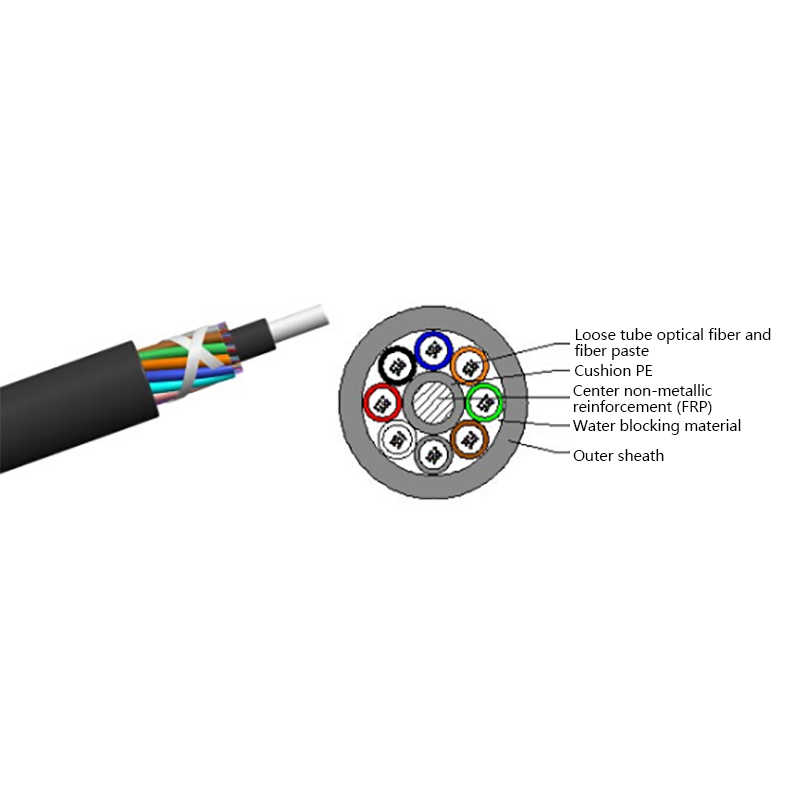
Non-metallic optical cable
Looking For Bussiness Opportunity?
Request for a call today

- Tel: +86-139-6297-6666
- Whatsapp: +86-13962991888
- E-mail: [email protected] / [email protected]
- Add: No.18, Xinjing Road, Nantong Economic and Technological Development Zone, Jiangsu Province, China
Products
Message
Coprright 2023 Jiangsu Hawell Optoelectronic Technology Co., Ltd. All Rights Reserved
 Login
Custom Optical Cables Manufacturers
Login
Custom Optical Cables Manufacturers
Login
Custom Optical Cables Manufacturers