


 English
 русский
 Español
 عربى
عربى 中文简体
中文简体

How to Crimp Cat 5 Cable: Step-by-Step Guide for a Perfect Connection
Content
- 1 Tools and Materials You Need Before You Start
- 2 T568A vs. T568B: Choosing the Right Wiring Standard
- 3 Step-by-Step: How to Crimp a Cat 5 Cable
- 4 Straight-Through vs. Crossover Cables: When to Use Each
- 5 Common Crimping Mistakes and How to Avoid Them
- 6 Cat 5 vs. Cat 5e: Does It Matter for Crimping?
- 7 Tips for Crimping in the Field vs. in a Workshop
- 8 When Copper Ends and Fiber Begins
- 9 Final Checklist Before You Close Up the Wall
Crimping a Cat 5 cable incorrectly is one of the most common reasons for network failures that are hard to diagnose. A cable that looks fine on the outside can have pinched conductors, poor contact inside the RJ45 plug, or reversed wire pairs — any one of which can cause packet loss, intermittent drops, or a link that simply won't come up. After years of working in structured cabling and supplying cable products to installers worldwide, I want to walk you through the entire process the right way, so your terminations hold up from day one.
This guide covers everything from the tools you need, to the two wiring standards, to step-by-step crimping, testing, and the mistakes we see most often in the field.
Tools and Materials You Need Before You Start
Having the right tools makes the difference between a crimp that lasts years and one that fails during the first cable test. Do not substitute with general-purpose pliers or scissors — they will damage the conductors or the plug housing.
Essential Tools
- RJ45 crimping tool (with built-in wire cutter and stripper if possible)
- Cable stripper or a dedicated jacket stripping tool
- RJ45 modular plugs (make sure they are rated for Cat 5 or Cat 5e, not older Cat 3 plugs)
- Network cable tester (a simple continuity tester costs less than $15 USD and will catch wiring faults before you mount anything)
- Flush cutter or sharp scissors for a clean final trim
For high-volume runs — say, wiring a building with 50 or more drops — a ratchet crimping tool is worth the investment. Ratchet-style crimpers apply consistent pressure on every crimp, reducing failed terminations by an estimated 30–40% compared to non-ratchet tools in production environments.
T568A vs. T568B: Choosing the Right Wiring Standard
Before crimping, you must decide which wiring standard to follow. Both are TIA/EIA-568 compliant, and both deliver the same electrical performance on a Cat 5 cable — the only difference is the arrangement of the wire pairs in pins 1–2 and 3–6.
| Pin | T568A Wire Color | T568B Wire Color |
|---|---|---|
| 1 | White/Green | White/Orange |
| 2 | Green | Orange |
| 3 | White/Orange | White/Green |
| 4 | Blue | Blue |
| 5 | White/Blue | White/Blue |
| 6 | Orange | Green |
| 7 | White/Brown | White/Brown |
| 8 | Brown | Brown |
T568B is the dominant standard in commercial and residential installations across North America. T568A is specified by the U.S. government (TIA-568-C) and is common in residential new construction in some regions. The critical rule: always use the same standard on both ends of a straight-through cable. If you mix A on one end and B on the other, you have a crossover cable — which has specific uses but will not work for a standard device-to-switch connection.
When wiring an entire building, pick one standard and document it. Switching between T568A and T568B on different runs in the same installation creates serious troubleshooting problems down the line.
Step-by-Step: How to Crimp a Cat 5 Cable
Follow these steps in order. Skipping or rushing any one of them is where most failed crimps originate.
- Strip the outer jacket. Use a cable stripper to remove approximately 25–30 mm (about 1 inch) of the outer jacket. Be careful not to nick the insulation on the individual conductors inside — even a small nick increases crosstalk and can cause intermittent failures under load. If you see any cut insulation, cut back the jacket further and start again.
- Untwist and separate the pairs. Cat 5 cable contains four twisted pairs, color-coded as described in the table above. Carefully untwist each pair only as much as needed — maintain as much twist as possible right up to the plug entry point. Excessive untwisting increases crosstalk, which degrades signal quality, especially at Fast Ethernet (100 Mbps) speeds.
- Arrange the wires in the correct order. Hold the wires flat between your thumb and forefinger and arrange them left to right in pin order (1 through 8) according to your chosen standard (T568A or T568B). Make sure all wires are flat, parallel, and in order before proceeding. This step takes patience — it is worth taking 30 extra seconds to get right.
- Trim the wires to a uniform length. Use a flush cutter or the blade on your crimping tool to trim all eight wires to the same length. The exposed conductor length should be approximately 13–14 mm — enough to reach the full depth of the RJ45 plug without excess. Uneven wires are one of the top causes of failed pin contact.
- Insert the wires into the RJ45 plug. Hold the plug with the clip facing down and the open end toward you. Slide the wires in carefully, keeping them flat and in order. Push firmly until each wire contacts the end wall of the plug — you should be able to see the copper conductor tips through the front of the transparent plug body when held up to light. Ensure the jacket enters the plug body by at least 6 mm so the strain relief clamp grips the jacket, not the conductors.
- Crimp the plug. Insert the loaded plug into the RJ45 port of your crimping tool. Apply firm, steady pressure until you hear or feel the ratchet release (on ratchet tools) or the handles fully compress (on standard tools). This drives the eight metal contacts down through the wire insulation and onto each conductor, and locks the strain relief clamp onto the jacket.
- Inspect the crimp. Before testing, visually check that all eight contacts are pressed fully down and that the jacket is secured under the rear strain relief. Give the cable a firm tug — the plug should not move or pull back. If it does, the jacket was not seated far enough into the plug before crimping.
- Test the cable. Plug both ends into a cable tester and verify continuity on all eight pins in the correct sequence. A good straight-through cable will light pins 1–8 in order. Any crossed, missing, or split pairs must be re-terminated — do not install an untested cable in a wall or conduit.
Straight-Through vs. Crossover Cables: When to Use Each
Understanding the difference prevents wiring a cable that won't work for the intended application.
Straight-Through Cable
Both ends use the same wiring standard. This is the cable you make for 99% of installations — connecting a computer to a switch, a switch to a router, a patch panel port to a wall jack. Pin 1 on one end connects to pin 1 on the other, pin 2 to pin 2, and so on.
Crossover Cable
One end is T568A, the other is T568B. This cable was traditionally used to connect two computers directly or two switches together without an uplink port. Most modern network equipment supports Auto-MDI/MDIX, which automatically detects and corrects the cable type — so crossover cables are rarely needed today. Still, knowing how to make one is useful for legacy equipment.
Common Crimping Mistakes and How to Avoid Them
In production cabling environments, most faults trace back to a handful of recurring errors. Here are the ones we see most frequently, and what to do instead.
- Nicking the conductor insulation during stripping. This creates a weak point that can fail under flexing or temperature change. Use a proper stripping tool set to the correct depth, and rotate the tool around the jacket rather than pulling straight through.
- Untwisting pairs too far back. TIA-568 specifies that untwisting should not exceed 13 mm from the point of termination. Exceeding this — especially on pairs 1-2 and 3-6 which carry the primary data signals — introduces Near-End Crosstalk (NEXT) that degrades link quality.
- Wires not reaching the end of the plug. If the conductors don't make full contact with the IDC contacts, pins will show as open on a tester. Always hold the loaded plug to the light before crimping to verify all eight tips are visible at the front.
- Jacket not seated inside the plug. Without the jacket entering the plug, the strain relief clamps bare conductors instead of the jacket. Any pull on the cable will shift wires inside the plug over time. Aim for at least 6 mm of jacket inside the plug body.
- Using mismatched plug grades. Cat 3 RJ45 plugs look identical to Cat 5e plugs but have a lower-grade contact design. Always use plugs rated for the cable category you are terminating.
- Skipping the cable test. A cable that passes visual inspection can still have a split pair (a wiring fault that passes a basic continuity test but causes significant crosstalk). Use a tester that checks wire map, continuity, and if possible, NEXT — especially before hiding cables in walls.
Cat 5 vs. Cat 5e: Does It Matter for Crimping?
The crimping process is identical for Cat 5 and Cat 5e — same plug, same tool, same steps. The difference is in the cable specification itself. Cat 5e (enhanced) is rated for 1000BASE-T (Gigabit Ethernet) over 100 meters, while original Cat 5 is only certified to 100 Mbps. Cat 5e has tighter crosstalk specifications and improved pair balance.
In practice, if you are running new cabling today, there is no reason to use Cat 5 instead of Cat 5e — the cost difference is minimal and the performance headroom is significantly better. Many installers now go directly to Cat 6 for any new structured cabling project, especially where PoE (Power over Ethernet) devices like IP cameras or wireless access points will be connected, since Cat 6 has lower DC resistance and handles the heat generated by PoE loads more effectively.
Tips for Crimping in the Field vs. in a Workshop
Crimping at a clean workbench is easy. Crimping inside a cramped equipment room, at the top of a ladder, or in a cable tray is a different matter. A few habits make field work more reliable.
- Pre-load your plugs at ground level whenever possible. Arrange and verify the wire order before climbing or reaching into a tight space, then crimp in position.
- Use a small headlamp to verify wire seating when lighting is poor. The clear plug body is designed for exactly this inspection — take advantage of it.
- In cold environments below 5°C, cable jackets become stiffer and conductors more brittle. Allow the cable to warm up before stripping and crimping to avoid cracking the insulation.
- Label both ends of every cable run before crimping. Relabeling after the fact — especially in a full patch panel — is time-consuming and error-prone.
- Keep spare plugs accessible. Experienced technicians budget for a small percentage of re-terminations on every job — having plugs on hand avoids project delays.
When Copper Ends and Fiber Begins
Cat 5 copper cable is reliable and practical for horizontal runs up to 100 meters. For longer distances, backbone connections between buildings, or high-bandwidth backbone infrastructure, the physics of copper reach their limit. Fiber optic cable carries signals over distances of 550 meters (multimode) to 80 kilometers (single-mode) without signal degradation, completely immune to electromagnetic interference.
As a manufacturer specializing in fiber optic cable, we supply a full range of indoor optical cables, outdoor optical cables, FTTH cables, ADSS cables, and OPGW — for customers building out both the last mile and long-haul backbone networks. If your project extends beyond what copper can handle, visit our fiber optic cable products page to explore the options we offer.
Final Checklist Before You Close Up the Wall
Before any cable gets hidden behind a wall plate, in conduit, or above a ceiling tile, run through this quick checklist.
- Cable tester confirms all 8 pins in correct order — no opens, shorts, or split pairs
- Both ends are labeled with the same identifier
- Jacket is seated at least 6 mm inside each plug
- The same wiring standard (T568A or T568B) is used on both ends
- No sharp bends tighter than a 25 mm bend radius anywhere in the run
- Cable is not bundled with power cables without appropriate separation or shielding
A proper crimp on a properly installed cable run should perform without issues for 10–15 years under normal indoor conditions. The few extra minutes spent on a thorough test and inspection before sealing up the installation will save a significant amount of troubleshooting time later.
Related Products
-
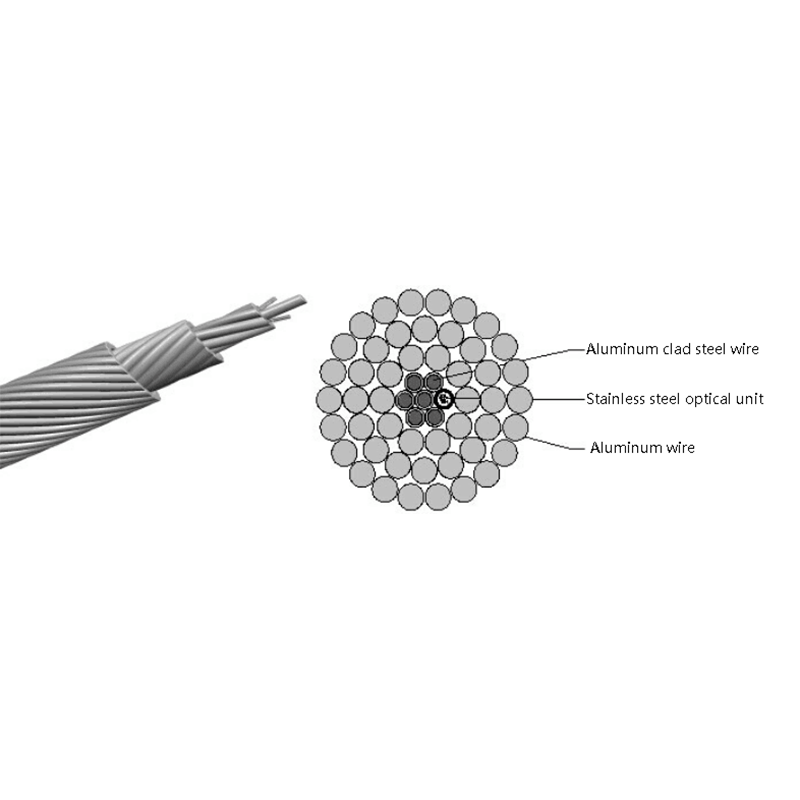
Optical Phase Conductor OPPC Cable
-
GYXTW Central Tube Armored Outdoor Optical Cable
-
Fiber Optic Patch Cables
-
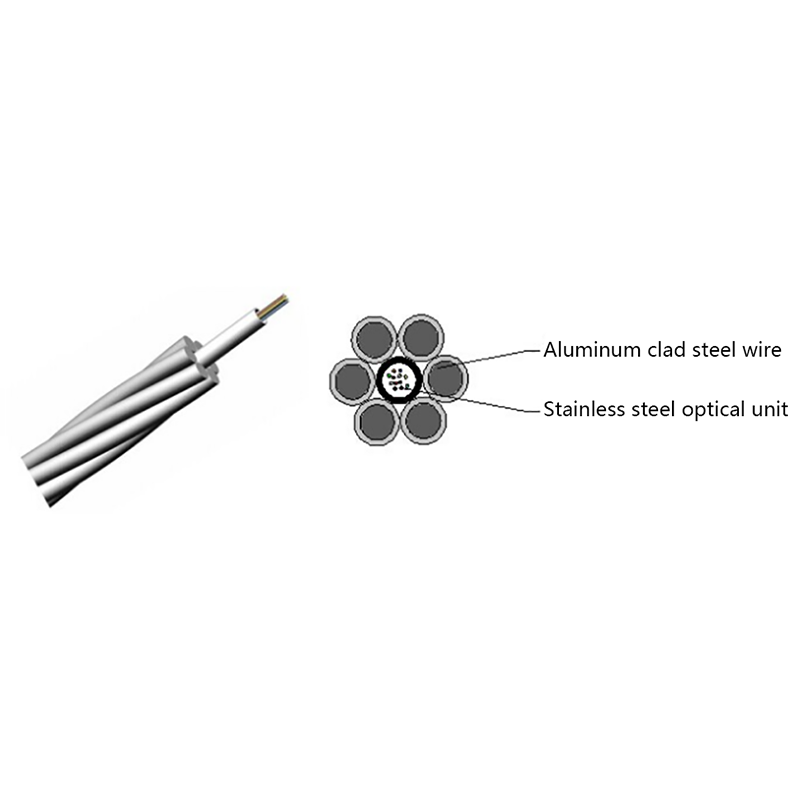
OPGW Optical Fiber Composite Overhead Ground Wire
-
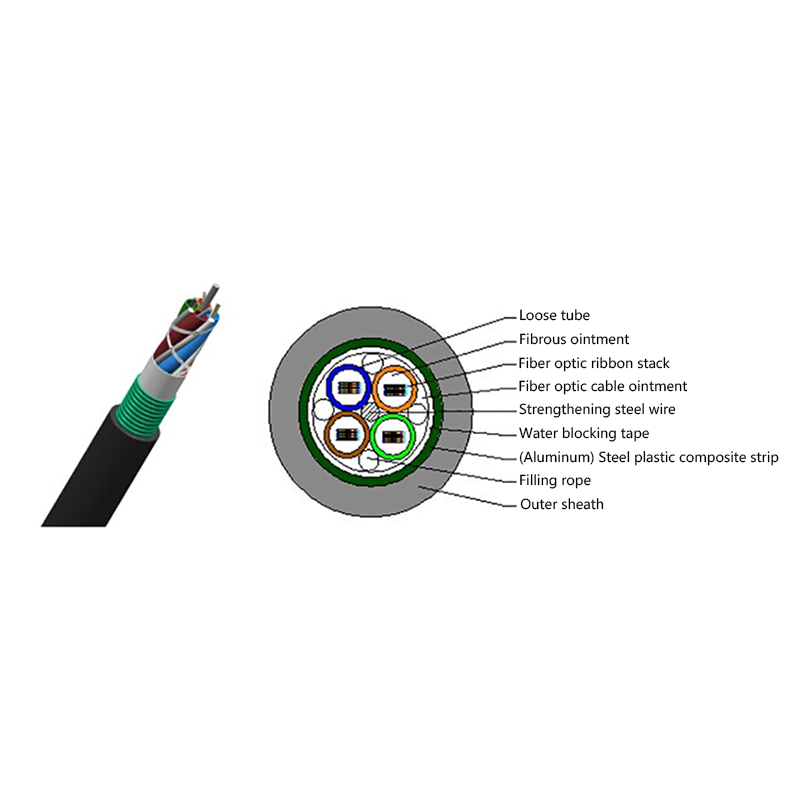
GYDTA(S) Layer Stranded Optical Fiber Ribbon Cable
-
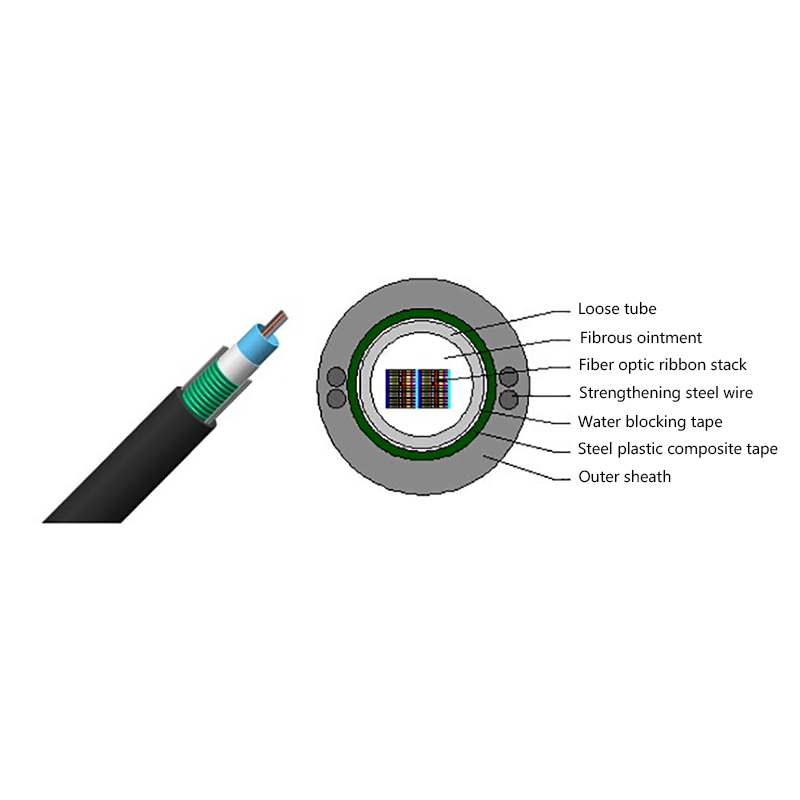
GYDXTW Center Tube Outdoor Optical Fiber Ribbon Cable
-
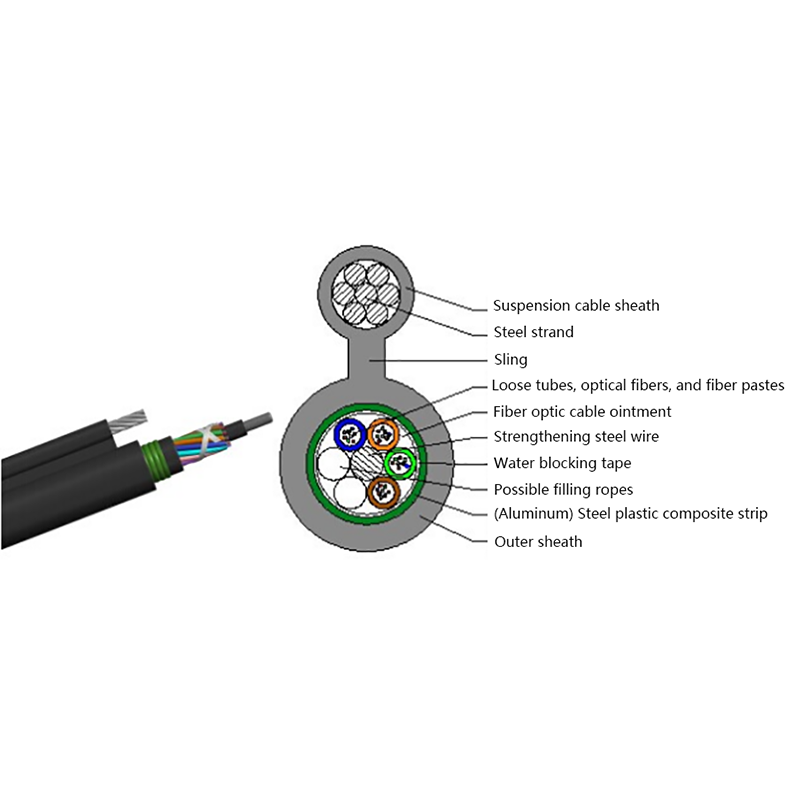
GYTC8A (S) Outdoor layer Stranded 8-shaped Self-Supporting Optical Cable
-
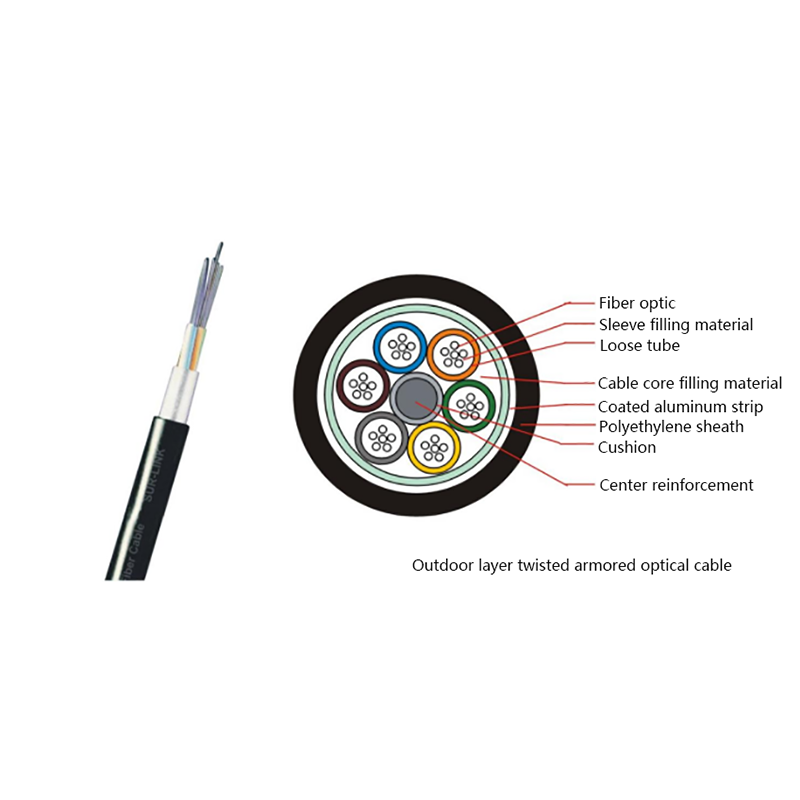
GYTA Layer Stranded Aluminum-Polyethylene Bonded Sheathed Outdoor Optical Cable
-
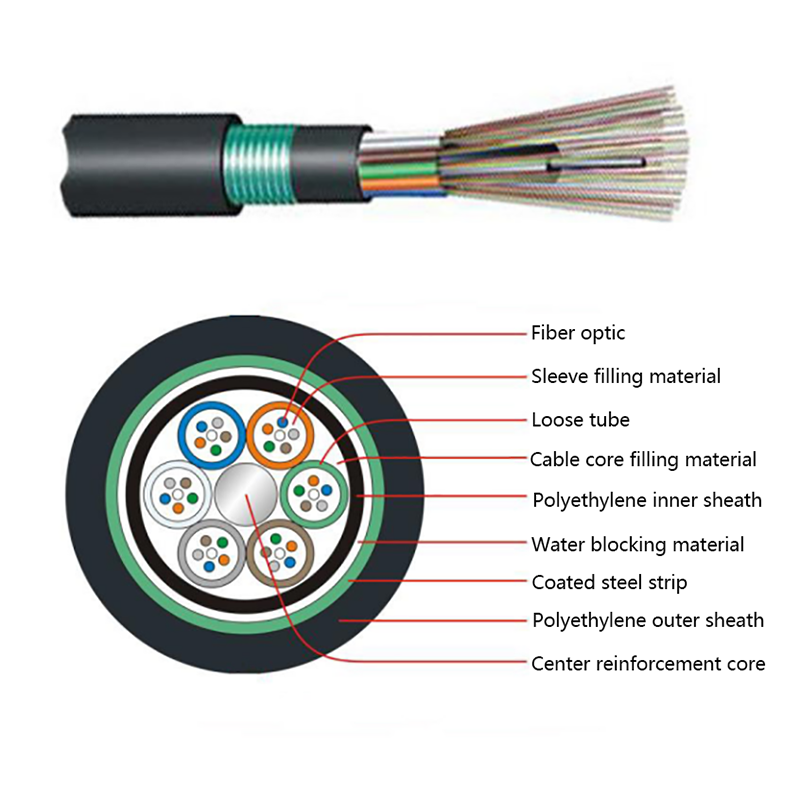
GYTY53 Layer-Stranded PE Inner Sheathed Steel Tape Armored Outer Sheath Optical Cable
-
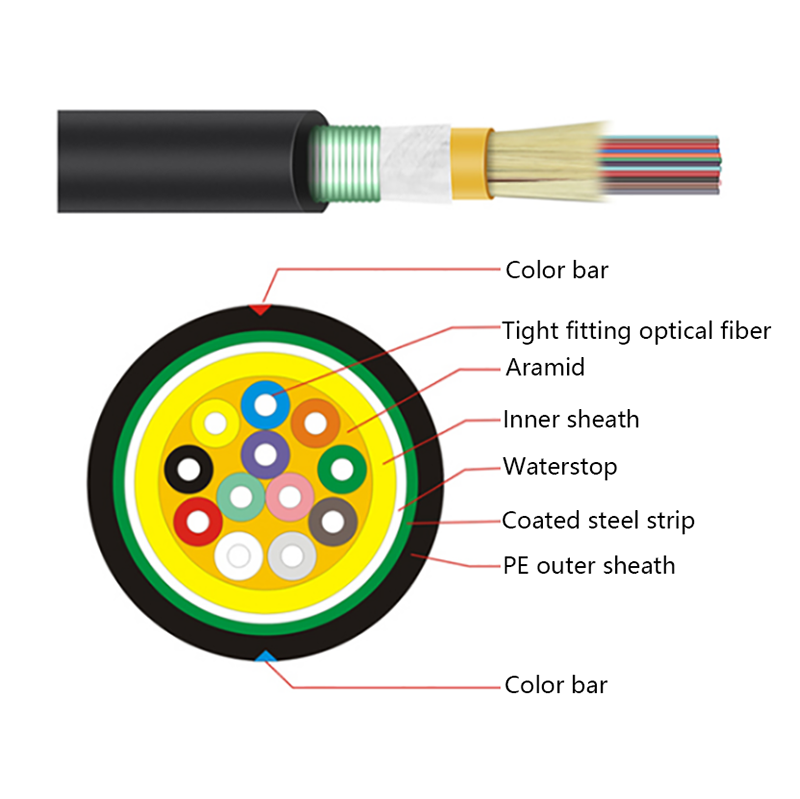
GJFJH53 Indoor Bundled Steel Tape Armored Optical Cable
-

GJPFJV GJFJHV Indoor Branch Optical Cable
-
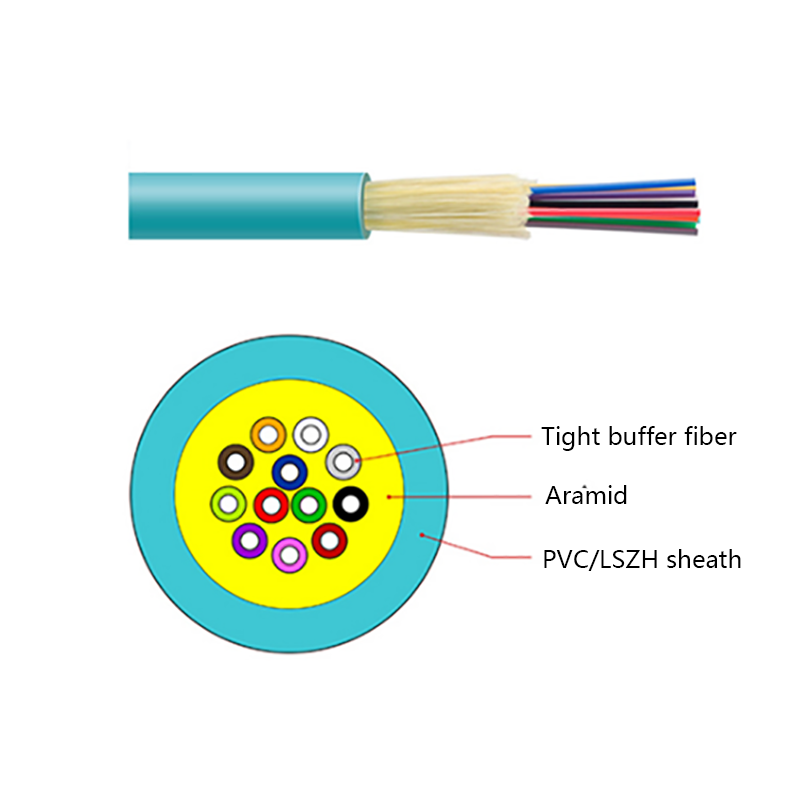
GJFJV Indoor Single Bundle Fiber Optical Cable
-
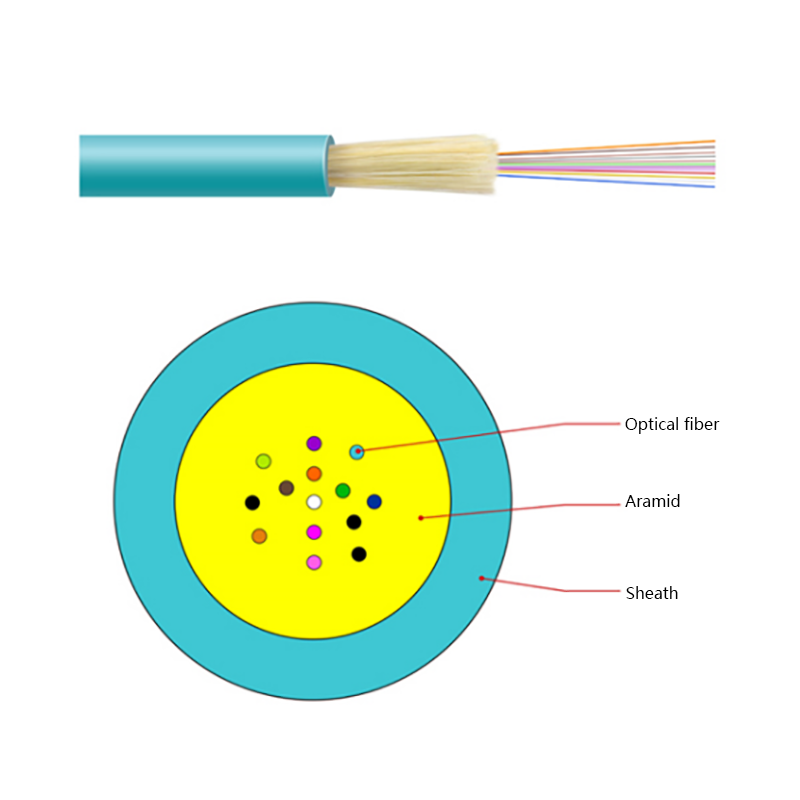
GJFV Indoor Mini Bundle Fiber Optic Cable
-
GJFJV Indoor Single Core Jumper Wire Optical Cable
-
Indoor Tight-Buffered Fibre Optic Cable
-
ADSS—All-Dielectric Self-Supporting Optical Cable
-
Anti-Squirrel ADSS Optical Cable
-
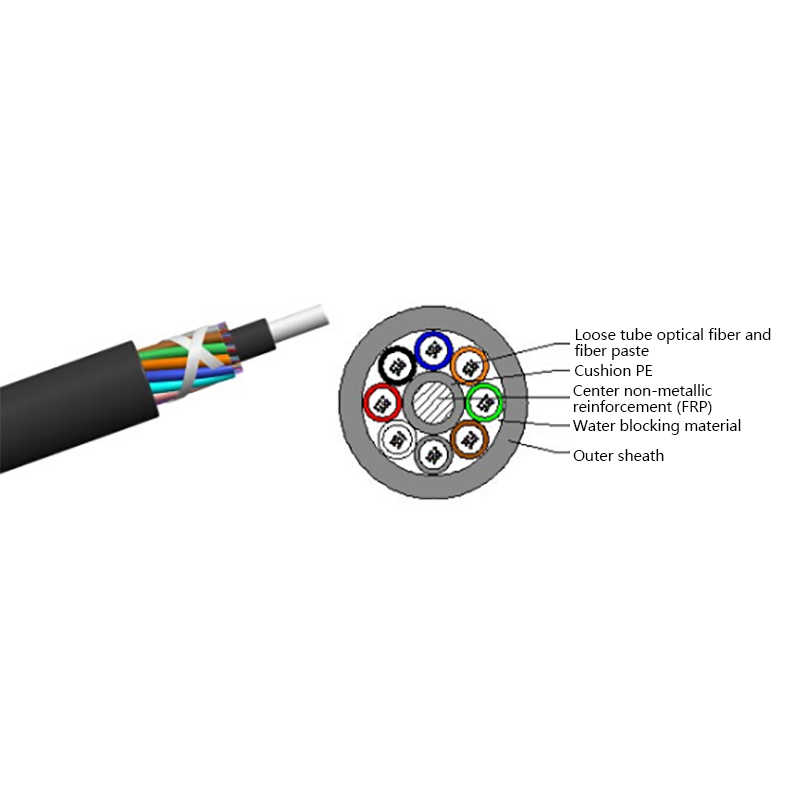
Non-metallic optical cable
Looking For Bussiness Opportunity?
Request for a call today

- Tel: +86-139-6297-6666
- Whatsapp: +86-13962991888
- E-mail: [email protected] / [email protected]
- Add: No.18, Xinjing Road, Nantong Economic and Technological Development Zone, Jiangsu Province, China
Products
Message
Coprright 2023 Jiangsu Hawell Optoelectronic Technology Co., Ltd. All Rights Reserved
 Login
Custom Optical Cables Manufacturers
Login
Custom Optical Cables Manufacturers
Login
Custom Optical Cables Manufacturers