


 English
 русский
 Español
 عربى
عربى 中文简体
中文简体
News
Home / News / Industry news / Ethernet Cable vs Fiber Optic: Key Differences, Costs, and When to Use Each

Content
A 90-meter run across a single office floor sits comfortably within what a Cat6A Ethernet cable can handle. Stretch that same link to 900 meters between two buildings, and copper fails outright: attenuation eats the signal before it reaches the far end, and no switch configuration will recover it. Distance is the sharpest dividing line in the ethernet cable vs fiber optic comparison, but it is far from the only one.
The short answer first: fiber optic cable wins on speed, distance, bandwidth headroom, and immunity to electrical interference. Ethernet cable, meaning twisted-pair copper terminated with RJ45 connectors, wins on upfront cost, termination simplicity, and the ability to deliver power to cameras, access points, and phones through PoE. Almost every serious network uses both, and the costly mistake is deploying copper where fiber is required, or paying for fiber where a 40-meter copper patch would do the same job.
The naming trips up many buyers. Ethernet is technically a networking protocol defined by IEEE 802.3, but in everyday use it refers to copper twisted-pair cable, such as Cat5e, Cat6, Cat6A, Cat7, and Cat8, in which data travels as electrical pulses through four pairs of copper conductors. It is inexpensive, familiar to every installer, and virtually all consumer and office equipment ships with a port for it.
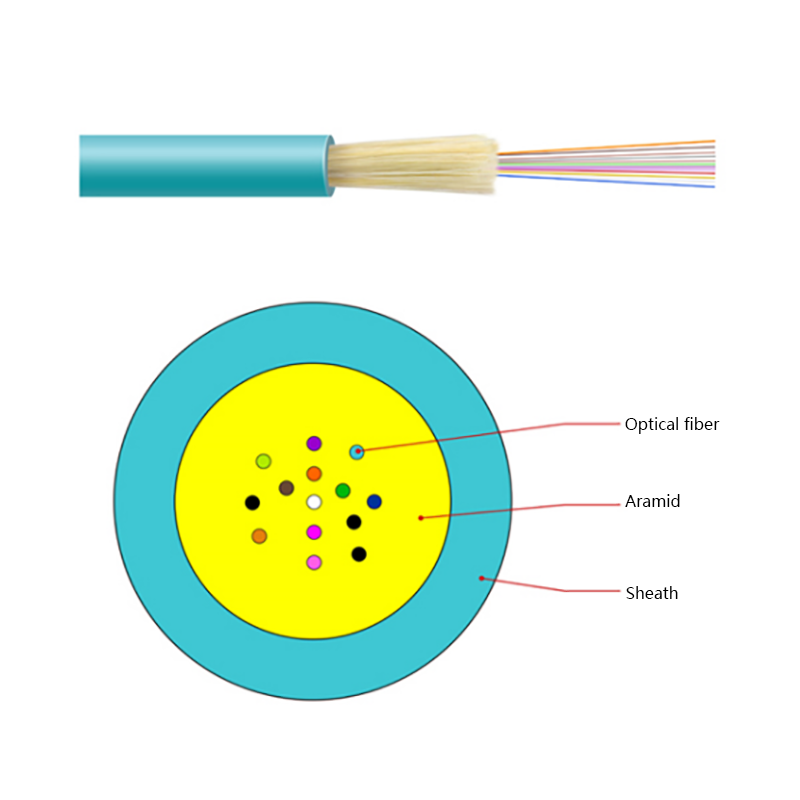
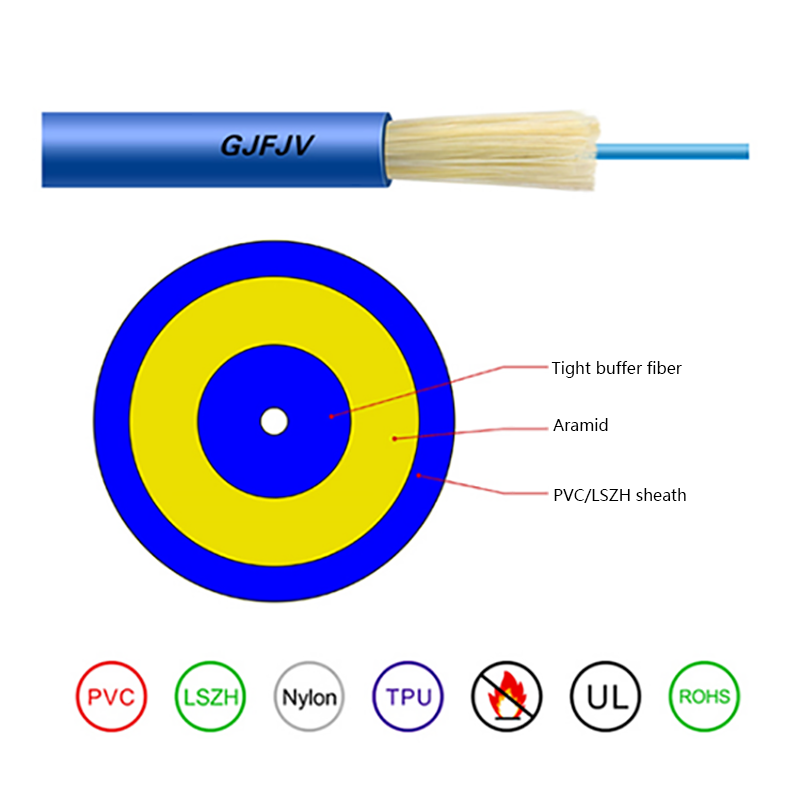
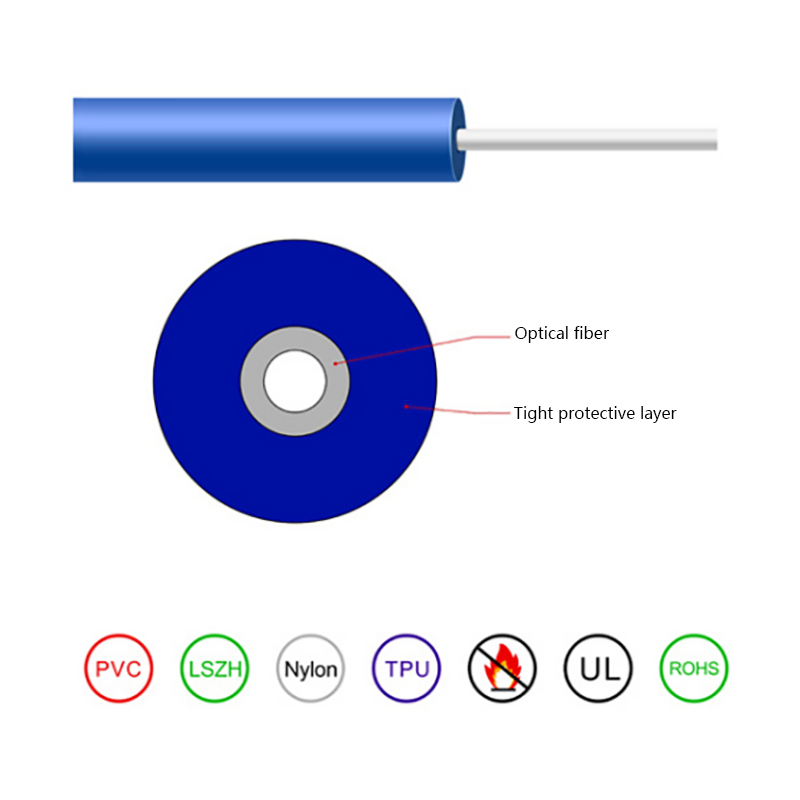
Fiber optic cable works on entirely different physics. A glass core, 9 micron for single-mode (usually built to the ITU G.652D standard) or 50 micron for multimode, carries data as pulses of light. Light does not react to electrical fields, and modern glass attenuates it so little that a signal can travel tens of kilometers without any active equipment. That difference in physics explains nearly every row in the comparison below.
A head-to-head view makes the trade-offs concrete before you commit to a purchase order.
| Factor | Ethernet Cable (Copper) | Fiber Optic Cable |
|---|---|---|
| Top practical speed | Cat6A handles 10 Gbps at 100 m; Cat8 reaches 25-40 Gbps but only within 30 m | Commercial links run 100-800 Gbps per fiber pair |
| Maximum distance | 100 m channel; 10 Gbps on Cat6 limited to roughly 55 m | Multimode covers hundreds of meters; single-mode covers tens of kilometers without active gear |
| Latency | Negligible within 100 m; grows with every repeater added on longer routes | Lowest over long distance; no repeaters needed on typical campus runs |
| Interference immunity | Shielding helps, but motors, power lines, and lighting fixtures still inject noise | Immune to electromagnetic interference by physics |
| Power delivery | PoE supplies up to 90 W per port for cameras, access points, and phones | Cannot carry electrical power on its own |
| Termination | RJ45 crimping with inexpensive hand tools | Fusion splicing or connector polishing; skilled labor and specialized equipment required |
| Signal security | Copper radiates electromagnetic fields that can be intercepted | No electromagnetic emission; tapping requires physically breaking the link |
For horizontal cabling, the runs from wall outlets back to a telecom room, copper remains the sensible default. A 100-meter channel covers the vast majority of floor plans, RJ45 termination takes minutes with a basic crimper and tester, and any low-voltage technician can complete the work without specialized training.
Ethernet is also the only medium of the two that carries electricity. PoE delivers up to 90 W per port on current standards, which is why IP cameras, wireless access points, and VoIP phones hang on copper: one cable provides both the data link and the power. Fiber cannot replicate this without a separate hybrid design or local power at the endpoint.
Add the low price of bulk Cat6 and the convenience of pre-made patch cords, and the case for copper inside a single floor is difficult to beat.
Fiber takes over the moment distance, bandwidth, or interference exceeds copper's comfort zone. Campus backbones between buildings, riser links between floors, industrial plants full of motors and welders, data center interconnects, and long outdoor routes all belong to fiber. Along power corridors and in heavy industry, immunity to electromagnetic interference is not a luxury; copper cabling run beside high-voltage equipment produces corrupted data and downtime.
Before finalizing any route, it is worth reviewing exactly how far a fiber optic cable can run before attenuation becomes a design constraint, because single-mode and multimode answers differ by orders of magnitude.
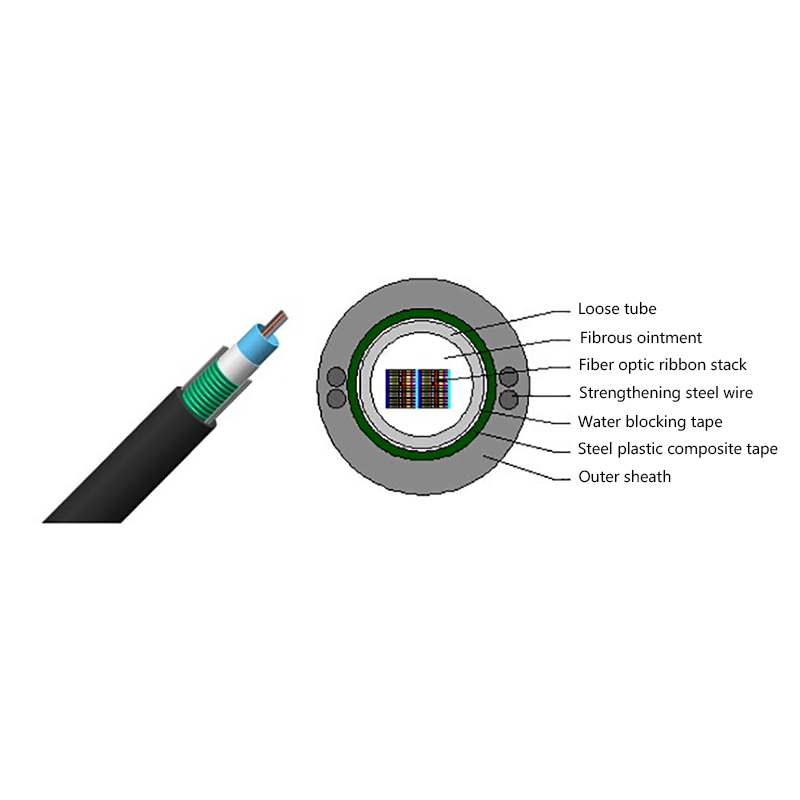
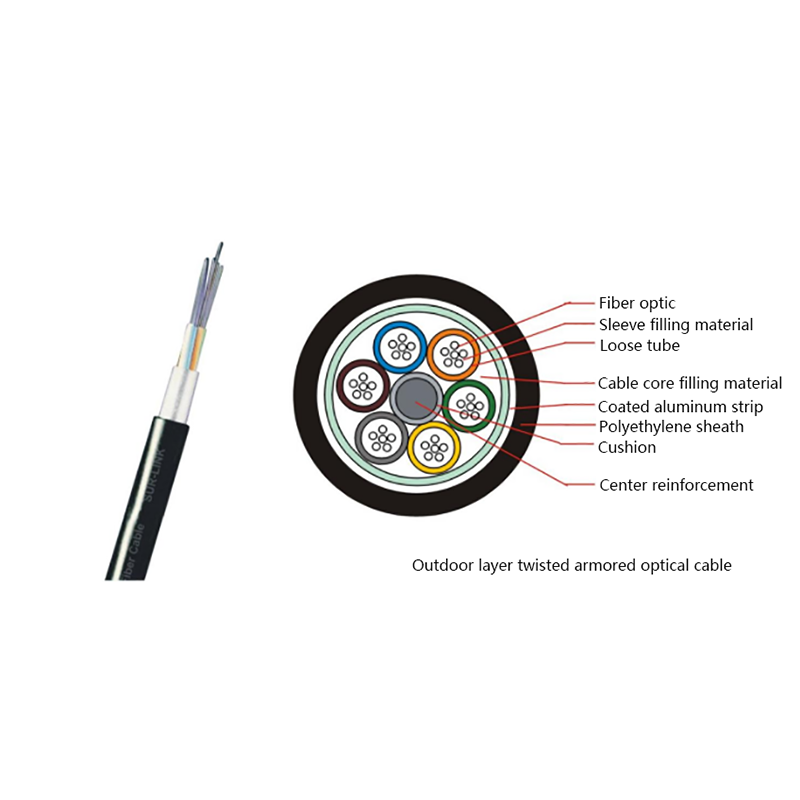
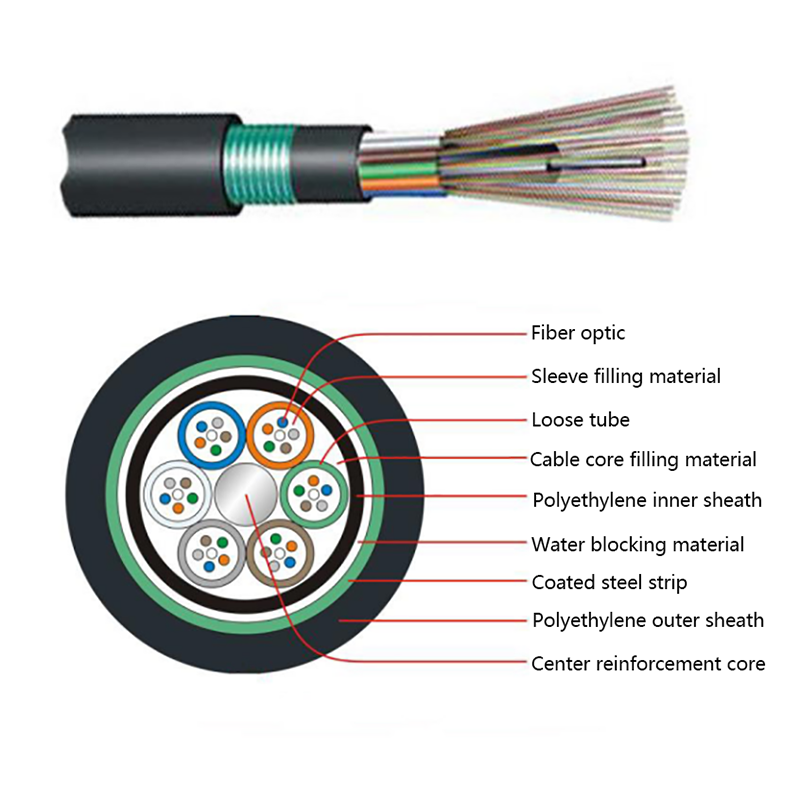
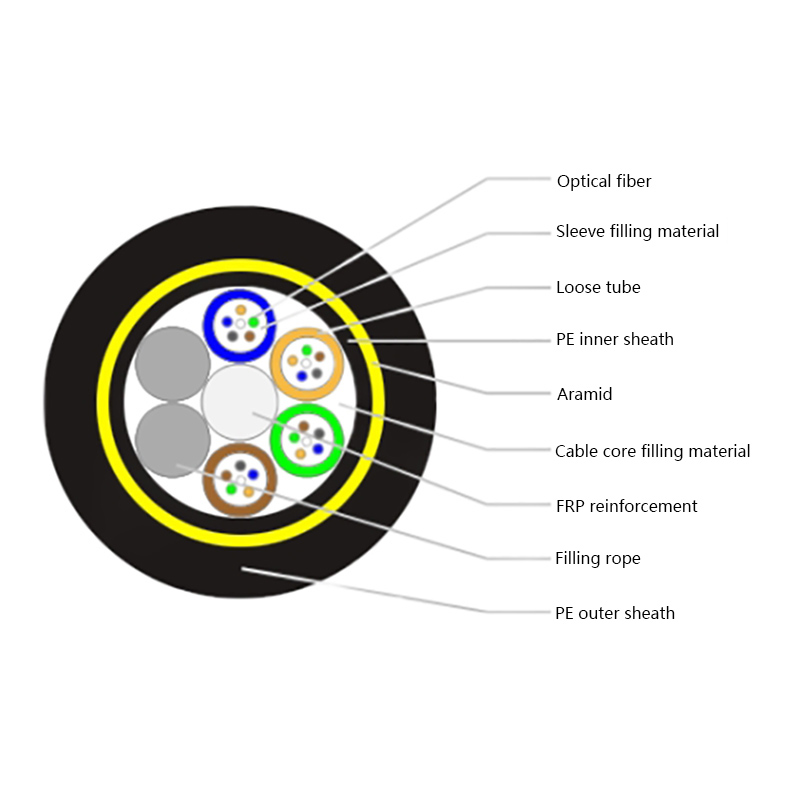
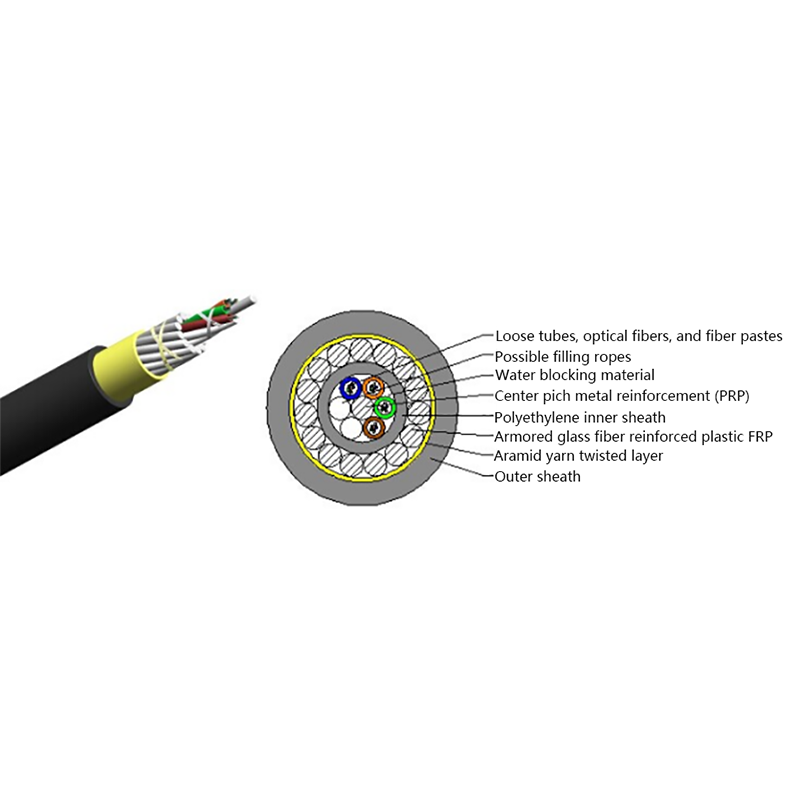
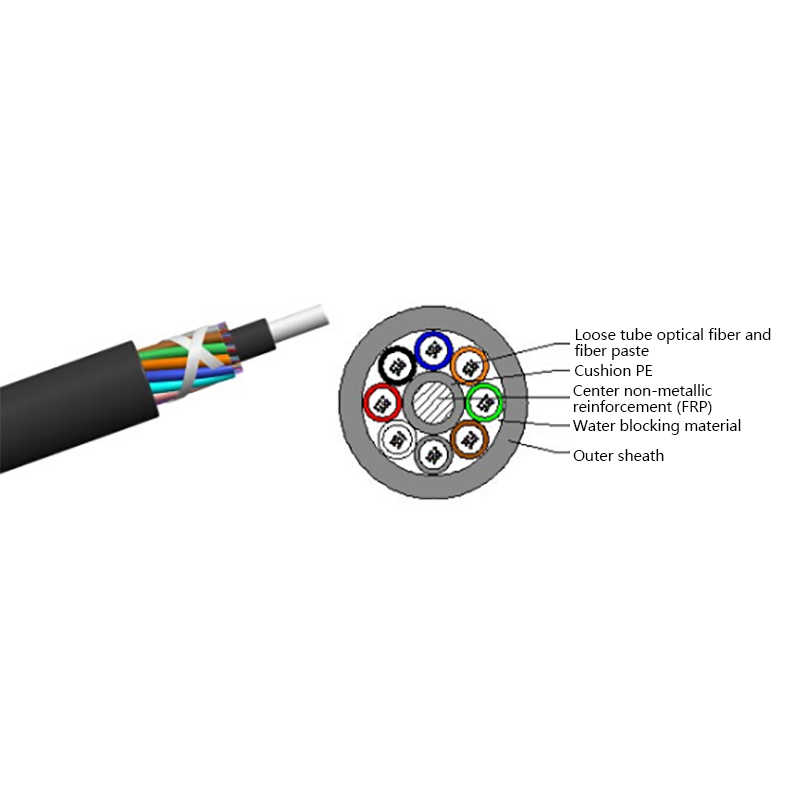
For outdoor trunk lines that face moisture, rodents, and burial stress, an armored central-tube construction is the workhorse choice, such as the GYXTW central tube armored outdoor optical cable.
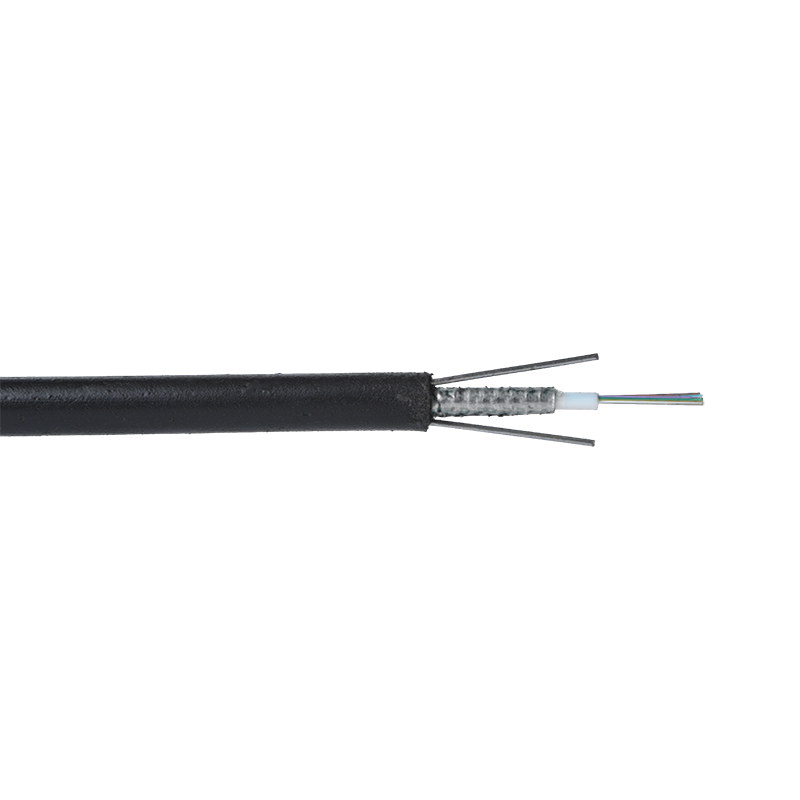 GYXTW Central Tube Armored Outdoor Optical CableA steel-strip armored central tube cable with waterproof, water-blocking construction, small diameter, and long single-disc lengths. Suited here for outdoor trunk lines exposed to moisture, rodents, and burial stress.View Product →
Broadband operators face the same physics at the last drop. From the street cabinet or splitter to the subscriber's wall, drop cables carry gigabit-class service over hundreds of meters in a flat, bend-friendly format that installers can staple along moldings and pull through tight conduits without degrading the signal.
FTTH fiber drop cable GJYXCH FTTH Fiber Drop CableA flat, bend-friendly drop cable with two parallel FRP or steel wire reinforcements, easy-strip design, and flame-retardant sheath. It fits the last-drop segment where installers route cable indoors over short to medium distances.View Product →
Routes that will need more capacity later deserve their own strategy. Air-blown micro cable systems install compact microducts first, then blow fiber units into service only where traffic demands, and additional units can be blown in years later without reopening trenches. For operators phasing in 5G backhaul or FTTH expansion, this changes the upgrade economics entirely.
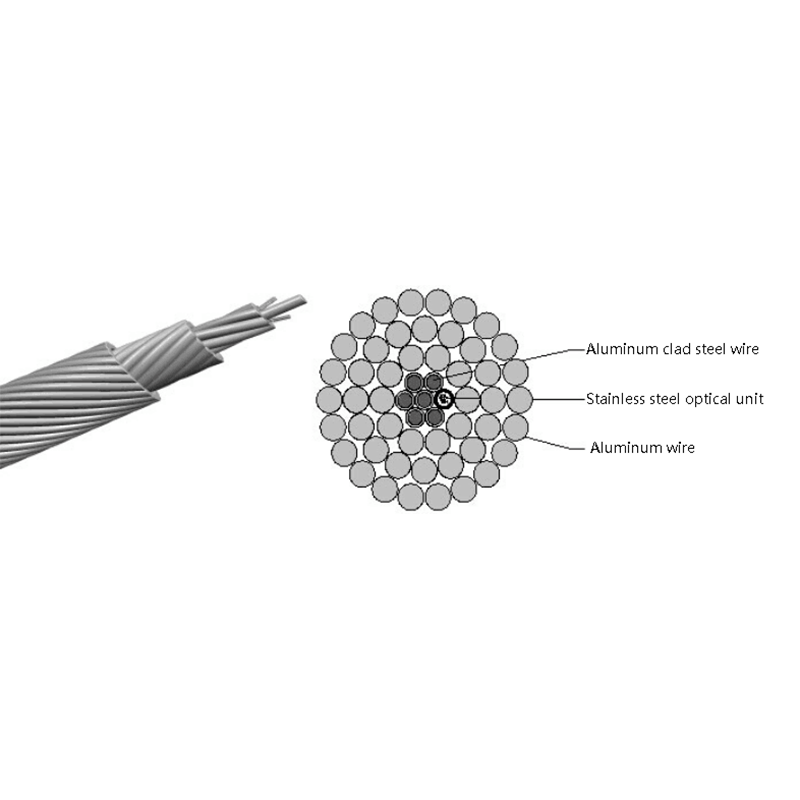
GYFXTP air-blown micro cable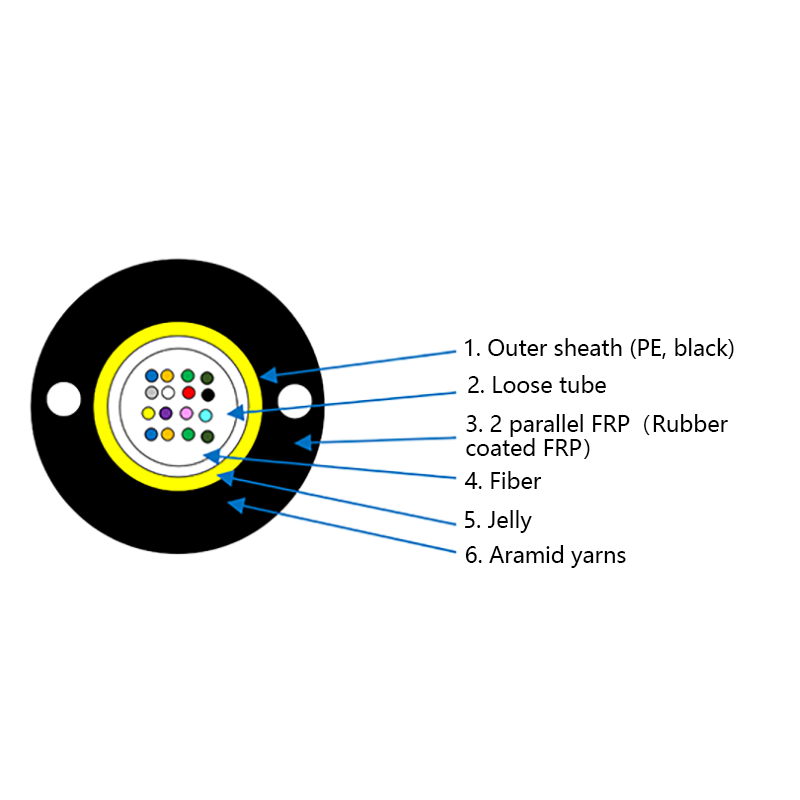 GYFXTP Air Blown Micro CableA compact micro cable with controlled fiber excess length and good bending endurance, designed to be blown into pre-installed microducts. It supports phased network upgrades by adding fiber units later without reopening trenches.View Product →
The raw cable price gap has narrowed considerably, but labor is where budgets get surprised. An Ethernet run ends with an RJ45 plug: a hand crimper costs little, and verification needs only a basic cable tester. A fiber run ends with a splice or a polished connector. Fusion splicers cost thousands of dollars, and proper acceptance testing calls for an OTDR, equipment most small crews do not own, which is why fiber work is frequently contracted to specialists.
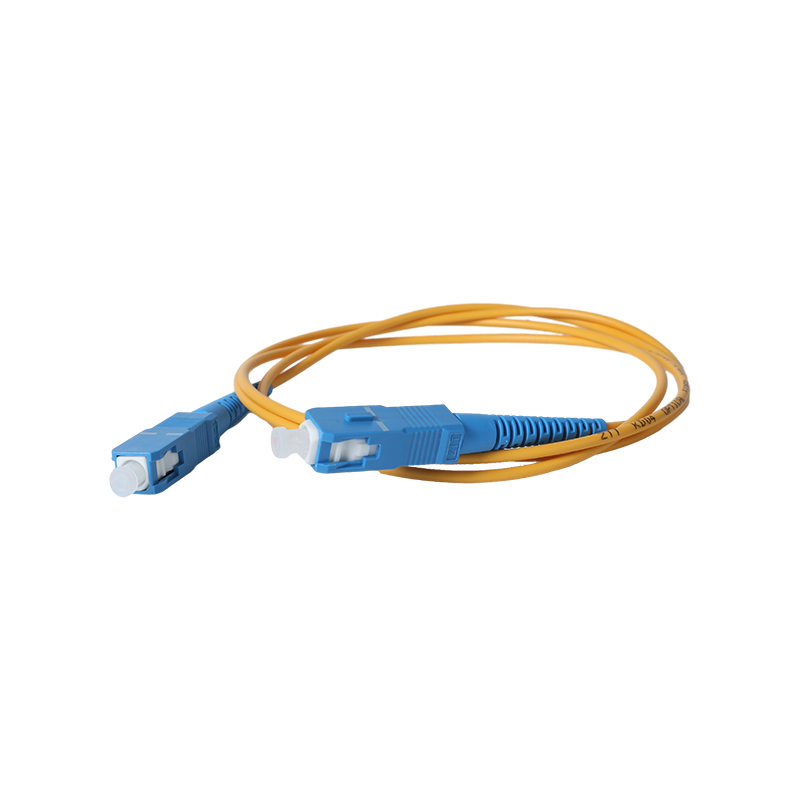
The practical workaround is pre-termination. Factory-assembled fiber patch cables and pre-terminated backbone assemblies shift the skilled work to the factory, so a rack connection becomes as simple as plugging in a copper patch cord. Design your architecture around where field splicing is genuinely unavoidable, and fiber installation costs stay predictable.
Professional networks are hybrids by design: fiber forms the backbone between rooms, buildings, and sites, while copper covers the final 100 meters to each device. Switches with SFP and SFP+ ports, along with simple media converters, bridge the two media cleanly. The real decision is never fiber versus Ethernet for an entire network; it is choosing the right medium for each individual link and weighing the fiber versus copper decision points run by run.
Work through these five questions in order, and the medium choice for each link usually becomes obvious.
The ethernet cable vs fiber optic question resolves quickly once distance and environment are pinned down. Copper stays inside buildings and inside 100-meter runs; fiber handles everything longer, faster, and noisier. Specifying each medium where it is strongest keeps the budget lean today and leaves bandwidth headroom for whatever the network is asked to carry tomorrow.


Request for a call today

 Login
Custom Optical Cables Manufacturers
Login
Custom Optical Cables Manufacturers