


 English
 русский
 Español
 عربى
عربى 中文简体
中文简体
News
Home / News / Industry news / Single Mode vs Multimode Fiber: Core Differences, Distance, Cost & How to Choose

Content
A campus engineer planning a 1,800-meter backbone between two buildings and a data center manager adding a 50-meter server-to-switch link could order the same fiber type and be wrong for both applications. That is the reality behind the single mode versus multimode question: neither type is universally better, and the right answer depends on distance, speed roadmap, and total spending. The short conclusion is that multimode fiber still makes sense for short, high-bandwidth links inside a building, while single mode fiber is the stronger choice for long-distance outdoor routes and any cable plant you expect to keep for decades.
This article compares the two fiber families on core design, distance and bandwidth limits, procurement costs, and practical installation checks, so you can specify the correct cable on your next order.
The fundamental difference is the core diameter. Single mode fiber uses a 9/125 µm core-and-cladding construction, so narrow that only one light path, or mode, travels along it. Multimode fiber uses a larger core, 50/125 µm for OM2 through OM5 and 62.5/125 µm for OM1, which allows many modes to propagate at the same time. The transceivers match this design: single mode links use tightly focused laser sources, while multimode links commonly use VCSELs whose wider output suits the larger core.
The practical consequence is modal dispersion. In multimode fiber, different modes arrive at the receiver at slightly different times, so each pulse spreads as it travels. The longer the link, the more the symbols overlap, and that limits bandwidth over distance. Single mode fiber carries only the fundamental mode, so it has no intermodal dispersion; its distance is bound by attenuation and splicing loss rather than by the core dimension.
The gap becomes obvious when you compare reach at standard speeds. A 10 Gbps link on single mode can extend well beyond 10 kilometers, while OM3 multimode stops at 300 meters and OM4 at 550 meters. At 100 Gbps, multimode reach drops to 100-150 meters, whereas single mode continues to handle metro and long-haul routes without a change of cable type.
| Fiber class | Core / cladding | 10 Gbps reach | 40/100 Gbps reach | Typical use |
|---|---|---|---|---|
| OS1 / OS2 | 9/125 µm | 10 km or more (optics-dependent) | 10 km or more (optics-dependent) | Outdoor campus, metro, long-haul plant |
| OM1 | 62.5/125 µm | 33 m | Not supported | Legacy building risers and LANs |
| OM2 | 50/125 µm | 82 m | Not supported | Legacy LAN backbones |
| OM3 | 50/125 µm | 300 m | 100 m at 40/100 Gbps | Data center and premises links |
| OM4 | 50/125 µm | 550 m | 150 m at 40/100 Gbps | High-speed data center links |
| OM5 | 50/125 µm | 550 m | 150 m at 100 Gbps (SWDM4) | Data centers using shortwave multiplexing |
These limits change engineering decisions, not just datasheets. Suppose a backbone link is planned at 250 meters today but could be extended to 400 meters later. Multimode cable pulled today would have to be replaced. That is why the distance question needs to be answered before the cable drum is ordered, and our article on fiber optic distance limits explains how attenuation and link budget behave in real outdoor routes.
Many buyers assume single mode cable costs more. In practice, standard single mode fiber is often priced at the same level as, or slightly below, comparable multimode cable, because it is manufactured in larger global volumes. The bigger difference sits in the electronics, where multimode VCSEL transceivers have traditionally been cheaper than single mode laser optics. That saving is visible at 10 Gbps, especially across dozens of switch ports.
At 400 Gbps, the cost relationship is shifting. Single mode optics are now competitive with multimode optics, and in some platforms they draw less power. For a data center expecting three or four generations of speed upgrades on the same fiber, single mode can avoid the cost of re-cabling at every cycle. In most budgets, three items dominate the cost picture:
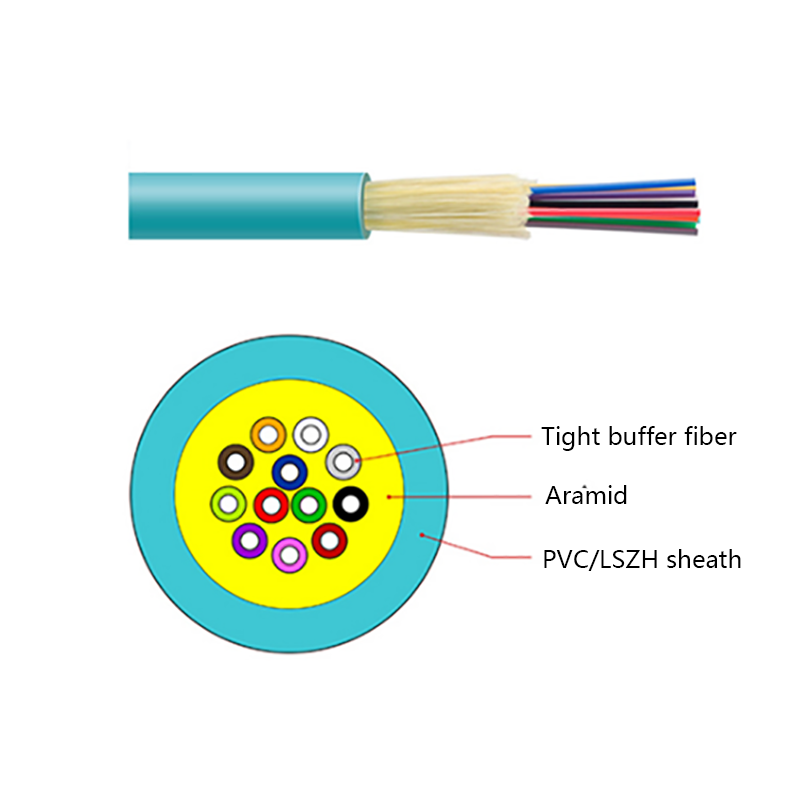
Multimode belongs inside the building. Tight-buffered cables terminate quickly in patch panels and tolerate repeated bending in cable trays and racks, which makes them a natural fit for server rooms, LAN closets, and storage networks. An indoor tight-buffered fiber optic cable in OM3 or OM4 is a common way to build those short, high-density links.
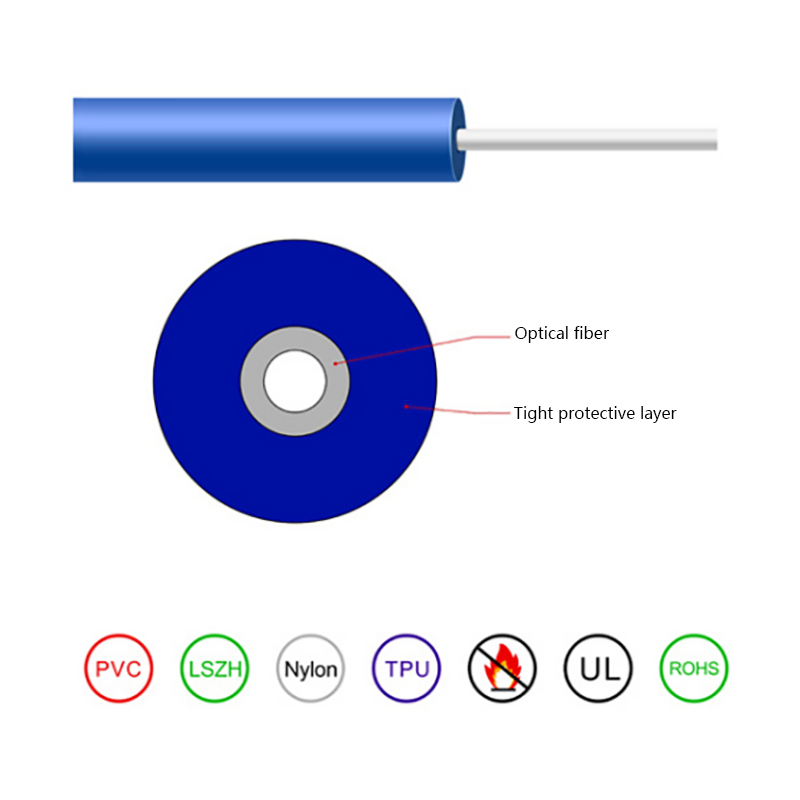 Indoor Tight-Buffered Fibre Optic Cables Suppliers, Factory - Jiangsu Hawell OptJiangsu Hawell is China Indoor Tight-Buffered Fibre Optic Cables Suppliers and Factory, Wholesale Indoor Tight-Buffered Fibre Optic Cable...View Product →
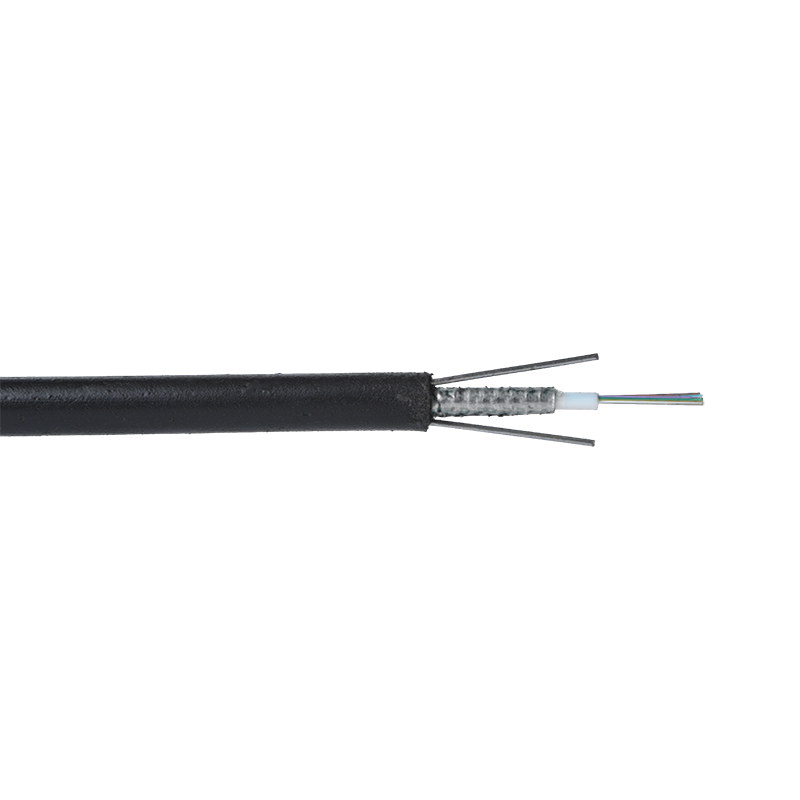
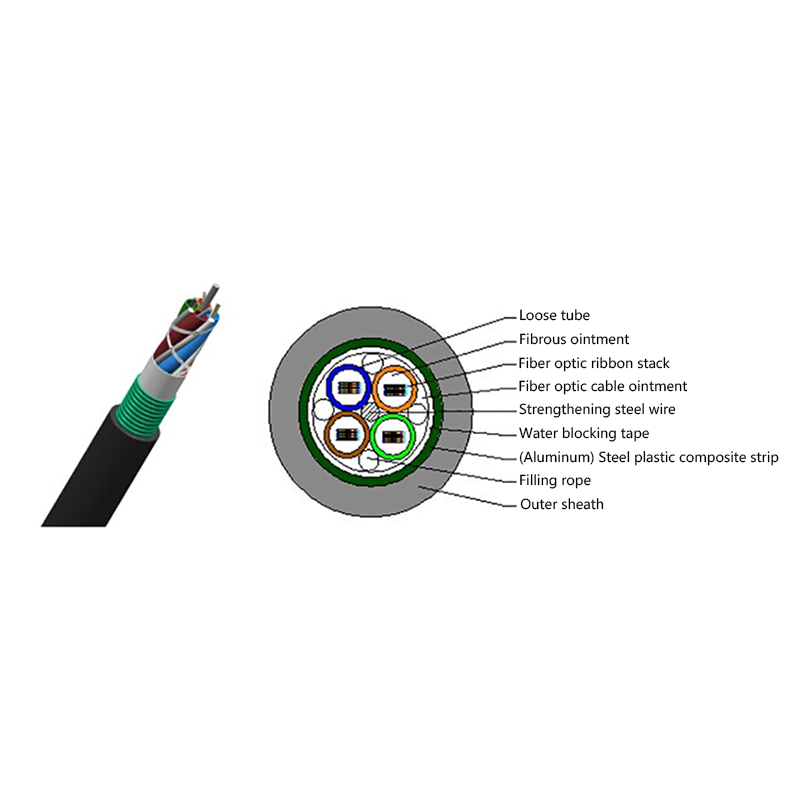
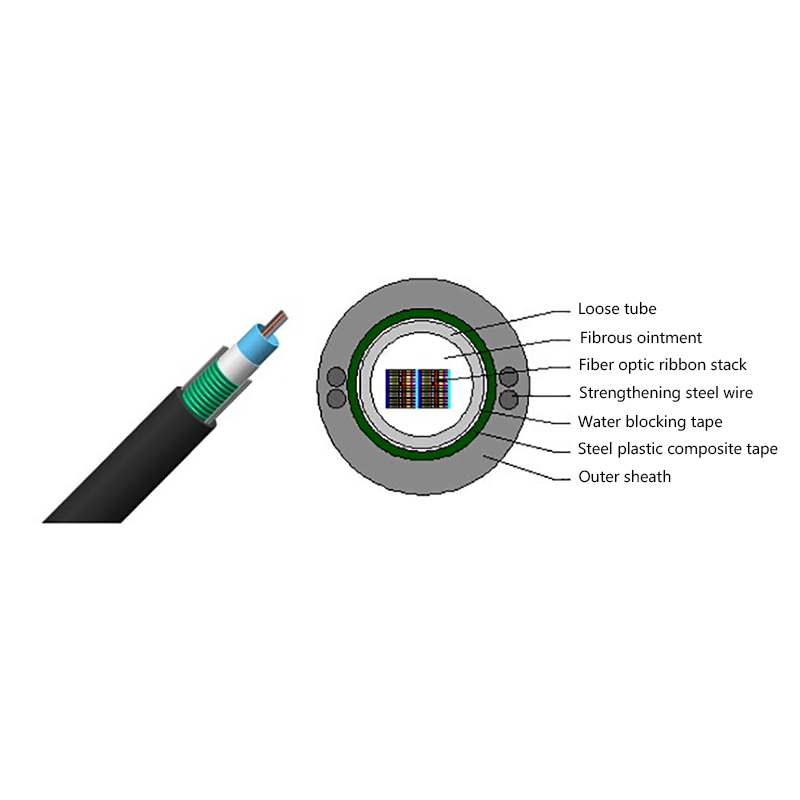
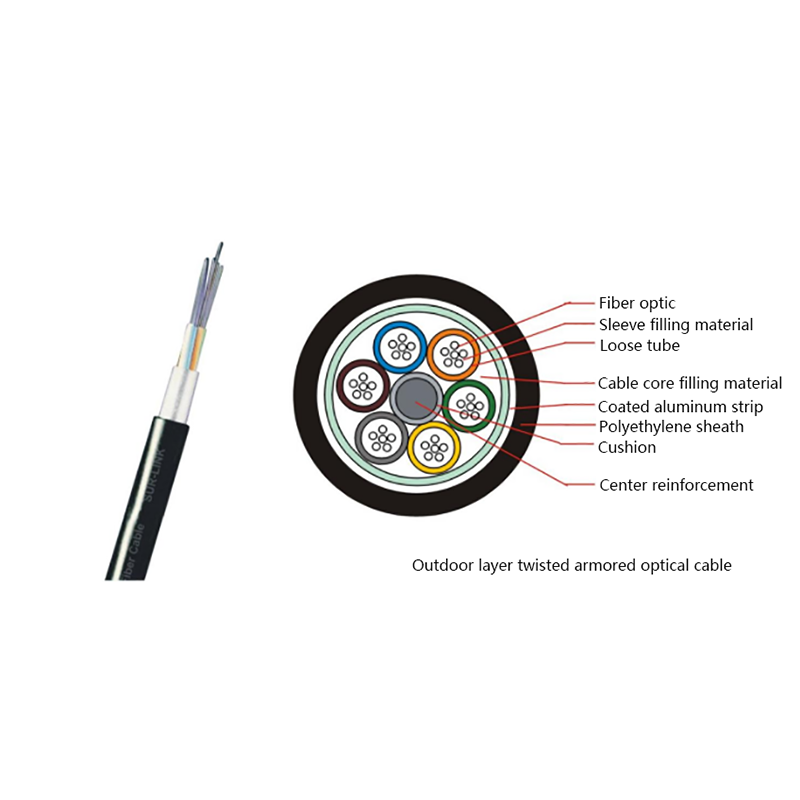
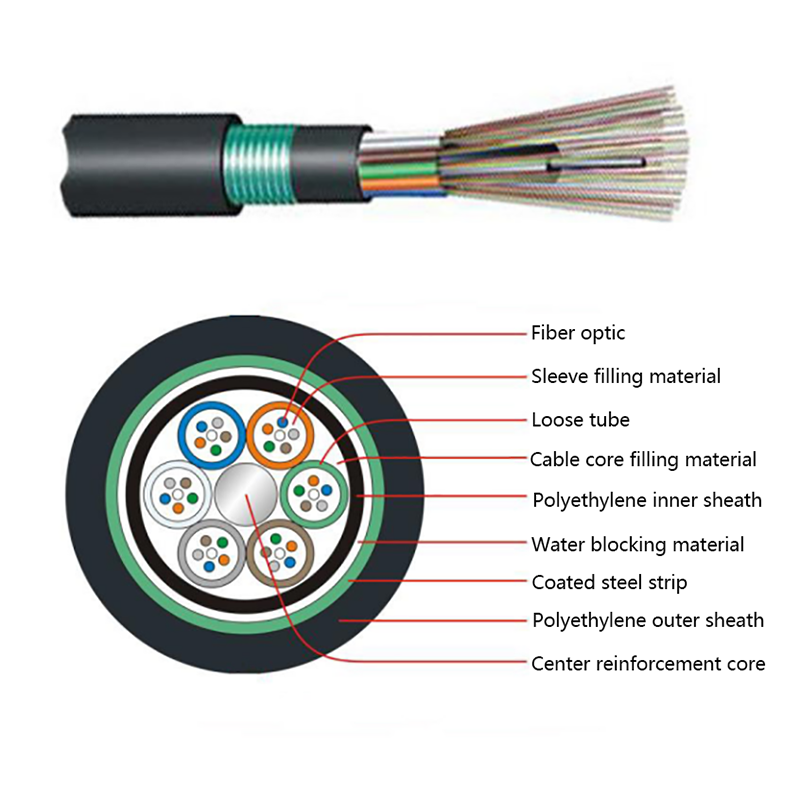
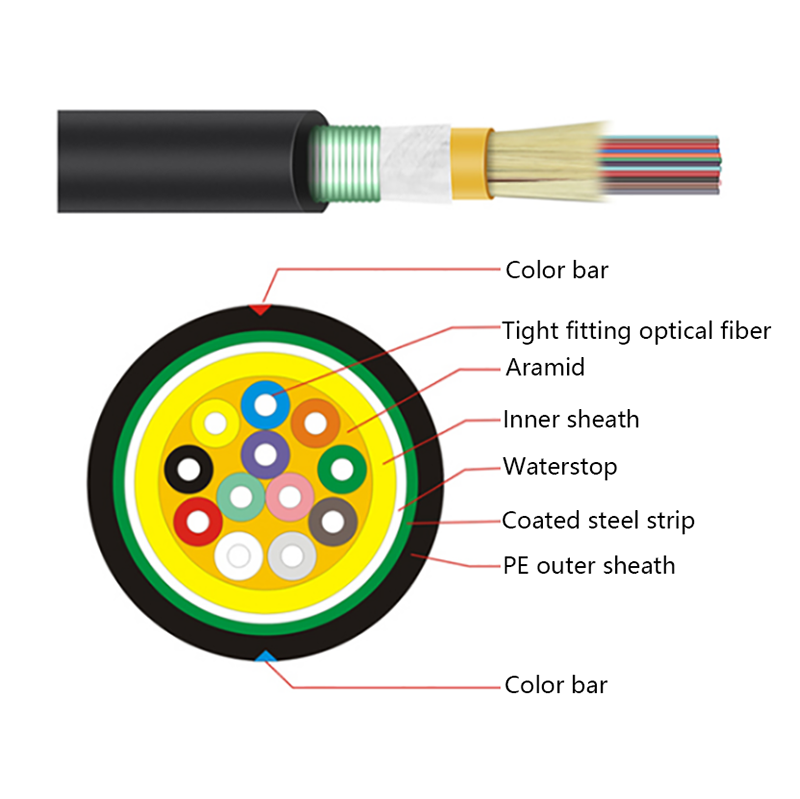
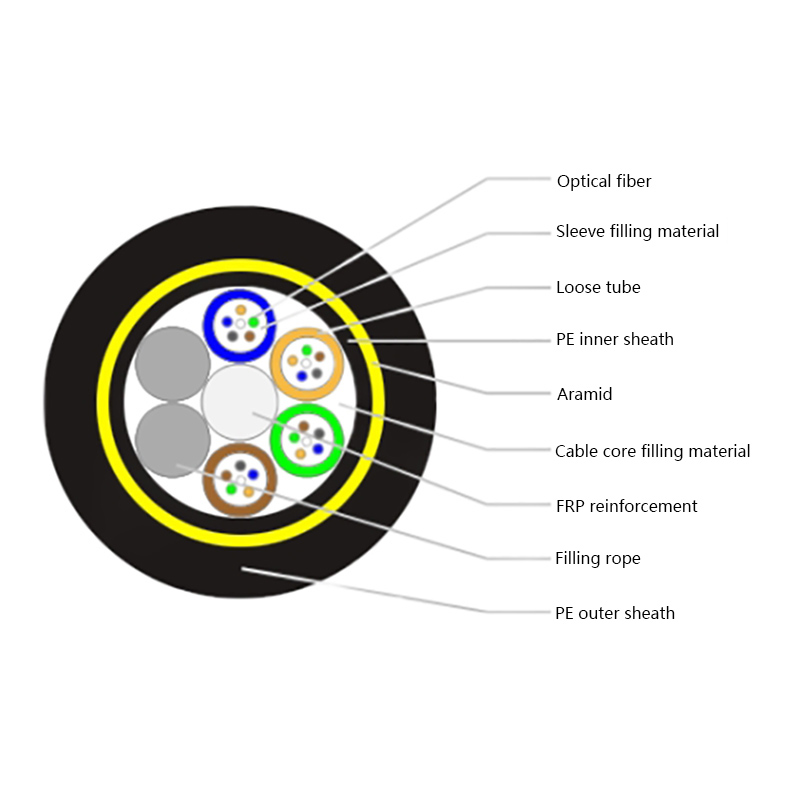
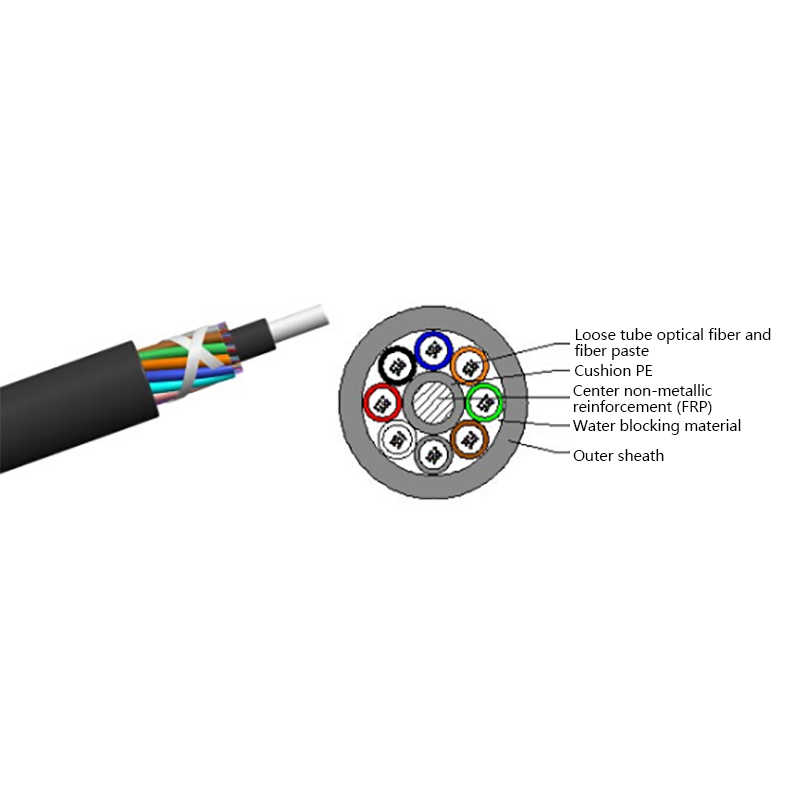
Single mode belongs outside the building. Campus backbones, underground ducts, aerial spans, and direct-burial sections face temperature swings, moisture, and mechanical stress. Loose-tube constructions with water-blocking and armor provide the required durability, and nearly all of them are built with single mode fiber. A GYTS outdoor layer-stranded cable is a typical example, giving long spans the strength and sealing they need while preserving headroom for future speed upgrades.
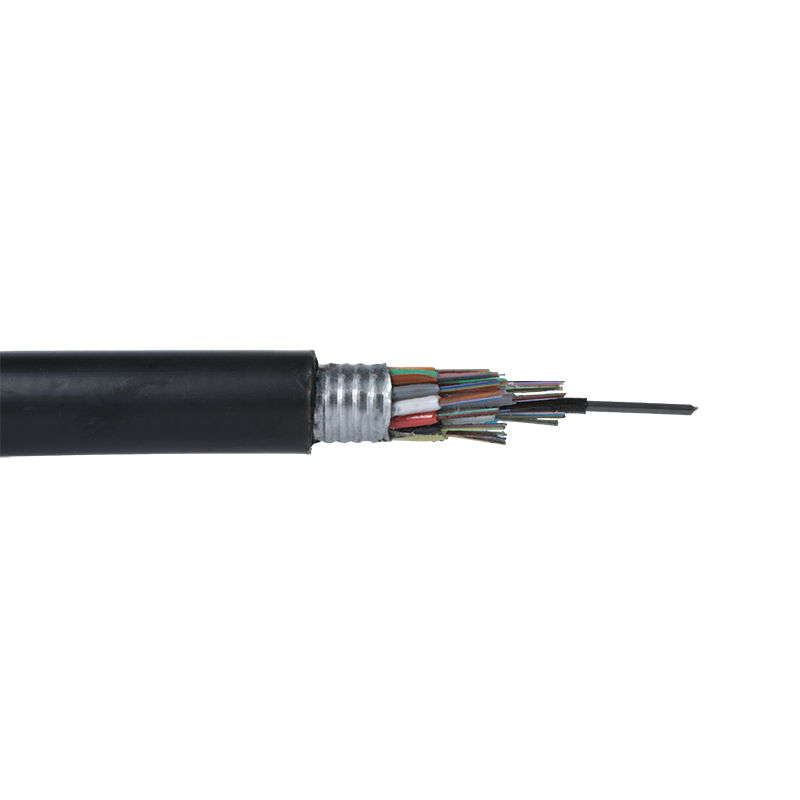 GYTS Outdoor Layer Stranded Steel-Polyethylene Bonded Sheath Optical Cables SuppJiangsu Hawell is China GYTS Outdoor Layer Stranded Steel-Polyethylene Bonded Sheath Optical Cables Suppliers and Factory, Wholesale GYTS...View Product →
Run through a short checklist before ordering to avoid the most common procurement mistakes:
Each of these checks affects the final cost of the link. If you need more detail on jacket types, strength members, and fire ratings, our guide to choosing the right optical cable for your environment covers those construction decisions in one place.
Use this order of operations when you specify fiber for a new route:
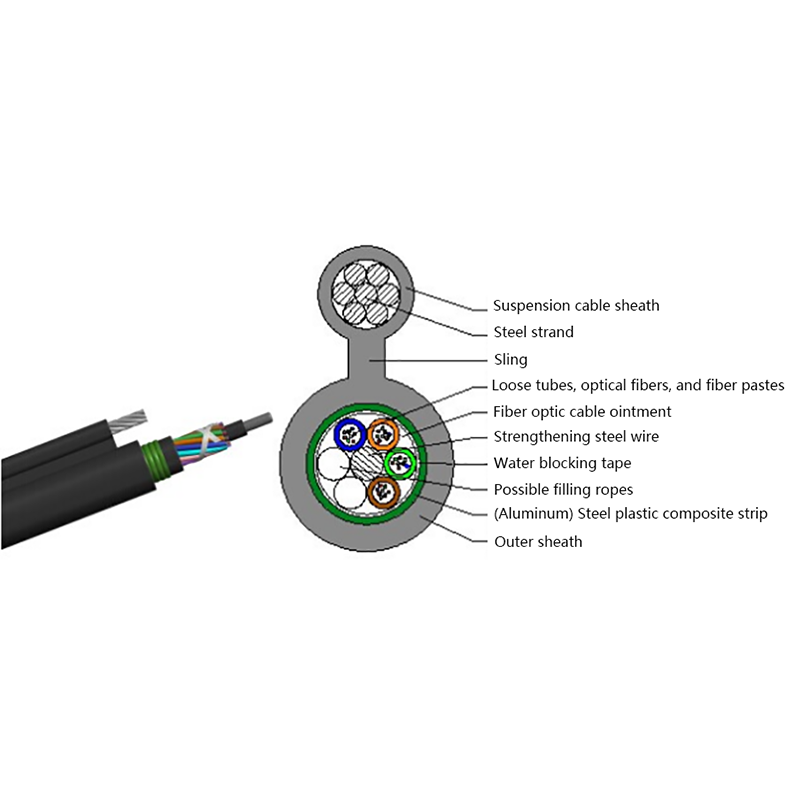
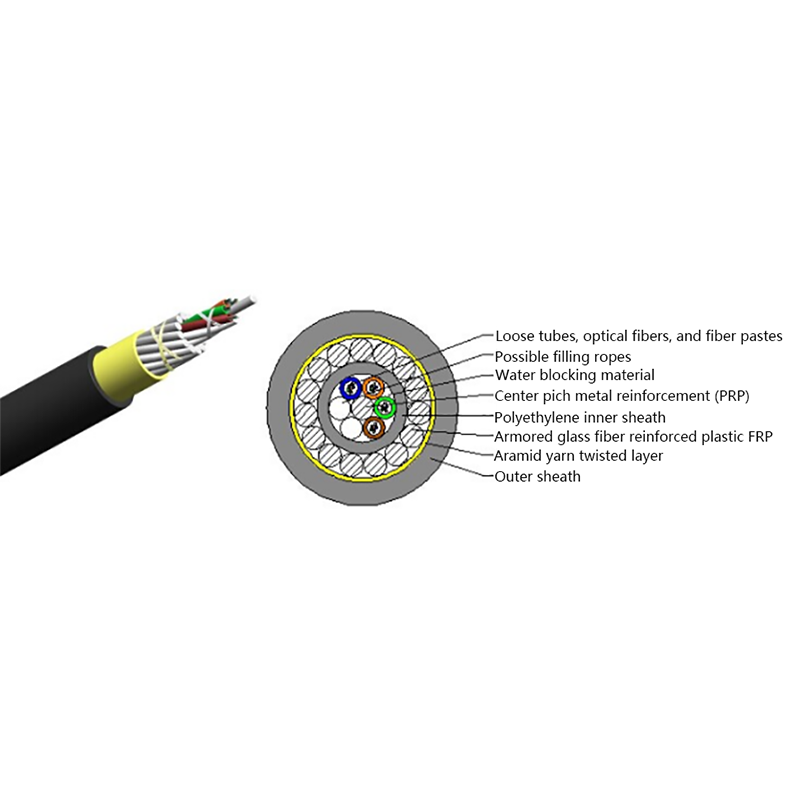
Multimode fiber is not obsolete. It still solves short-reach problems at a lower cost, and it will remain a sensible choice for inside-the-building links. Single mode, however, removes the distance ceiling and the upgrade bottleneck from your infrastructure. If the route may expand later inside microducts, a GYFXTP air-blown micro cable makes it possible to add fibers without additional digging. For most projects the decision is simple: choose multimode where the distance is short and the budget pressure is real, and choose single mode everywhere else, treating the extra margin it provides as long-term insurance.
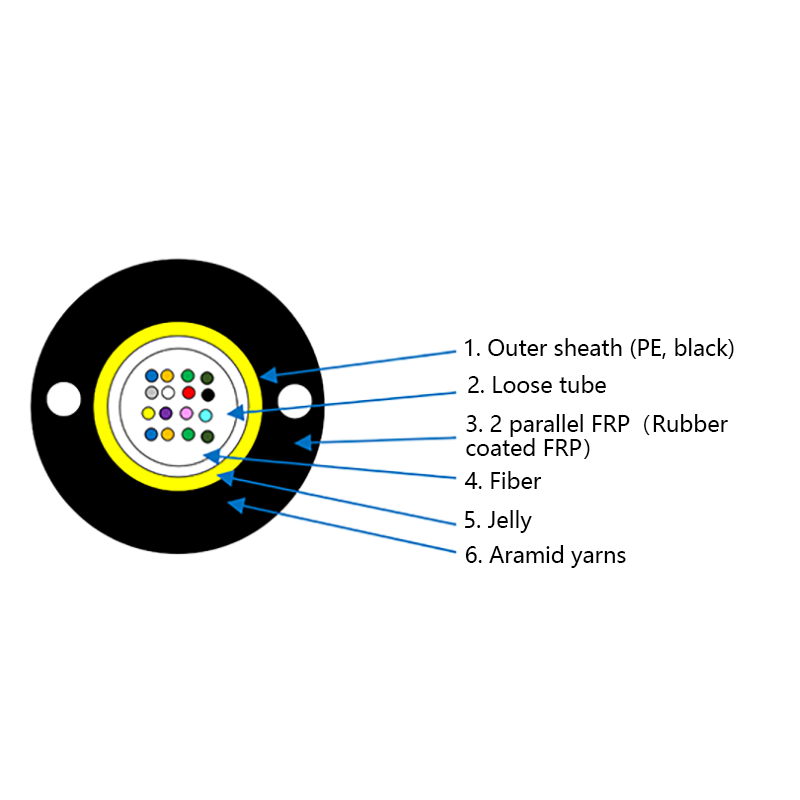 GYFXTP Air Blown Micro Cables Suppliers, Factory - Jiangsu Hawell OptoelectronicJiangsu Hawell is China GYFXTP Air Blown Micro Cables Suppliers and Factory, Wholesale GYFXTP Air Blown Micro Cable online, GYFXTP Air Bl...View Product →


Request for a call today

 Login
Custom Optical Cables Manufacturers
Login
Custom Optical Cables Manufacturers